
Design without code or needless delays
We've built design tools that make your design process far more efficient – both for your everyday updates and when you'd like help with your design.
Your everyday content changes
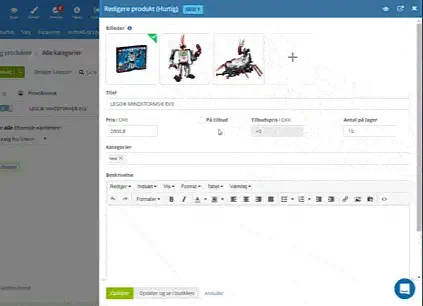
Everyday changes to your content should be quick and easy to make – without having to call in someone from outside.
That's why you get these options built in, among others:
- Editing tool for presenting products and other content
- Easily replace images and text on the home page
- Choose products, and they're added to the home page or other pages
- Automatic optimisation of product images
An overview of the design options
In your online shop's admin, you can easily see all the built-in tools.
Design without code – save time and money
The goal: a beautiful, well-thought-out design in place in the shortest possible time – without it costing a small fortune.
The means:
- Design templates as a starting point – no need to reinvent the wheel
- Lots of built-in design tools that make the work easy
- The freedom to design it yourself or get help wherever you prefer
A beautiful design for your shop
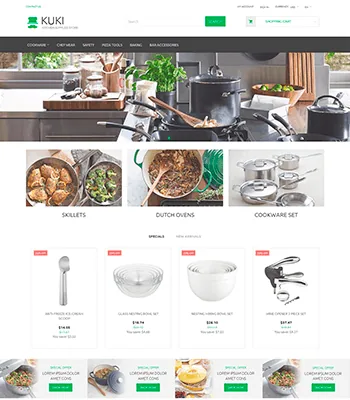
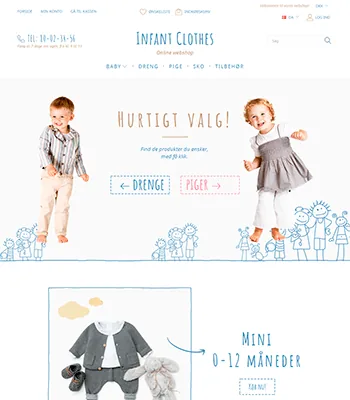
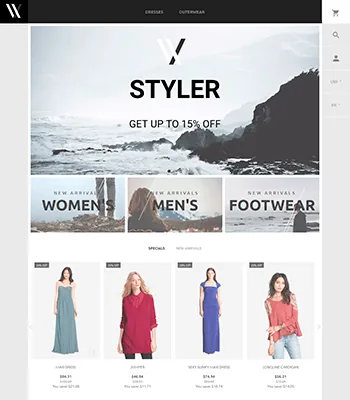
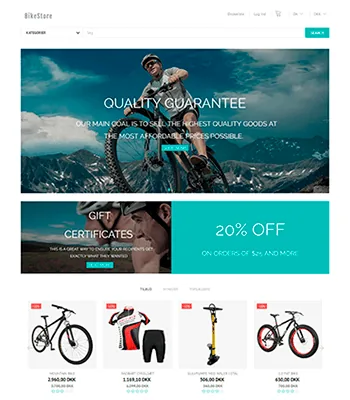
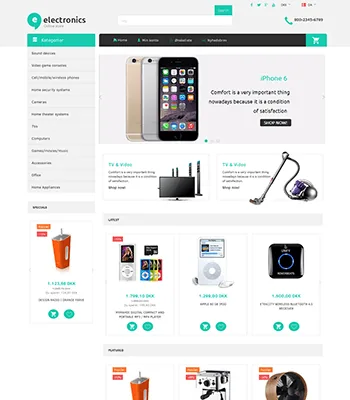
The toolbox for design in your online shop
-
Free design templates
A polished, beautiful design you can build your online shop on.
-
Buy a template
Get even closer to your goal by buying a design. Most cost only €135.
-
Optimised for mobile and tablet
The design makes your shop easy to use on mobiles and tablets too.
-
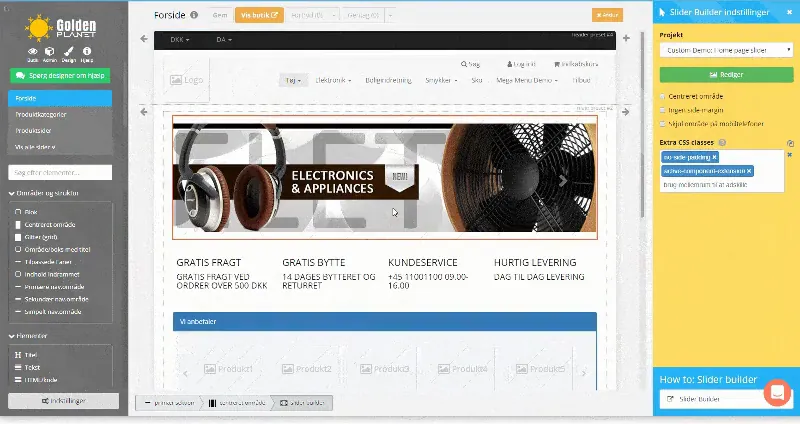
Layout tool
Quickly adjust content and design without code or programmers.
-
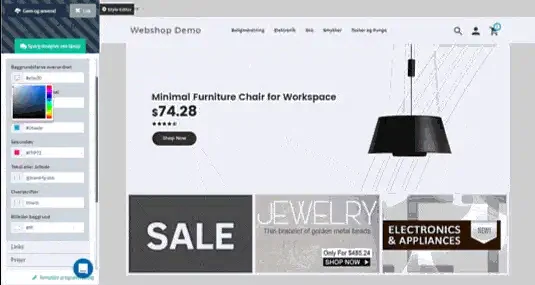
Styling colours and text
Point and click to choose new colours and fonts for your shop.
-
Automatic tabs
Build content that's automatically added as tabs on the relevant products.
-
Banner/slider tool
Upload an image and add some text if you like. Then you have a banner or a slider ready.
-
Product slider
Shows products dynamically, for example in a “Customers also bought” section. You can also choose a fixed selection of products to show.
-
Your own template code
You decide exactly how your design should look, down to the last detail. If necessary, you can edit the code itself.
-
Build your design in layers
In some templates you can build a new design in no time with ready-made layers.
-
Your shop's name in a font of your choice
An alternative to using a logo for your shop: type the name and choose from lots of beautiful fonts.
-
Plus many more
These are just some of the tools in the box. Have a feature in mind that we haven't mentioned? Contact us and ask – it may well be one we left out here.

Free demo – the first step to success with your online shop
No strings attached. Nothing to install on your computer. Ready in 5 minutes.