
In this category Discounts and discount types
Discount groups and customer groups
On this page
Create a customer group that gets a special price on your products. Suppliers, family, VIPs etc. – you decide and you create them yourself. You can easily get an overview of who belongs to each group.
On each product you can enter the percentage saving the customer group can get when buying, and so keep the customer.
Creating customer groups
To create a discount group/customer group, go to Discounts > Discount groups in the admin.
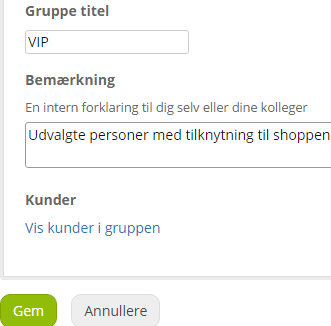
In here, click Add new customer group.
Customers
Clicking this button shows which customers belong to the group.
You are taken to Customers > Customer list
Set the discount in the shop
Once a discount group has been created, you can set per product which discount that group should get.
You set it on the Prices tab when editing the product.
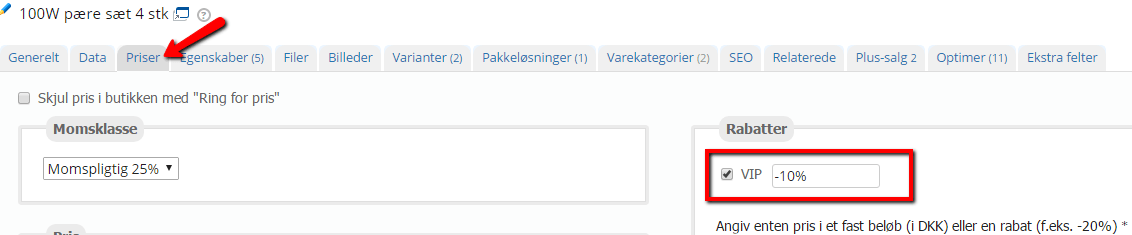
Here you tick the customer group that should get the discount, and enter the discount either as a fixed amount or as a percentage.
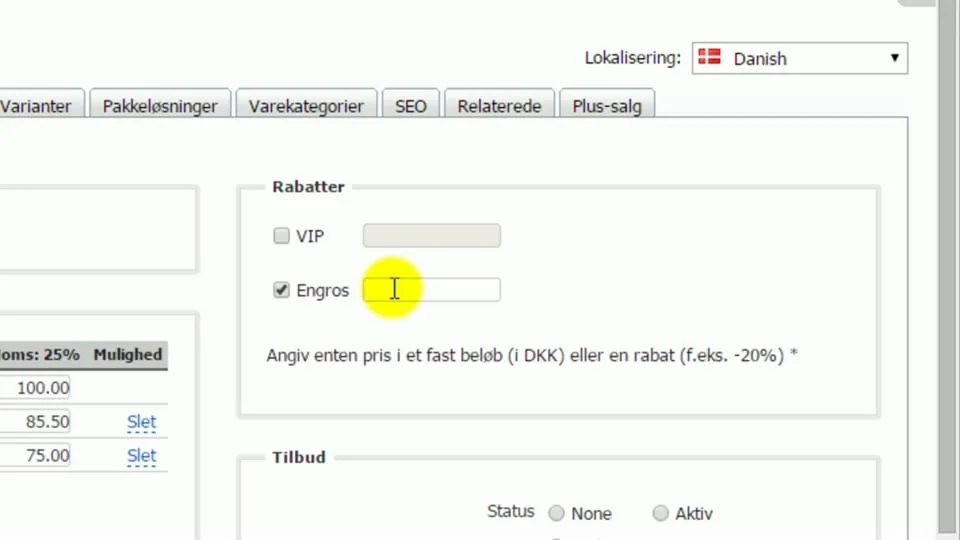 Play video: Products: the Prices tab – the discounts section (opens Vimeo)
If many products need a discount group, it can be a good idea to do it via import.
Product categories that only customer groups can access
You can create product categories that only appear in the shop menu/navigation when you are logged in as a member of one or more particular customer/discount groups.
Such a category can contain a selection of products that everyone else also has access to – just picked out to be shown separately. Or it can contain products that are only in such a category and so are only available when you are a member of the customer/discount group.
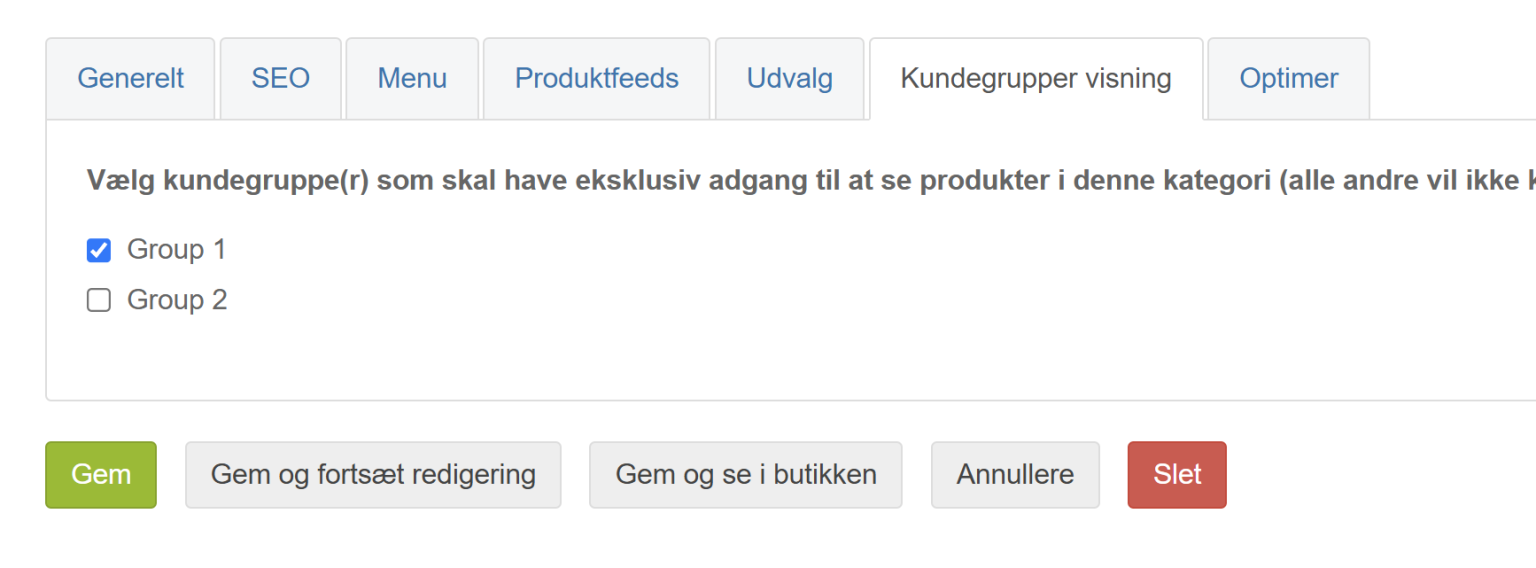
Categories for customer/discount groups are created like all others, except that on the Customer group visibility tab you set which groups have access to it:
Joining the group via a link
You can make a link to your online shop that gives access to the prices of a customer discount group – just by entering the shop via the link.
You can give the link to a particular person or send it out, for example for a “VIP pre-sale” in a newsletter.
When the (potential) customer enters the shop via the link, they see the discount group’s prices straight away and can complete an order at those prices. After the purchase they are signed up to the discount group.
You turn on the link option for a group by editing/creating the group and clicking Activate link
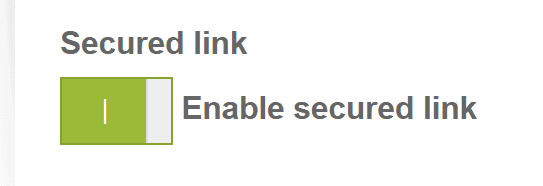
The link works until you turn it off – or set an expiry date:

By default you land on the shop’s home page after clicking the link. If you want to send people to a particular category or perhaps a “Welcome to the club” information page, you can enter its web address here:
