
It has never been easier to design your own online shop with the latest options.
Depending on what you want, there may still be challenges along the way – but help is always at hand.
Start here on this page, and please do contact us so we can get that design in place together.
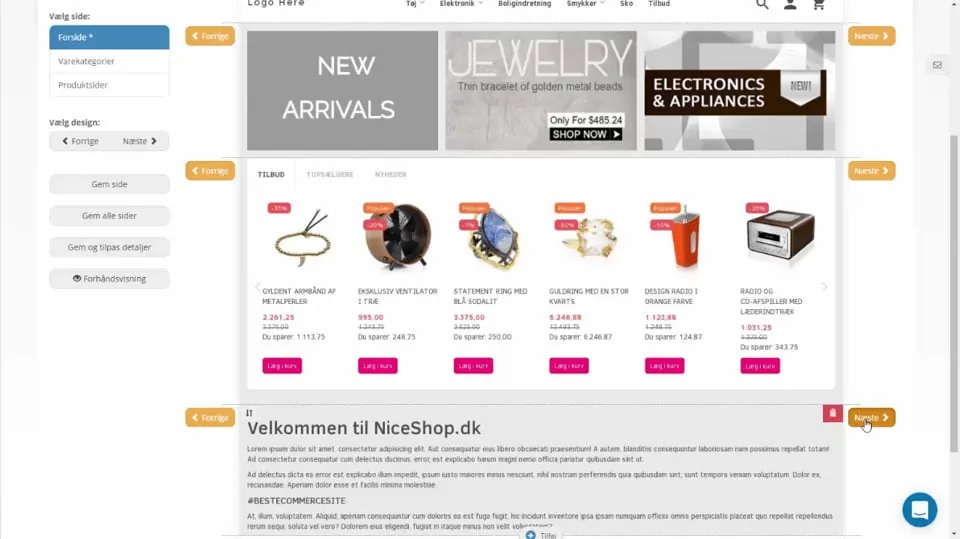 Play video: Online shop design (opens Vimeo)
Other design topics
Customise the layout of product pages
Responsive images – adapt automatically to the screen size
Guides
13 articles- Get started quickly with a design template Get started quickly with the design of your online shop, based on a template.
- Customising colours Get help with colours, or try the built-in do-it-yourself tool
- 1: Get a logo How to get a logo. And get it into your online shop
- CSS tricks Small pieces of CSS code that customise your design beyond the built-in design tool.
- Recently viewed – help customers find products again Show customers the products they have looked at before, in a slider.
- Tell customers about holidays and/or longer delivery times Tell customers about a holiday closure or longer delivery times, so they don’t miss it.
- From idea to reality with a sketch Make a sketch of your online shop – the easiest way to explain your ideas.
- How to hide elements on mobile, tablet and/or desktop Hide elements of the layout on mobile, tablet or desktop.
- Setting up the layout of your product pages Build the optimal product page with the layout tool – spend 10 minutes and increase your sales.
- Responsive images and content Make images and content adapt automatically to mobile, tablet and large screens.
- Sections/tabs that expand vertically Make product pages easier to take in with sections that expand vertically.
- Start your design project Order help with the design of your online shop – fill in the form so we get off to a good start.
- Customising your design Get help from us to customise your design.
Your shop’s home page
5 articles- Home page: Slider Builder Set up a slider (or banner) in your online shop
- Home page: text and images Add any content you like and place it exactly where you want it
- Home page: product slider Show automatically selected products in a slider
- Home page: brand slider Show the logos of selected brands in a slider
- Video on the home page – YouTube, Vimeo etc. How to add a video from, for example, YouTube or Vimeo to the home page.