
In this category Orders
Get an email copy of order confirmations
An easy way to be notified every time a new order comes in is to get a copy of the order confirmation the customer receives in your own inbox.
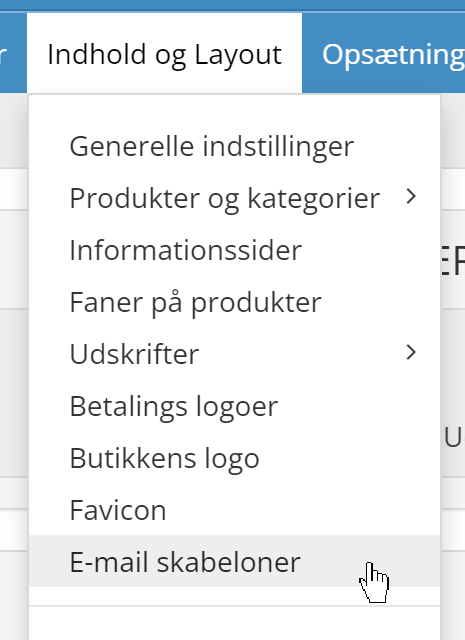
Start by going to Email templates under Content and layout
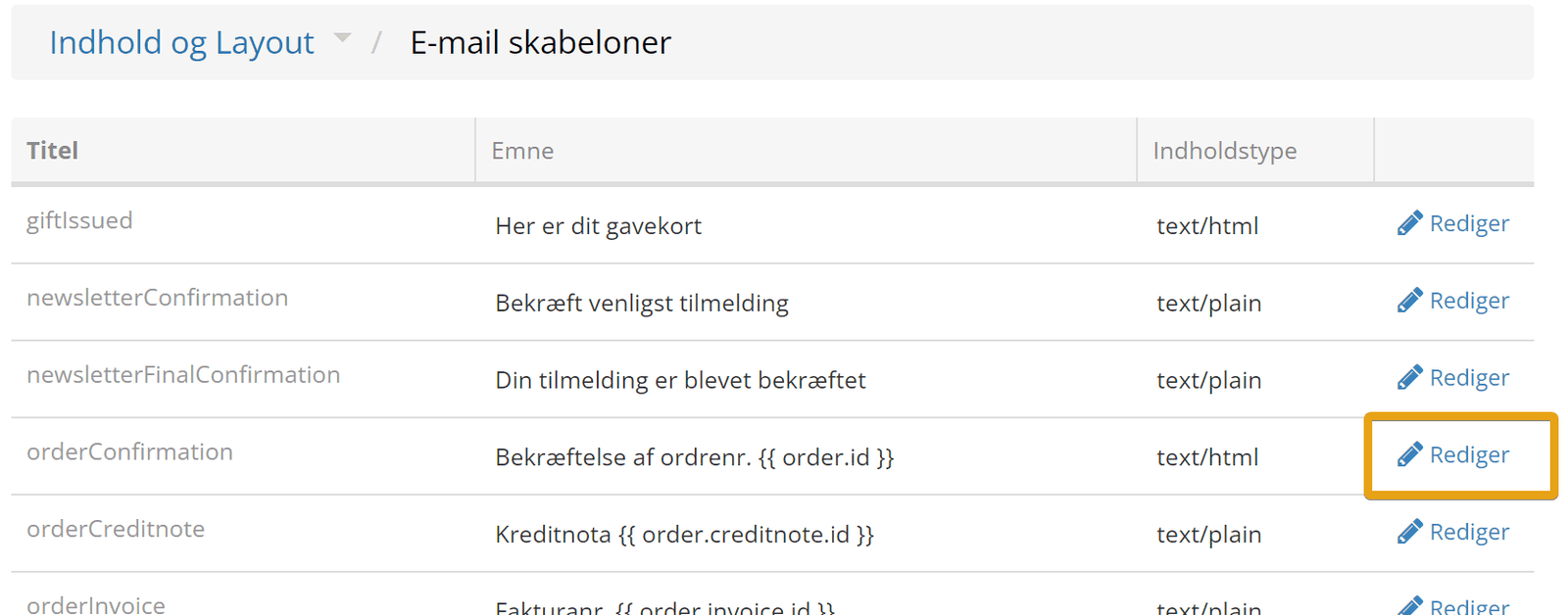
Click Edit next to the order confirmation email
At the bottom, enter the email address (or addresses) that should get a copy – here’s an example with two copies
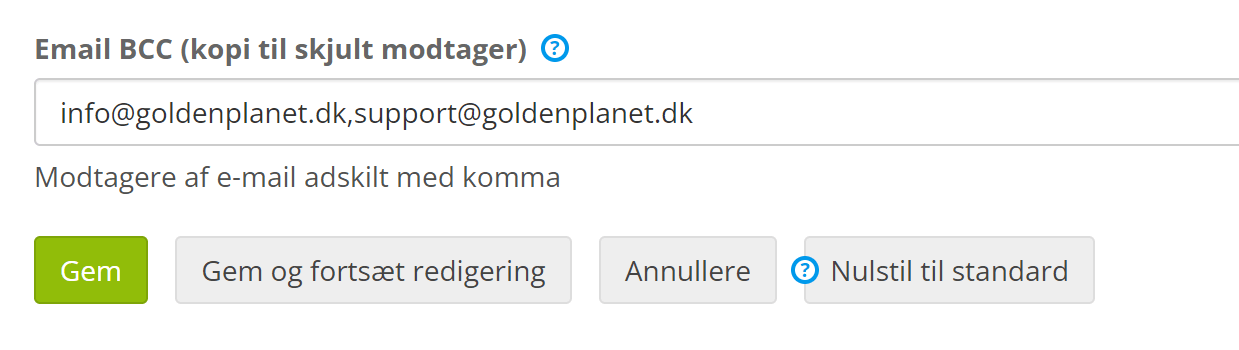
Remember to save.