
In this category Orders
Product images on the packing slip
A packing slip is, as the name says, a printout (or an on-screen view) that helps you pack an order. If your products have stock locations, it shows them too.
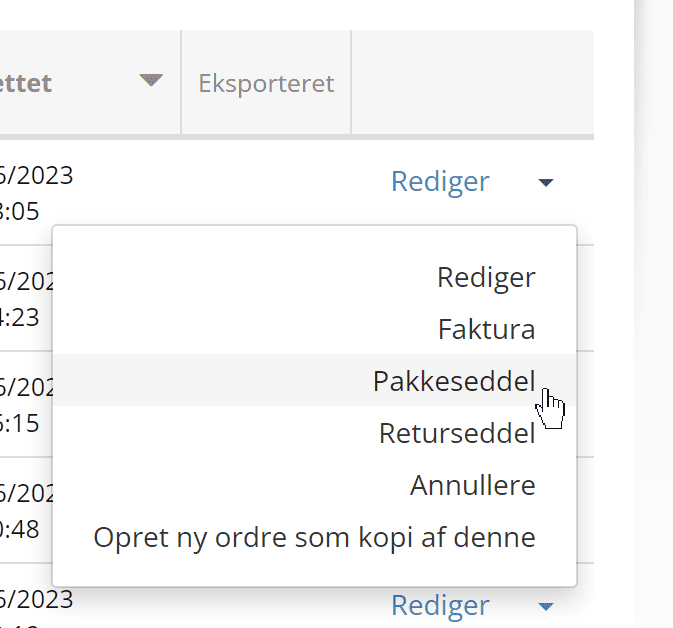
You’ll find packing slips as an option in several places – one of them is the small down arrow in the order list:
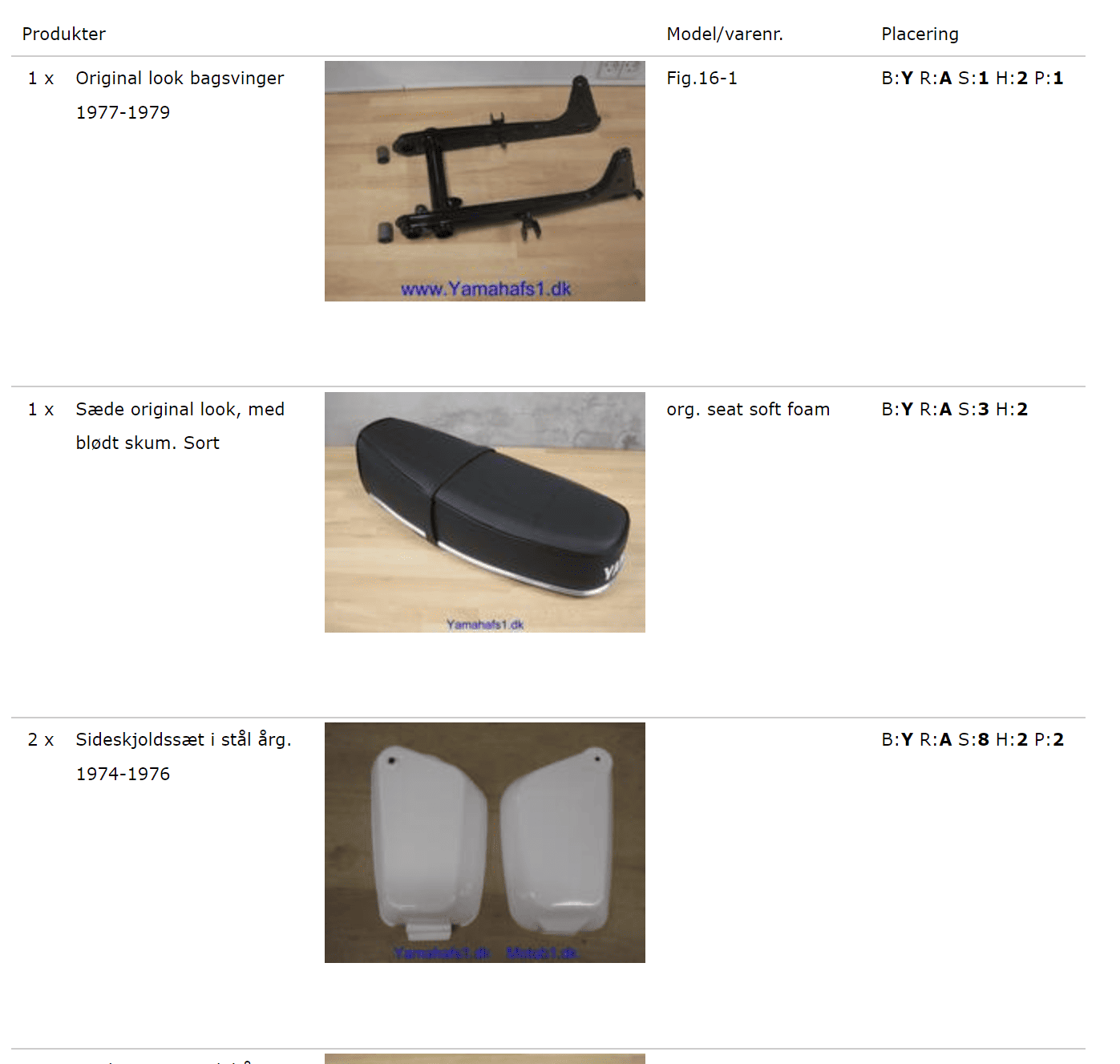
If you’d like each product confirmed visually on the packing slip, you can enable that. Here’s an example that also uses stock locations
The setting to turn it on and off is well hidden – but it’s there.
First, of course, log in to your online shop’s admin.
Then add the following to the web address after your domain name:
/admin/configuration/list/?filter_key_0=SHOW_IMAGES_IN_PACKINGSLIP&filterCondition_key_0=equal
So that it looks like this example from our webshopdemo.dk

Click the button to switch it on and click Save changes:
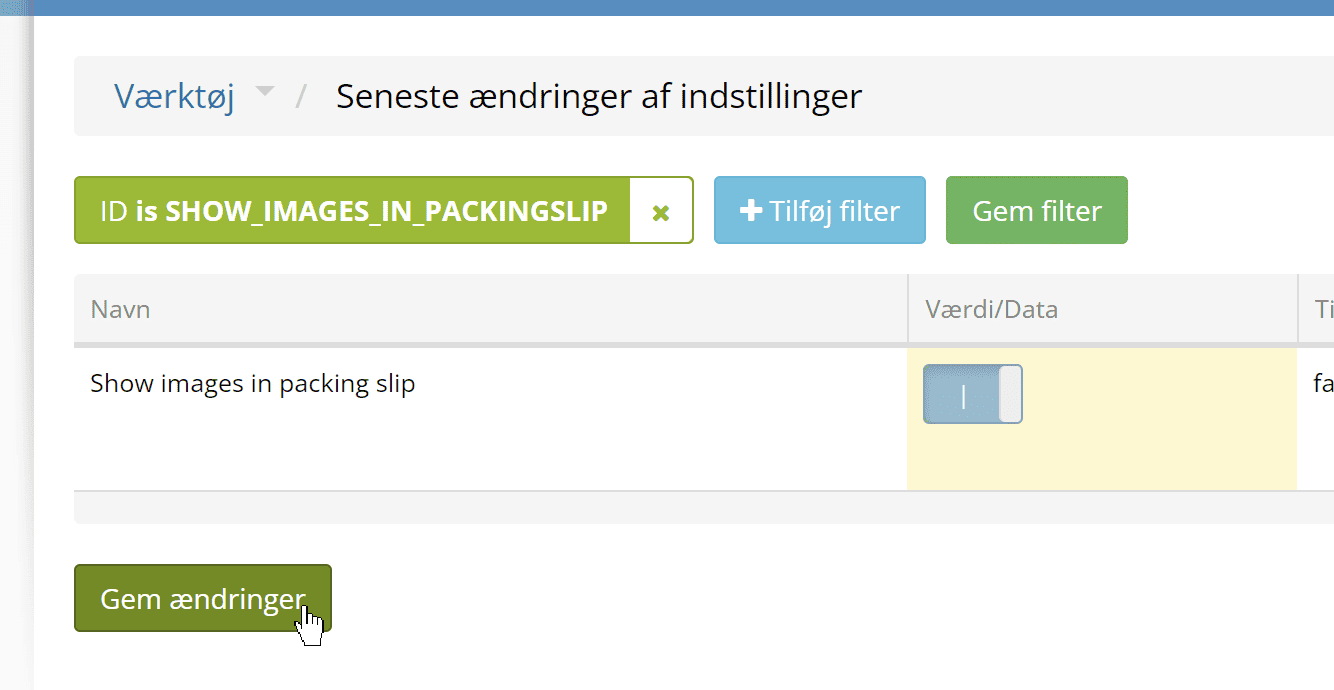
And the other way round, of course, if you want to switch it off again.