
In this category Optimising for search engines and AI chatbots
Optimising for search engines and AI chatbots
Adding a Google sitemap
You add a Google sitemap through Search Console (opens in a new tab) – see this guide to adding your website to Search Console.
The sitemap file itself is called sitemap-index.xml, e.g. webshopdemo.dk/sitemap-index.xml
and you can add it under sitemaps for your site.
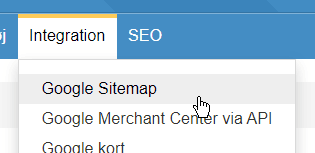
You will find the Google Sitemap setup in your shop under the Integration menu item
Check that the sitemap is activated
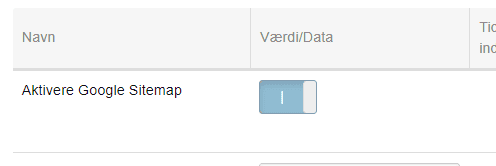
In most cases, the sitemap settings in your shop should be left at their defaults.
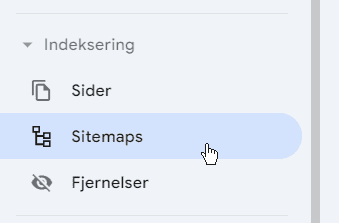
Now go to Sitemaps in Google Search Console
After the web address of your domain name, enter “sitemap-index.xml” and click the Submit button
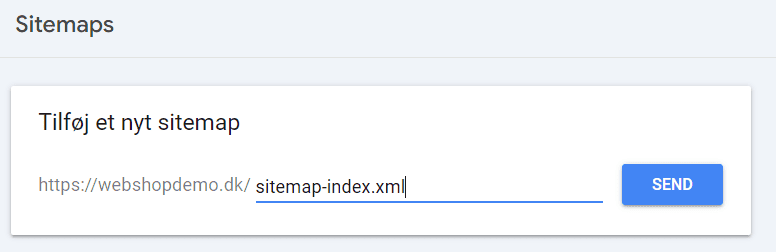
You should now get a confirmation that it has been submitted.