
In this category Domain names and DNS
Name service (DNS): setup and information
On this page
DNS (Domain Name System) is the part of the internet that translates domain names into Internet Protocol addresses (IP addresses), because google.dk is easier to remember than 212.112.128.10
Where does your domain name have its DNS?
To change the DNS of your domain name, you use the control panel of the provider where it runs. If you are not sure where that is, you can enter your domain name at mxtoolbox.com, for example (opens in a new tab)
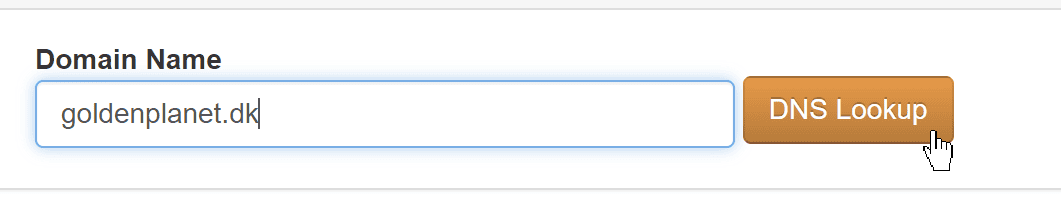
Enter your domain name and click the DNS Lookup button
In the result you can see the name servers
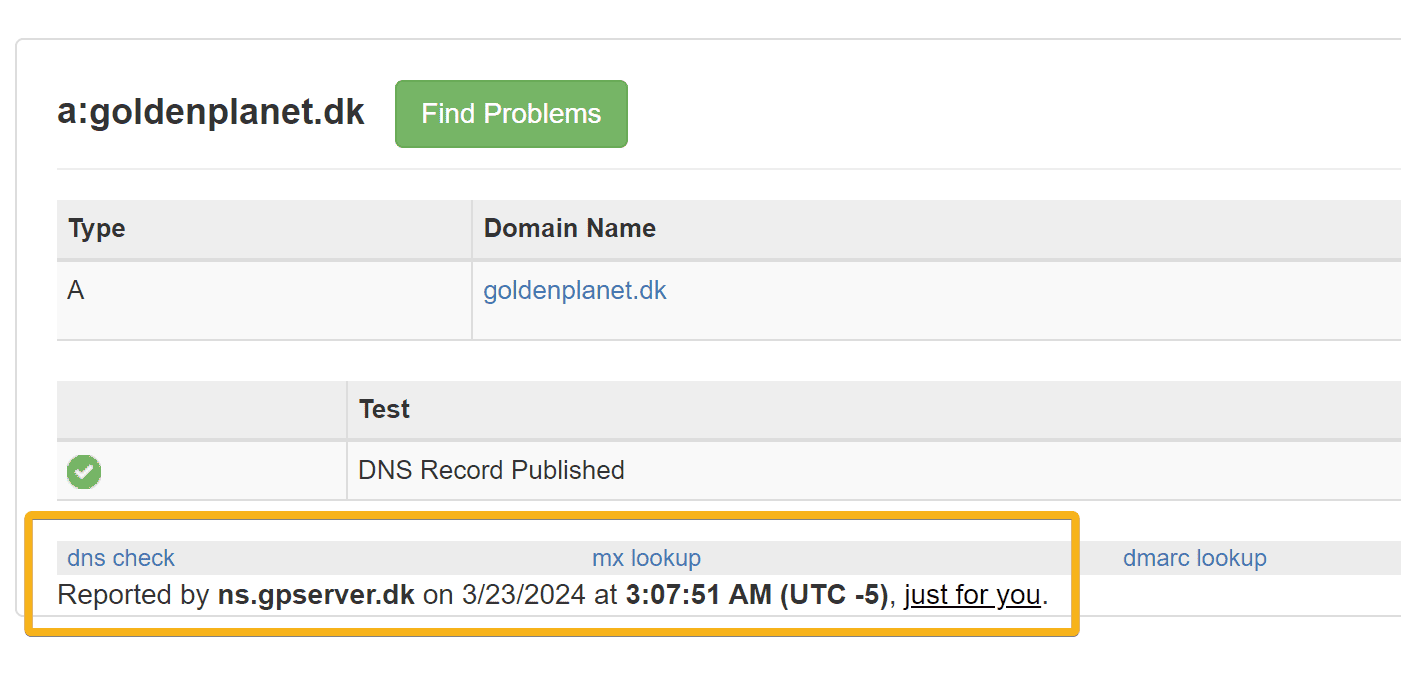
If it says what you see above, your DNS is here at Golden Planet. See a little further down this page how to change your DNS. If your DNS is somewhere else, go to that provider’s control panel. You are also always welcome to move your DNS to us – it is free for every domain name that you have another service with us for, such as an online shop or email service.
Here are the full details of Golden Planet’s name servers:
- Description
- Primary server
-
Secondary server
-
Host name
- ns.gpserver.dk
-
ns2.gpserver.com
-
IP/network address
- 65.21.48.197
- 195.201.149.111
Changing the name service
If you have domain names (registered on our name servers) and want to change their setup, you can do it through the customer login.
You might need to, for example, if you want to use an email service from Google/Gmail, Microsoft/Outlook or someone else, and so need to change what is called the MX record.
- Go to the customer login page (opens in a new tab)
- Log in with your username and password (use “forgotten password” if you need to)
- Choose the domain name from the list
- Click the DNS function
- Make the changes you want and click the Update DNS button at the bottom
Note: if you want changes to take effect on the internet with only a short delay, make sure that the TTL at the top is set to 600 (10 minutes) at least 1 hour before you make the changes.
Setting up/adding name service
If you have an active service such as an online shop, website or email service with us, name service is always included, and you can change it as described above.
If you need extra domain names that only have to point to an existing service – such as a domain name with and without a hyphen – they need to be added with name service.
You can either:
- Register a new domain name and add name service (DNS Planet). Start from this page about domain registration
- Transfer a domain name and add name service (DNS Planet). You can do this by contacting us