
In this category SEO school
Keywords: how to make a list of where the “gold” is
Find the keywords your customers actually use: how to build a keyword list from customers, competitors, internal searches and Google Keyword Planner.
On this page
There are many good reasons to find out which keywords are relevant to your business. Here are some of the most important:
- Find out where to focus your time and marketing first and foremost
- Avoid wasting lots of time and effort on content that makes little difference (because nobody finds it)
- It can decide whether you have a dead online shop or a shop full of life and traffic
So invest a little time in a good keyword analysis, and you have a MUCH better chance of success in getting visitors to your shop from the search engines.
Start with your own words

When you start on your list of relevant keywords, the obvious place to begin is with the words and phrases you think people might search for when they want to find your shop and your products.
You could start with pen and paper. Or a note on your mobile, so you can quickly add more words whenever they come to mind.
We will come back to how to structure and prioritise all the words a little later in the process.
Ask customers, colleagues and others
When you have written down all the words you could think of yourself, take the next step and expand your list.
Ask other people what they would search for if they had to find your online shop. A good place to start is asking customers, friends and family.
If you have an existing business, ask your colleagues. Above all, the ones who are in daily contact with the customers. Ask them to spend a few days or weeks writing down the words they hear customers use when they describe what they want. That way you get the customers’ own language and words, rather than technical terms that perhaps only very few people search for.
Good keywords with Ubersuggest
Google Suggest (the suggestions Google shows as you type) is a good way to find more keywords from the ones you already have. But it is a bit fiddly.
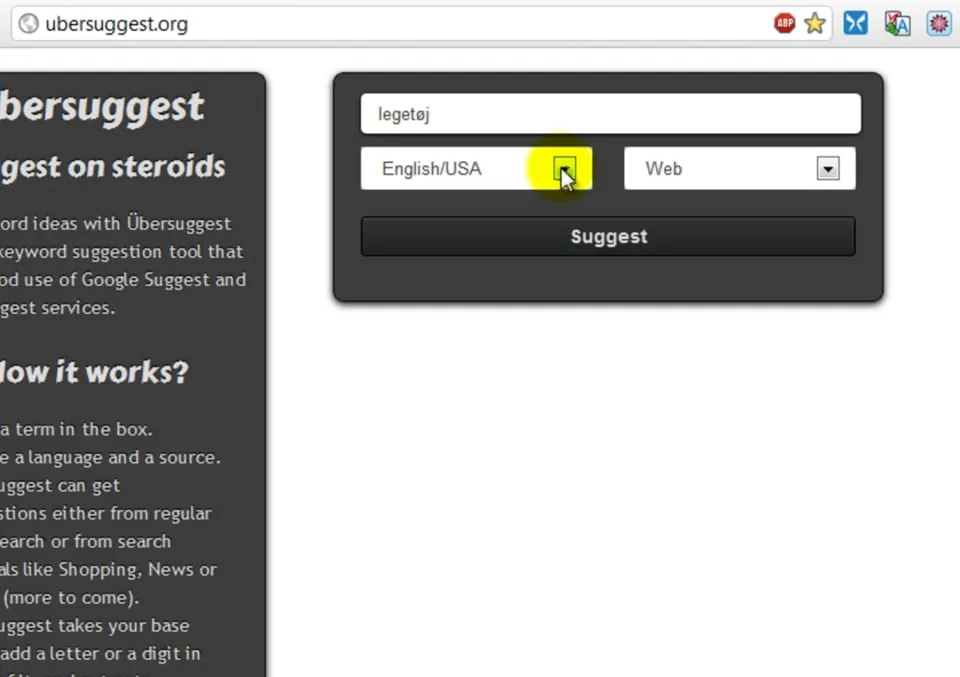
In this video you can see how to make it easy with the online tool Ubersuggest. The video shows an older version – today you will find the tool at ubersuggest.com (opens in a new tab), where part of it is free to use:
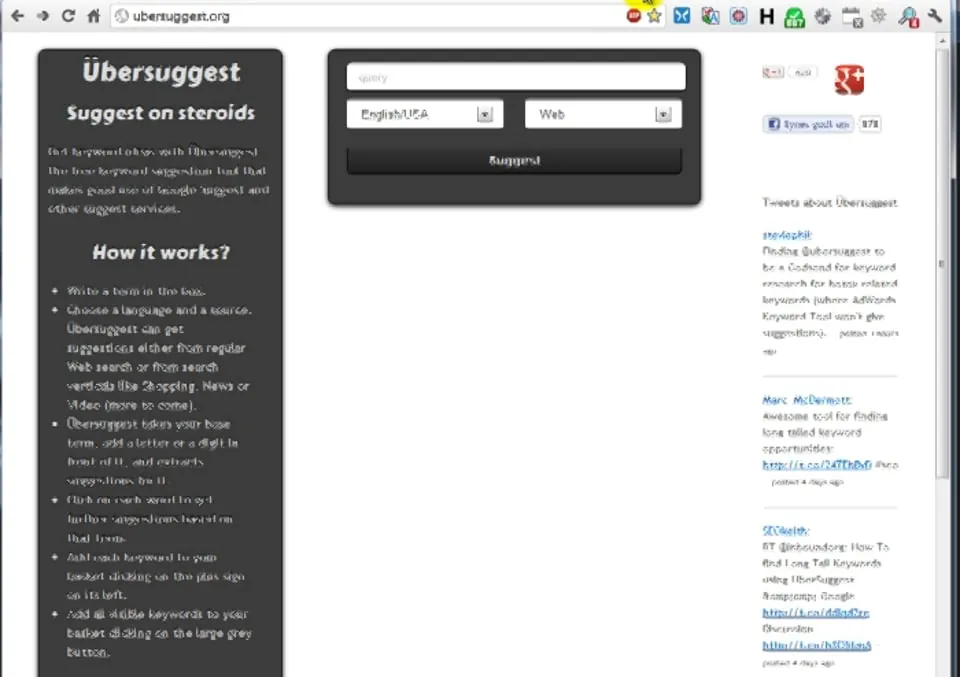 Play video: SEO school: good keywords with the smart, free Ubersuggest (opens Vimeo)
Find more keywords in the internal searches
Another tip if you already have an online shop up and running: take a look at what visitors have typed into the search function in your own shop.
Google Analytics 4 collects these searches automatically through Enhanced measurement, and the search parameter q, which an online shop here at Golden Planet uses, is one of the standard parameters. You just need to check that it is switched on:
- Log in to your Google Analytics
- Go to Admin and click Data streams under Data collection and modification
- Click your web data stream
- Check that Enhanced measurement is switched on – click the cog icon to see that Site search is included
The searches are recorded as the event view_search_results, with the search term as a parameter.
Keywords and statistics from Google Keyword Planner
Google wants to sell ads on every search in the world. So they have built a tool that suggests what to advertise on and how many impressions of your ad you can expect.
You can also use that tool for your search engine optimisation, to get more of the free visits from Google.
You will find Google’s help page here (opens in a new tab) and the tool itself, Google Keyword Planner, here (opens in a new tab). The tool is part of Google Ads (formerly AdWords).
And here is a video showing how to use the tool:
 Play video: Google Keyword Planner for Beginners (opens YouTube)
Which keywords are the most attractive – how to do the analysis
Now that you have found lots of good keywords, it is time to measure which ones are actually the most interesting to go after.
If you have hundreds of keywords, it is important to find out which ones to focus on most.
Imagine spending almost a whole day on a keyword that hardly anyone searches for… Prioritising is the key to success as quickly as possible.
The video below shows how you can quite easily do a keyword analysis in a spreadsheet with a ready-to-use template we have prepared for you.
Here is the template for 3 different spreadsheet programs (the templates are in Danish):
 Play video: SEO school: which keywords are most attractive – how to do the analysis (opens Vimeo)
Learn more about keywords from Moz
Here is a good video about keywords from Moz (formerly SEOmoz) Whiteboard Friday.
 Play video: When Keyword Targeting Gets Tough - Whiteboard Friday Live (opens YouTube)