
In this category SEO school
Limit the damage when moving to a new e-commerce platform
Is your online shop moving to a new platform? How to limit the damage to your SEO with 301 redirects of the old addresses and a good plan for the move.
On this page
We offer to move your online shop so you take your data with you and get the best solution, also for your SEO. Here you can read some good advice about SEO and moving a website.
When you move your website from one system to another, your web pages with products and so on get new addresses.
For both your visitors and your SEO, it is important that the pages are redirected – with what is known as a 301 redirect.
Introduction
Here is a short video that introduces what happens:
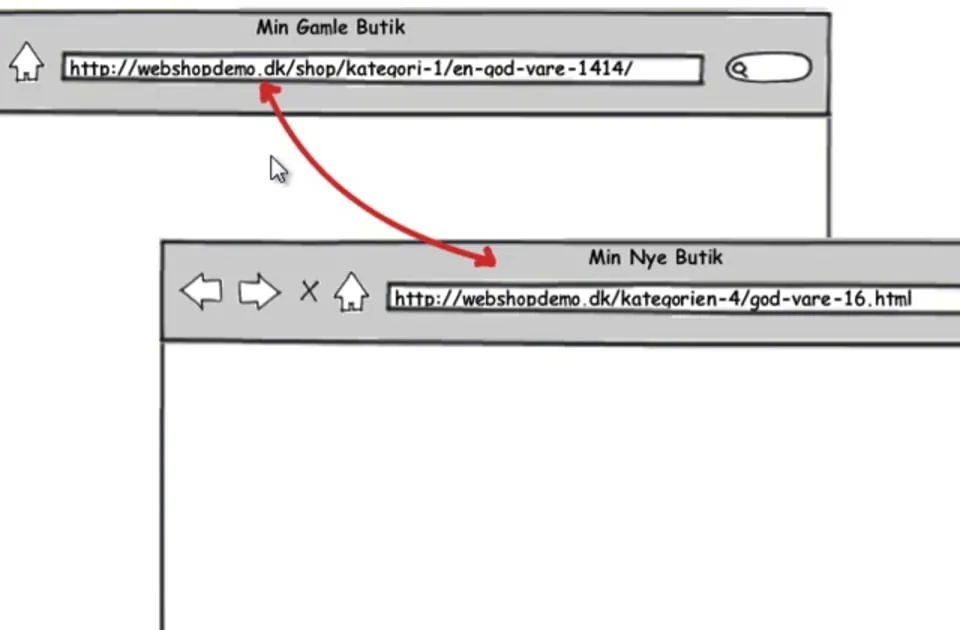 Play video: Moving your online shop: introduction (opens Vimeo)
All the pages Google knows from your website
Ideally, you should redirect all your pages when you move your website.
Here is a short video showing how to find out which pages Google knows and which web addresses it has registered for them. All the web addresses that are not correct in Google are the ones you should redirect.
 Play video: Moving your online shop: pages in Google (opens Vimeo)
How to find pages that have links from other sites
When you move your website – or a page changes address for some other reason – it is VERY important that you redirect the pages that have links from other sites.
Otherwise you lose the SEO value (also called link juice) passed to those pages, and deep links to specific pages are worth a lot in your search engine optimisation.
This video explains how to find out which of your pages have external links:
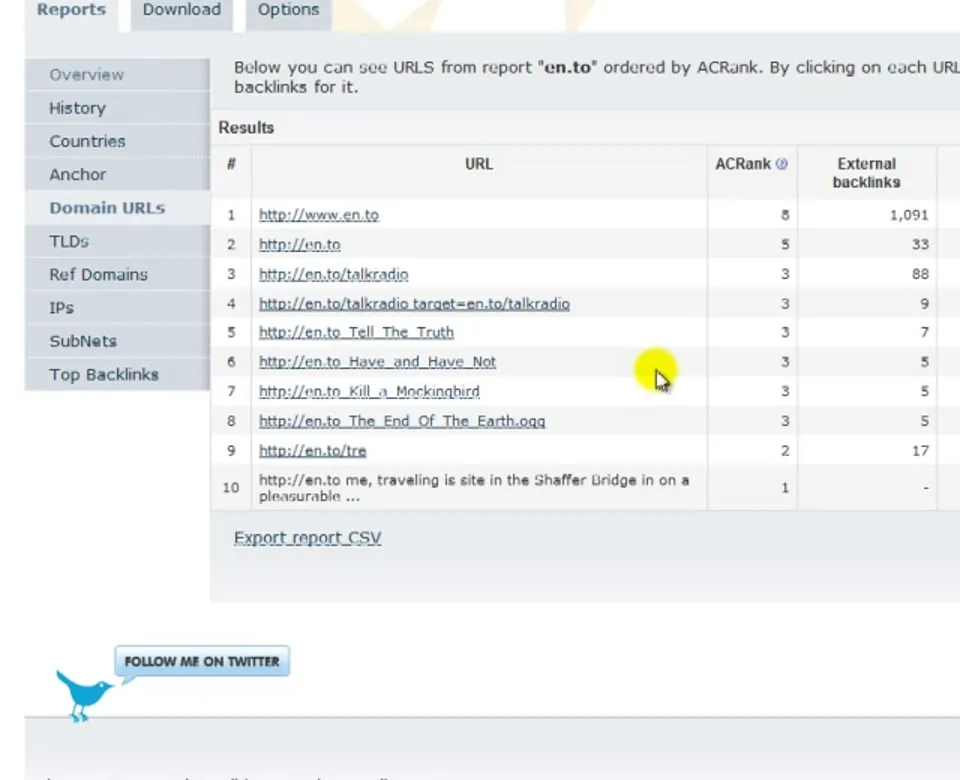 Play video: Moving your online shop: finding external links (opens Vimeo)
Which pages visits start from
If you don’t redirect every page, then besides pages with external links you should also redirect the pages where many visits start.
A visit starting on a page is typically a sign that the page ranks well on Google or other search engines.
This video shows how to use Google Analytics to find out which pages most of your visits start from. The video shows the previous version of Google Analytics – in Google Analytics 4 you will find this in the Landing page report:
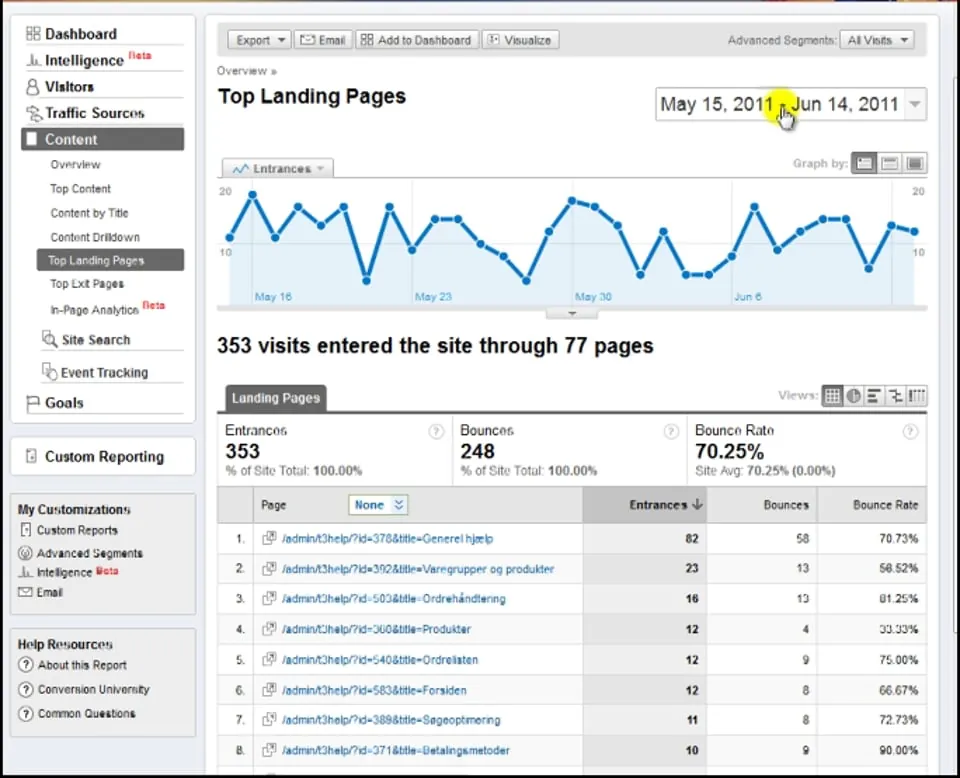 Play video: Moving your online shop: which pages visits start from (opens Vimeo)
How to create the redirects
When you have found out which pages have a new web address and need to be redirected to a new page, it is time to create the redirects themselves.
We have written a guide to redirects that shows you how.
Google’s guidelines
It can also be a good idea to look at Google’s guidelines on moving a website, which you will find here:
Google’s guide to moving a site with URL changes (opens in a new tab)