
In this category Email service
Email addresses: create/delete/change
On this page
You can create, change and delete email addresses via the customer login.
So start by going to the customer login page here (opens in a new window)
Then click the domain name in the list and choose the Mail Manager function.
If you don’t have Mail Manager as a function, just contact our support on +45 70 20 95 94 or at support@goldenplanet.com to have your plan upgraded.
Create an email address
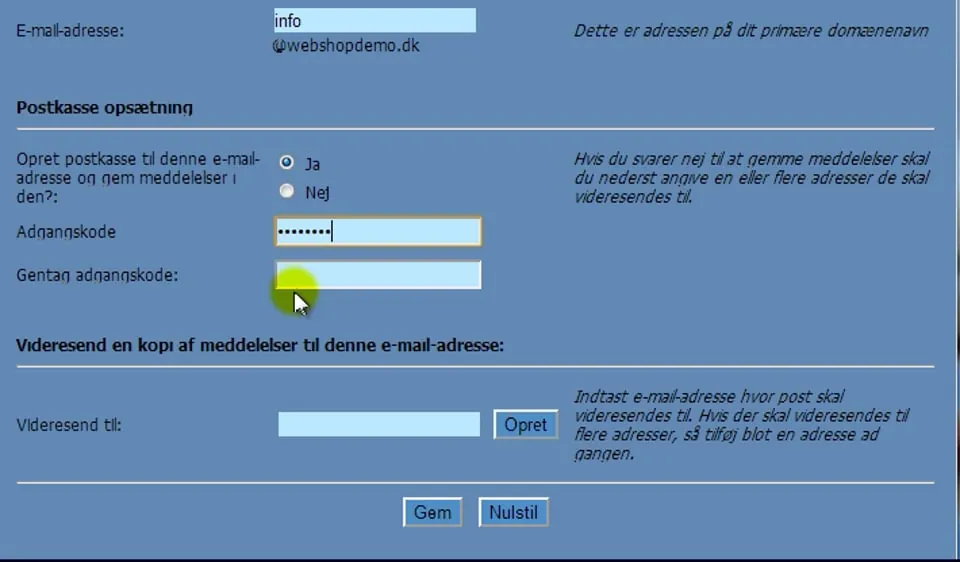 Play video: Creating an email address (opens Vimeo)
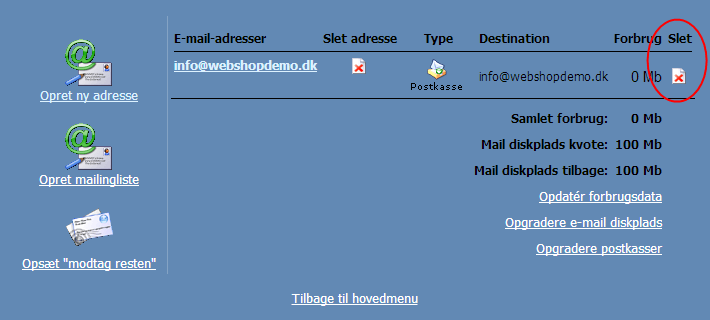
Delete an email address
You delete an email address by clicking the icon with the red cross next to the email address you want to delete:
Change the password of an email address/account
Important: After you have changed the password, it’s important that you immediately enter the new password everywhere you may have set up to fetch emails from that address/user – otherwise you may be temporarily blocked from fetching emails. If that happens, wait about 10 minutes after you have entered the new password everywhere.
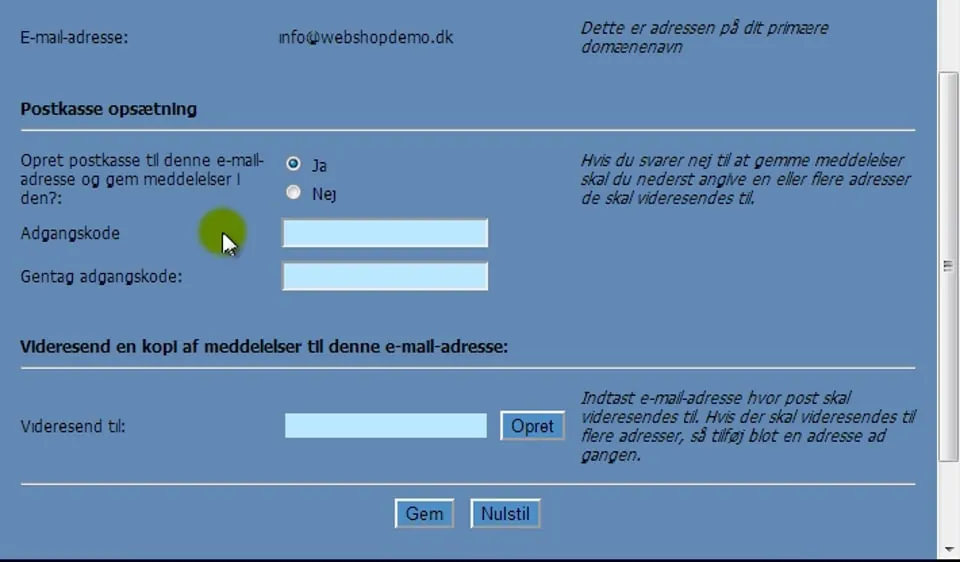 Play video: Changing the password of an email address/account (opens Vimeo)
Here you can see how to read your mail – via webmail.