
In this category Email service
Setting up an out-of-office reply
Here you’ll find an explanation of how to set up your mailbox at Golden Planet to send an out-of-office reply to everyone who sends you mail while you’re on holiday.
First of all, log in to your webmail. The out-of-office reply is a filter on your inbox, and webmail is where you manage the filters that the server runs.
You’ll find your webmail on your own domain, just with “mail” instead of “www”. So if your domain is “yourdomain.com”, your webmail address is “mail.yourdomain.com”.
Here you’re asked to enter your email address and its password. Then click Login.
In this video you can see how to set up the out-of-office reply:
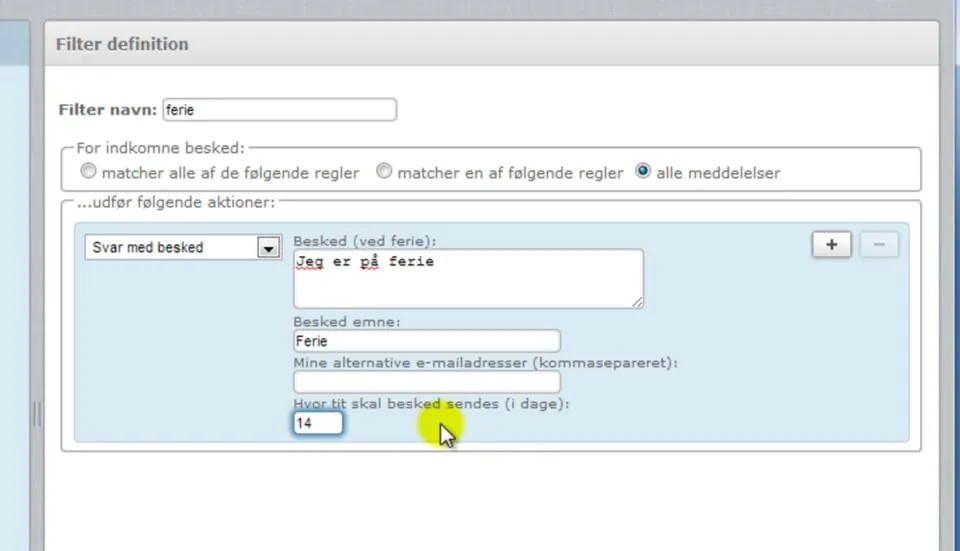 Play video: Setting up an out-of-office reply (opens Vimeo)