
In this category Email service
Transfer/forward emails to a Gmail address
On this page
Google is phasing out the Gmail feature that lets you fetch mail from external accounts via POP3 (“Check mail from other accounts”). Since the end of the first quarter of 2026, new users can no longer set it up, and existing setups only work until January 2027.
This means new mail can no longer be fetched into Gmail automatically from other mail accounts using POP3. Existing mail stays in Gmail, but the setup will stop working.
Google is also increasingly restricting the option of forwarding emails directly.
In this guide we go through how you can set up an alternative solution instead, so you still receive all your mail together in Gmail.
Get ready in PlanetController
Log in to your email setup in PlanetController (opens in a new tab) to adjust the setup if you already forward to Gmail.
If you don’t currently forward to Gmail, you can skip this step.
All you need for the next step is the email address and its password. If you have forgotten the password for your email, there is a section about that at the bottom of this page.
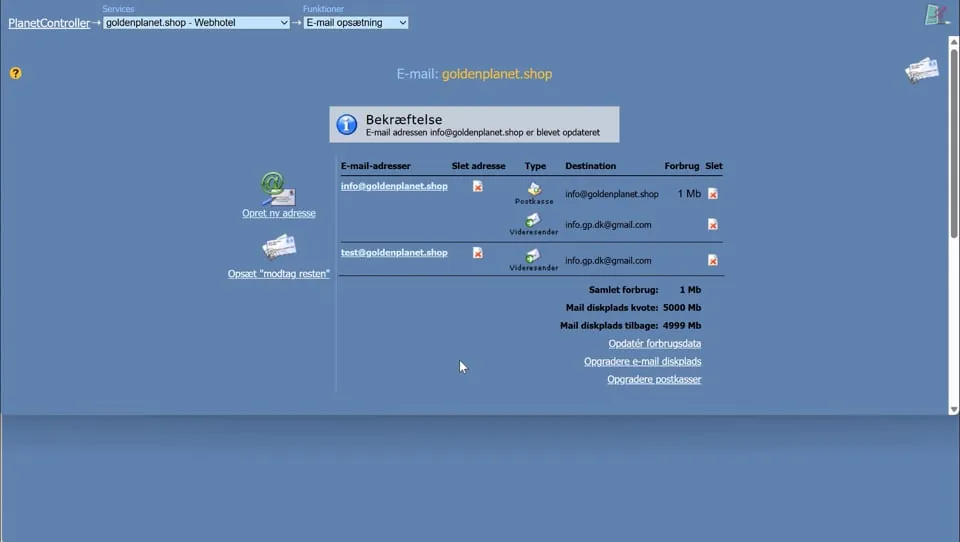 Play video: Removing forwarding in PlanetController (opens Vimeo)
Setting up PopRelay
PopRelay.net (opens in a new tab) offers a service that transfers your emails to Gmail. Here we show how to set it up.
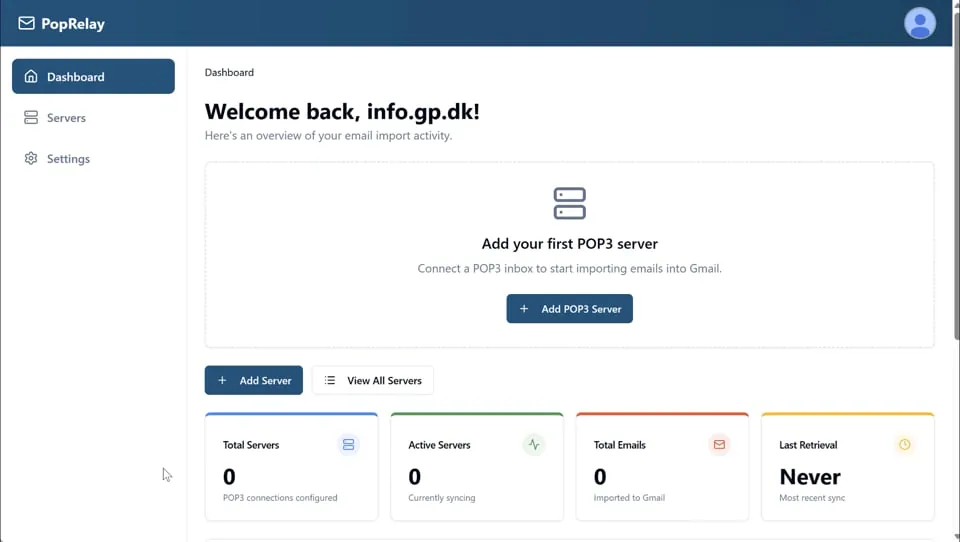 Play video: Setting up PopRelay (opens Vimeo)
Change the password of an email address/account
Important: After you have changed the password, it’s important that you immediately enter the new password everywhere you may have set up to fetch emails from that address/user – otherwise you may be temporarily blocked from fetching emails. If that happens, wait about 10 minutes after you have entered the new password everywhere.
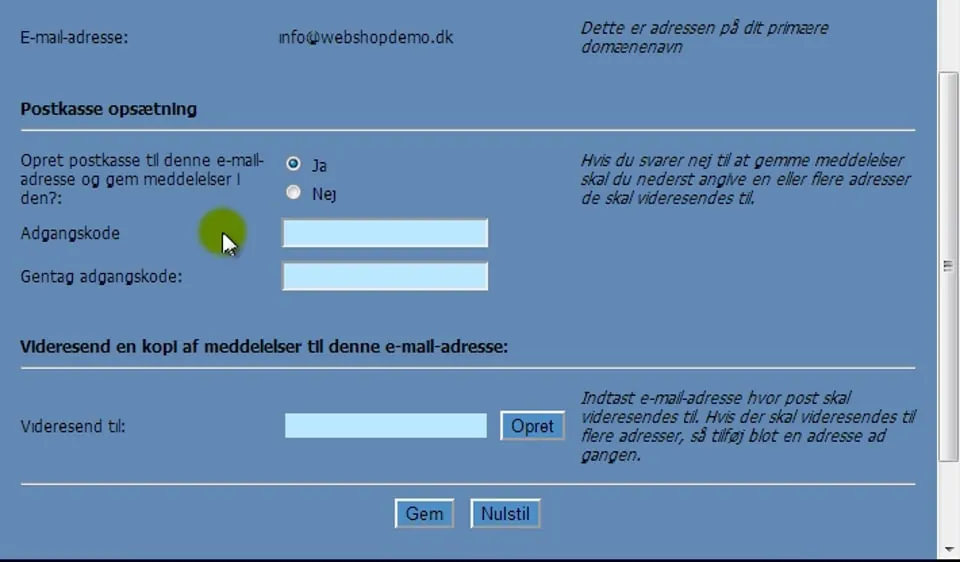 Play video: Changing the password of an email address/account (opens Vimeo)
Here you can see how to read your mail – via webmail.