
In this category Design & layout
From idea to reality with a sketch
On this page
A website can certainly be described in words. So that you understand it yourself.
When you need to explain it to others, a sketch is often by far the easiest way.
Good reasons to use a sketch:
-
Paper and pencil – and you’re ready
Quickly from a thought to seeing it in front of you
-
A designer understands you much better
Avoid frustration and misunderstandings
-
You finish your design faster
With a sketch you reach your goal faster
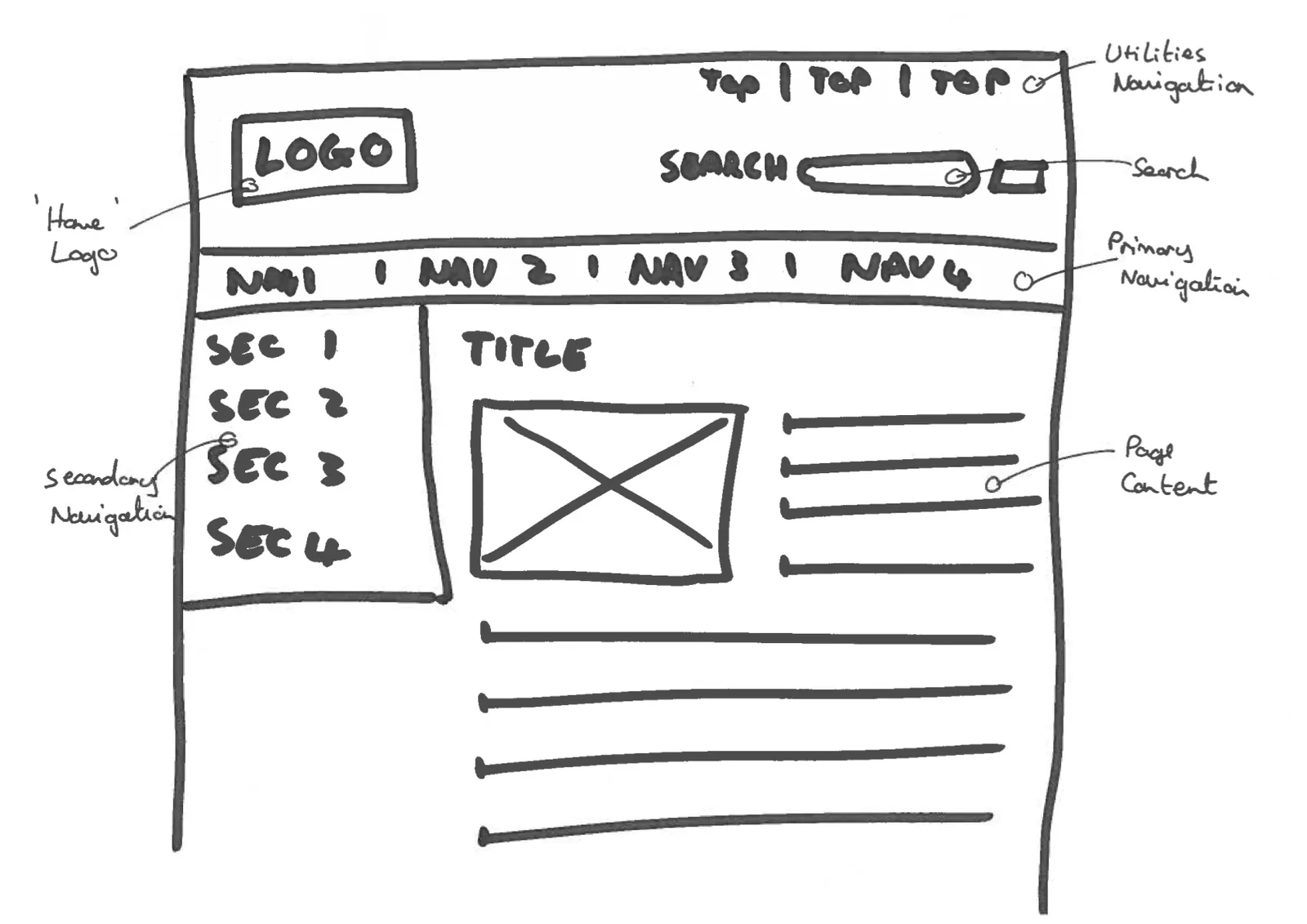
How to make the sketch
Get out a piece of paper and a pencil. Perhaps an eraser too. Then you’re ready.
Don’t hold back – just dive in. There are two things worth remembering when you make your sketch:
- It can always be changed – both the sketch and the design
- A sketch absolutely doesn’t have to be pretty – an ugly sketch can lead to a beautiful design
How to send the sketch to a designer
Once you have made your sketch, you can scan it and send it to the designer you’re working with.
If you don’t have a scanner to hand, you can also send it like this:
- Lay it on the table
- Take a photo of it with your mobile phone
- Send the photo to the designer
Along with the sketch, you’re very welcome to add information that can help in getting started on your sketch.