
In this category Design & layout
Setting up the layout of your product pages
How to build the optimal product page for the best possible sales. With the built-in layout tool, you can now build product pages yourself.
On this page
Spend 10 minutes – your sales could rise 25%. Maybe more. Maybe less.
It’s all about conversion – how many people complete an order when they land on a page in your online shop.
When a shop like Amazon presents a dress quite differently from a television, it’s far from a coincidence. It’s because they have measured their way to how they should present the product to sell as much as possible.
Normally it takes someone who can write template code to change the structure of a product page. Hassle and expense.
But not any more. Now you can rebuild the page yourself. We have also made some ready-made suggestions you can use – as they are or as a starting point.

Small changes can make a big difference
It may sound incredible that a different structure of a product page can make a big difference. The product is the same, after all. But in many cases it certainly can!
You need to make sure that each product is presented as well as possible. You can do that, for example, by adding information about delivery, a buying guide and so on.
Another important thing is to make sure customers can easily move on to other products if the one they look at first doesn’t quite catch their eye.
A customer may have searched for “winter jacket with hood” and landed on a product with that description. But perhaps it wasn’t quite the kind of jacket the customer had in mind. That’s when it’s important to show new suggestions, for example “Others also bought” or related products.
We have made some ready-made layouts
To make it easier to get started building your product page, we have made some layouts you can use as they are or take as a starting point.
How to get started
We suggest you try the options like this:
- Find inspiration from someone who has already optimised. Look, for example, at how large (international) online shops build their product pages for the same category/type of products as yours.
- Choose a structure for your product page and customise it if you like
- After a week or two, check in Google Analytics how it has affected your conversion
Choose a ready-made layout
The easiest way is to take one of the ready-made layouts. You can use it as it is or as a starting point for your own customisations.
You choose a layout by going to the layout tool and choosing Product pages in the menu. This video shows how:
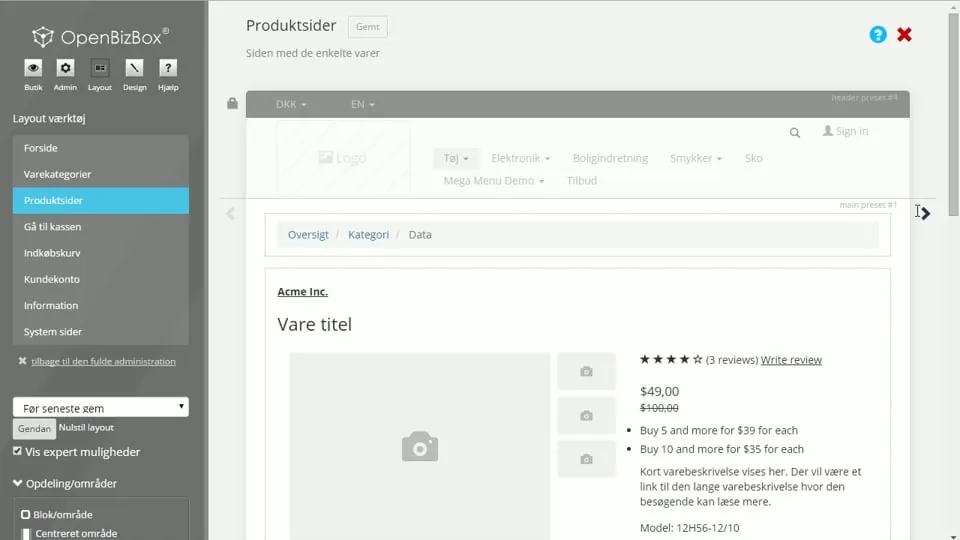 Play video: Product page presets (opens Vimeo)
Customise your layout
Once you have chosen the ready-made layout that is closest to how you want it in your online shop, you can customise it.
This video shows how to remove, add and adjust the individual elements:
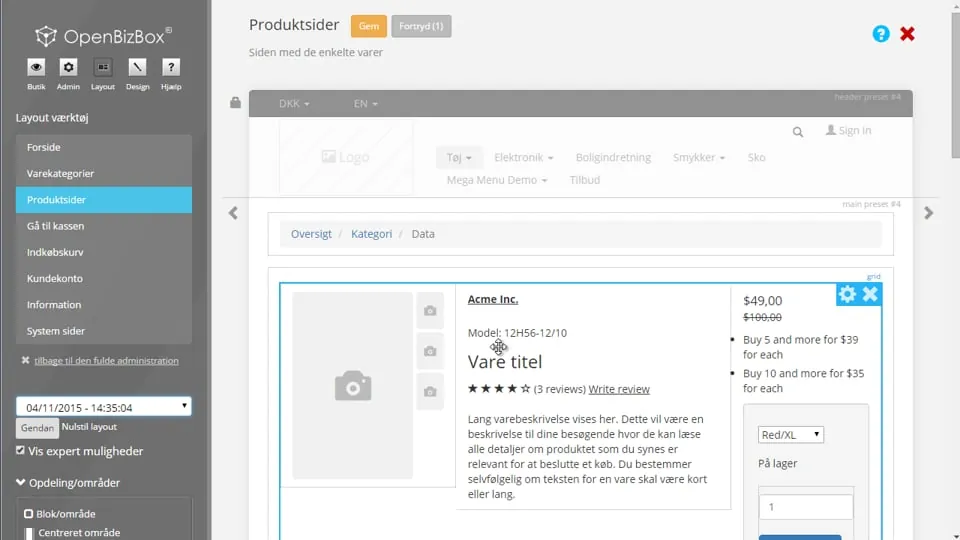 Play video: Product pages: customise your layout (opens Vimeo)