In this category Design & layout
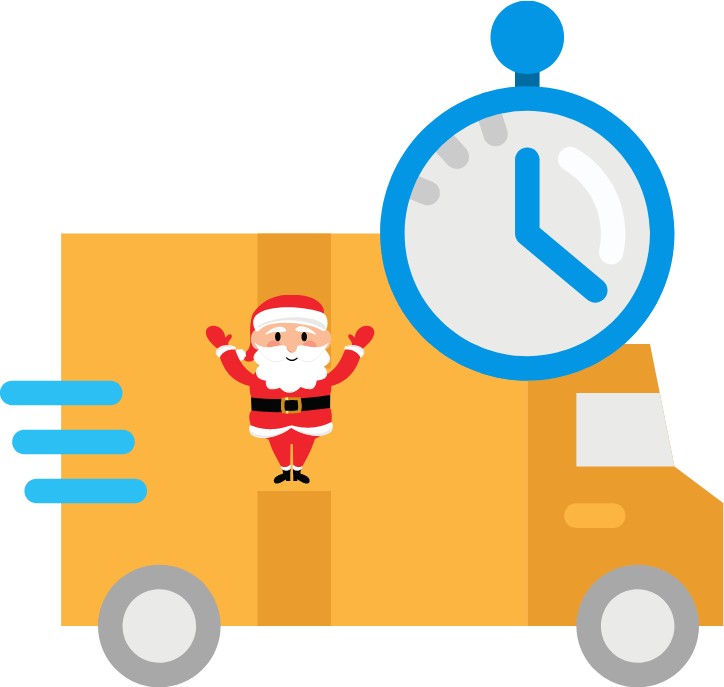
Tell customers about holidays and/or longer delivery times
On this page
If, for example, you’re closing for a holiday and want to tell your customers about longer delivery times, here are some suggestions for where to put the message so it isn’t easily missed.
Close to the add-to-basket button on the product page
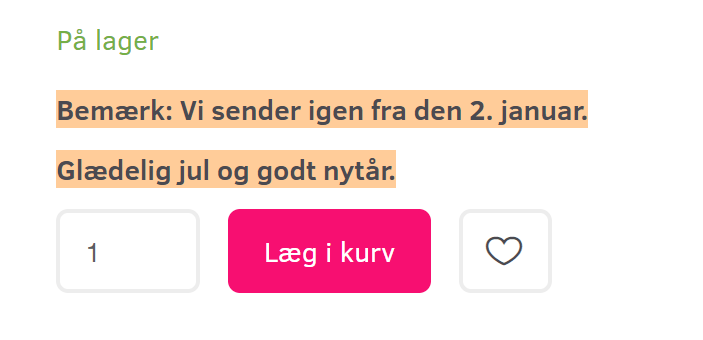
Most customers make their buying decision right around the add-to-basket button on the product page. In this video you can see how to add a text there:
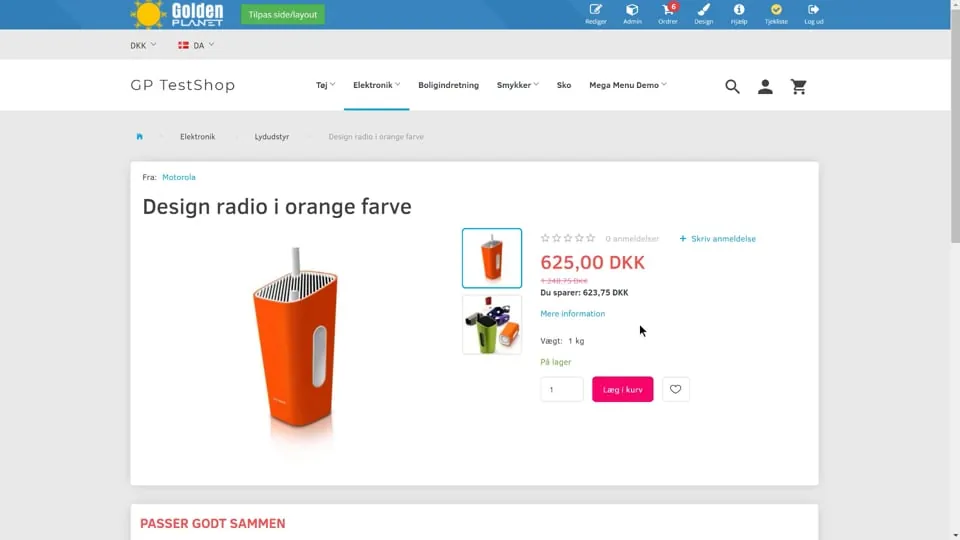 Play video: Text by the Add to basket button (opens Vimeo)
In the order confirmation
A message every customer gets – and then they have it in writing.
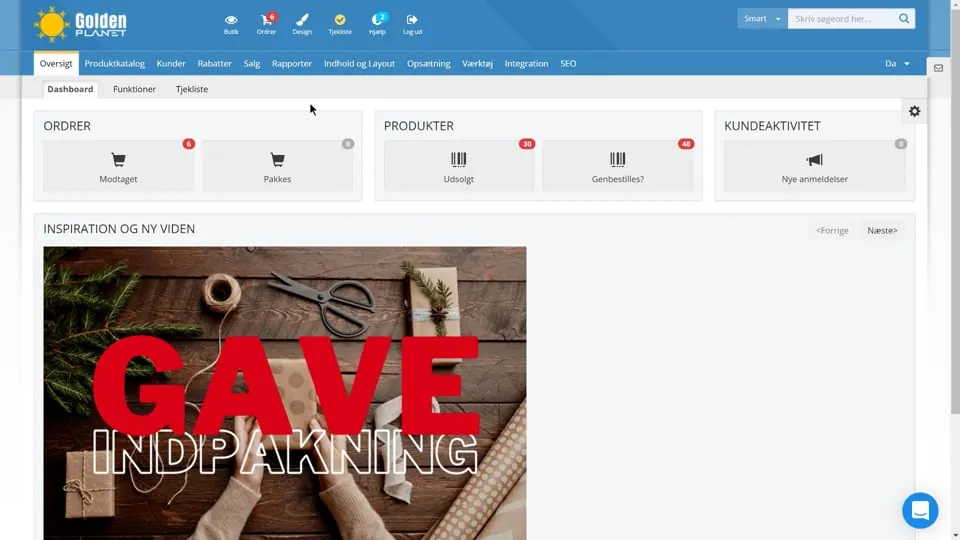 Play video: Adding text to the order confirmation email (opens Vimeo)
If you want to stop sales
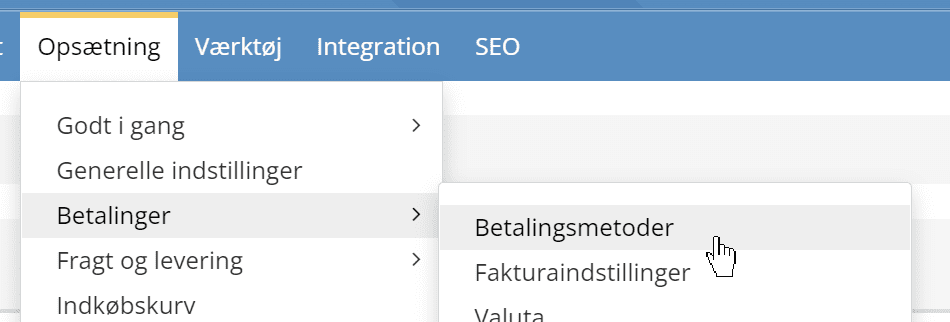
If you want to stop sales and new orders completely, the easiest way is to switch off all payment methods. No payment, no orders.
You do this via
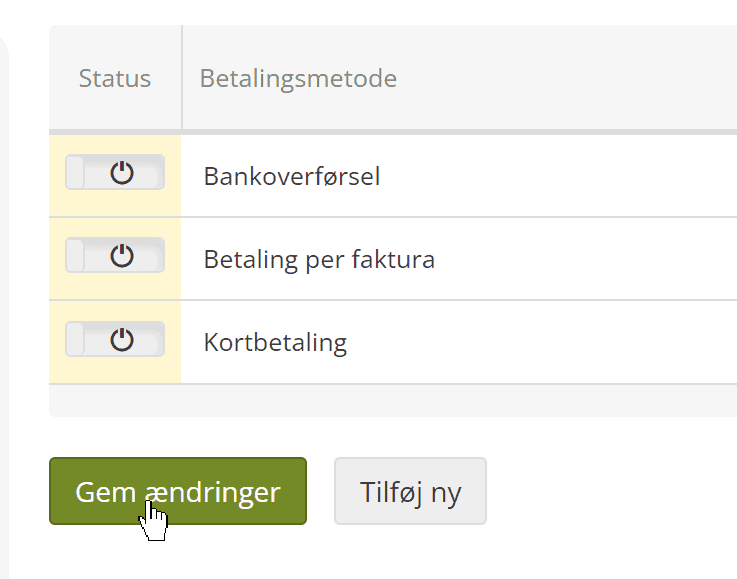
Switch off every payment method that is switched on, and click Save changes:
At the payment step, when customers go to checkout, this text will then be shown by default:
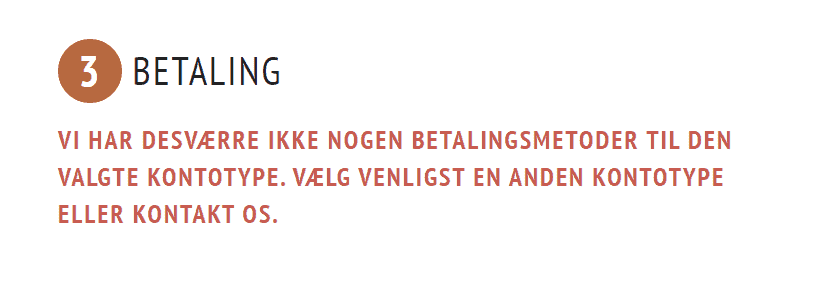
You can change it if you like, as shown in this guide on changing standard texts.
There is no on/off switch for every Add to basket option. The closest you can get is to require customers to log in before they can add to the basket, and change the text so it doesn’t suggest logging in.
You can require login to add to the basket via
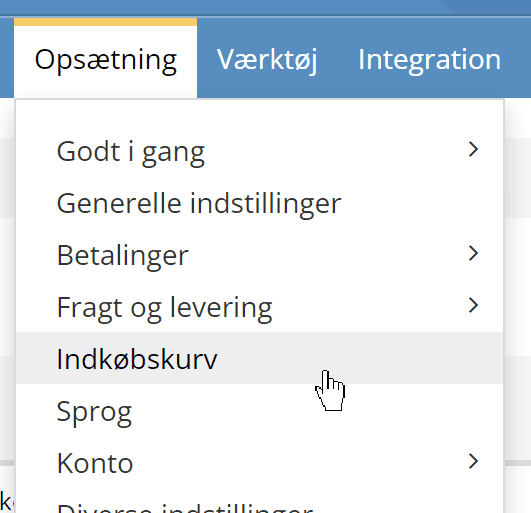
where you can activate this:

Product pages will then show this text
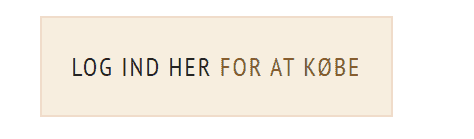
and you can then change it via standard texts to, for example, this: