In this category Design & layout
Design & layoutYour shop’s home page
Home page: brand slider
On this page
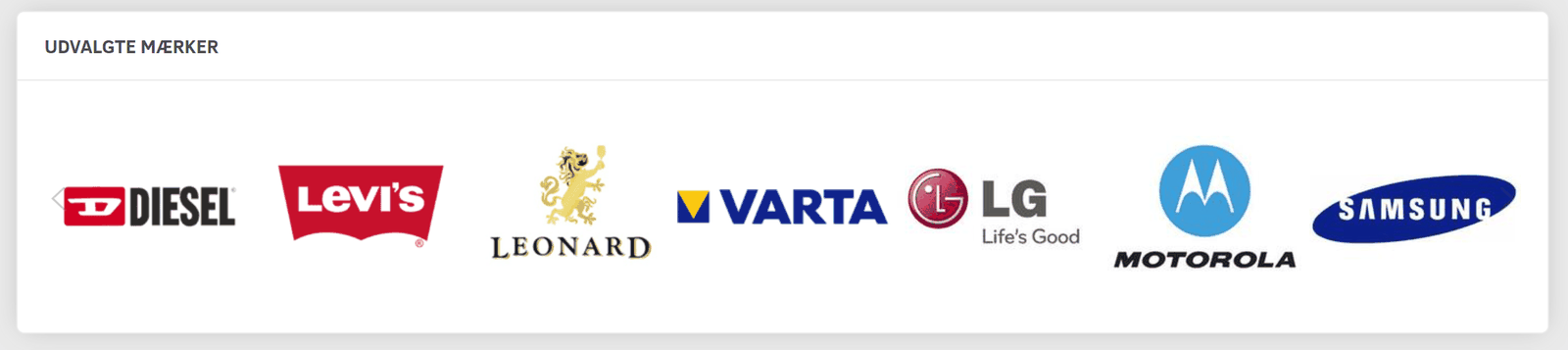
You can build sliders like this one into your design, automatically showing selected brands to your customers. It could, for example, be a section of its own on the home page, as in this example:
It could also be at the bottom of every page, like here:
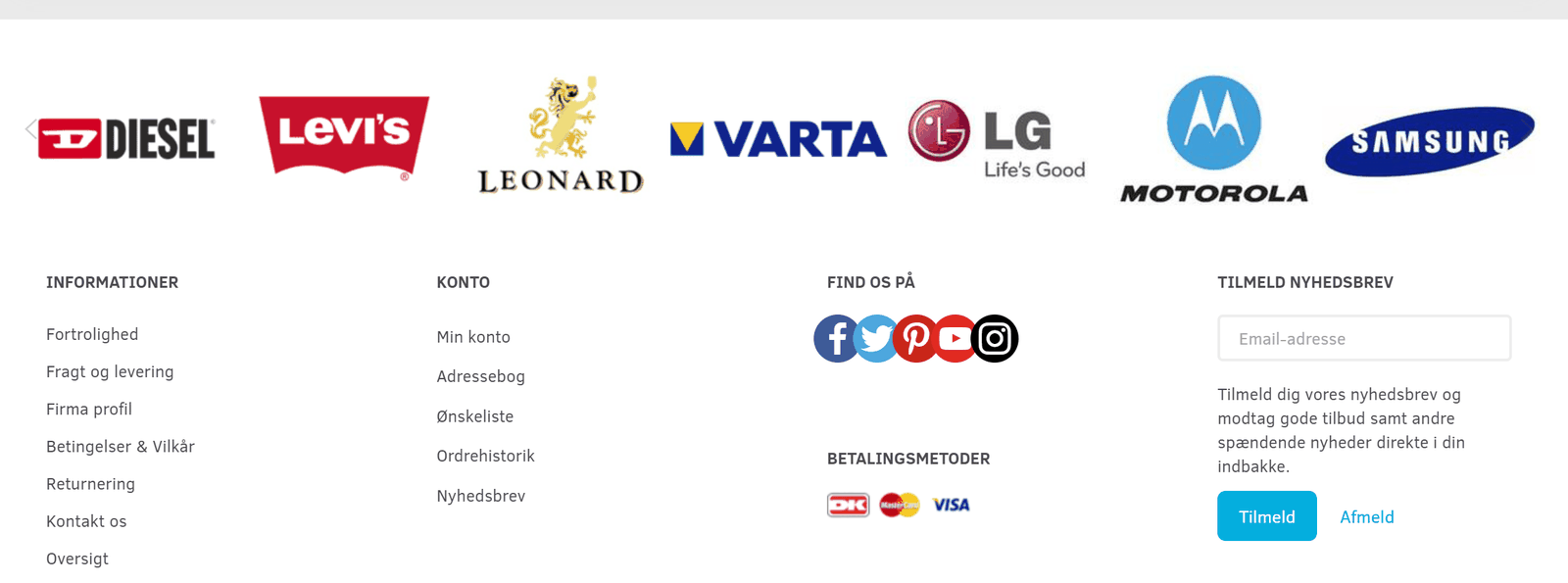
When visitors click a logo, they go to a page with all the products from that brand.
How to build the slider into your design
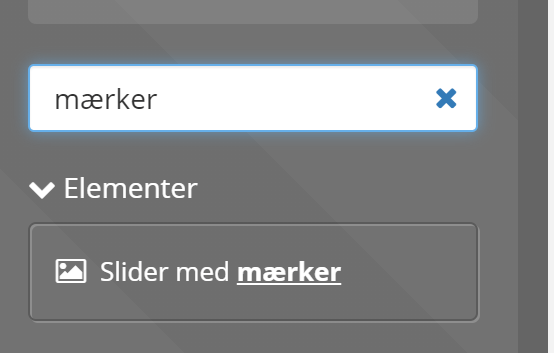
You place the slider in the layout tool (Content and layout > Layout tool) in the same way as the other elements. In the list of elements, choose Brand slider – you can search for it like this (on the far left):
Select the brands to include in the slider
Once you have inserted the slider – or clicked it in your existing layout – you can enter the names of the brands to show in your slider on the far right:

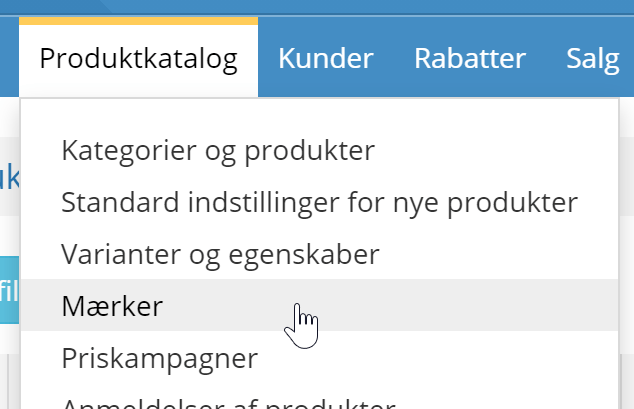
The name is the one the brand has in its web address, which you can see, among other places, in the list of brands under Product catalogue > Brands
You adjust the size of the logos by choosing, at the top, how many are shown at a time: