In this category Payments
PaymentsCard payments
Several acquirers (e.g. Nets + Clearhaus)
On this page
It can pay to have agreements with several acquirers – such as Nets and Clearhaus.
Then you can use each of them where they are best, and as a backup (except for Dankort) if one of them has operating problems.
Easily add Clearhaus via the QuickPay manager
Applying for and adding Clearhaus via the QuickPay manager is quick and easy
Log in here at https://manage.quickpay.net/ (opens in a new tab)
Go to Settings and then Acquirers
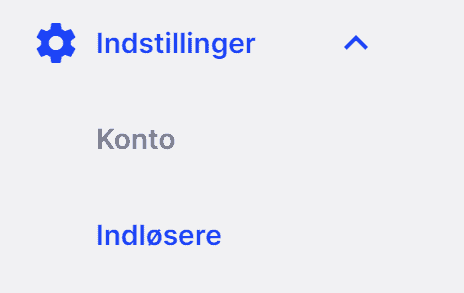
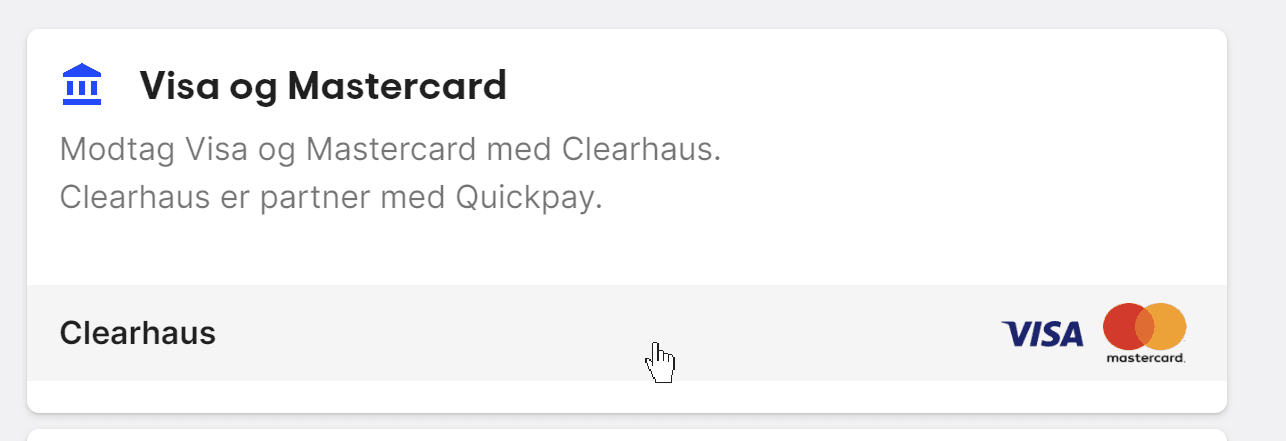
Click into Clearhaus
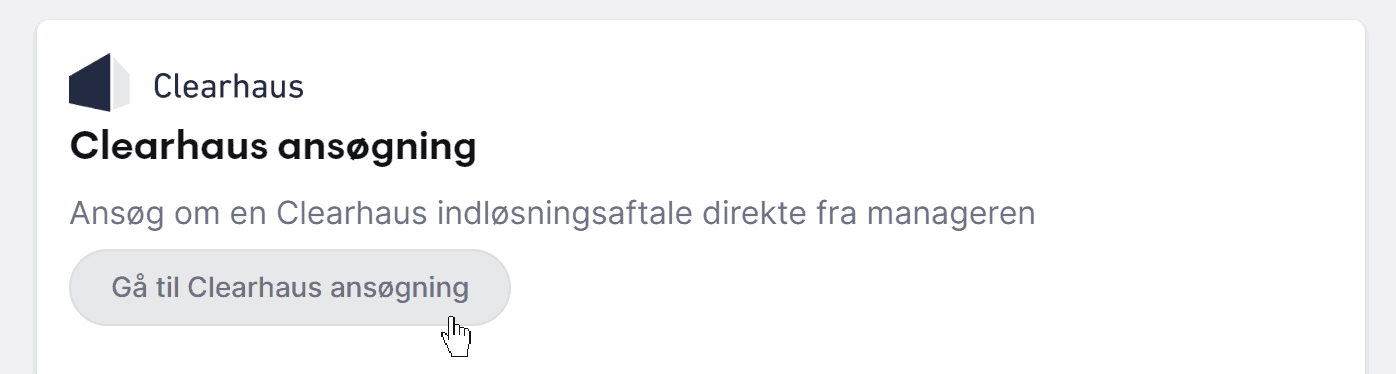
Fill in the application
Choose your primary acquirer in QuickPay
Once you have signed up with Clearhaus and activated the agreement, you get this new option under Acquirers in the QuickPay manager:
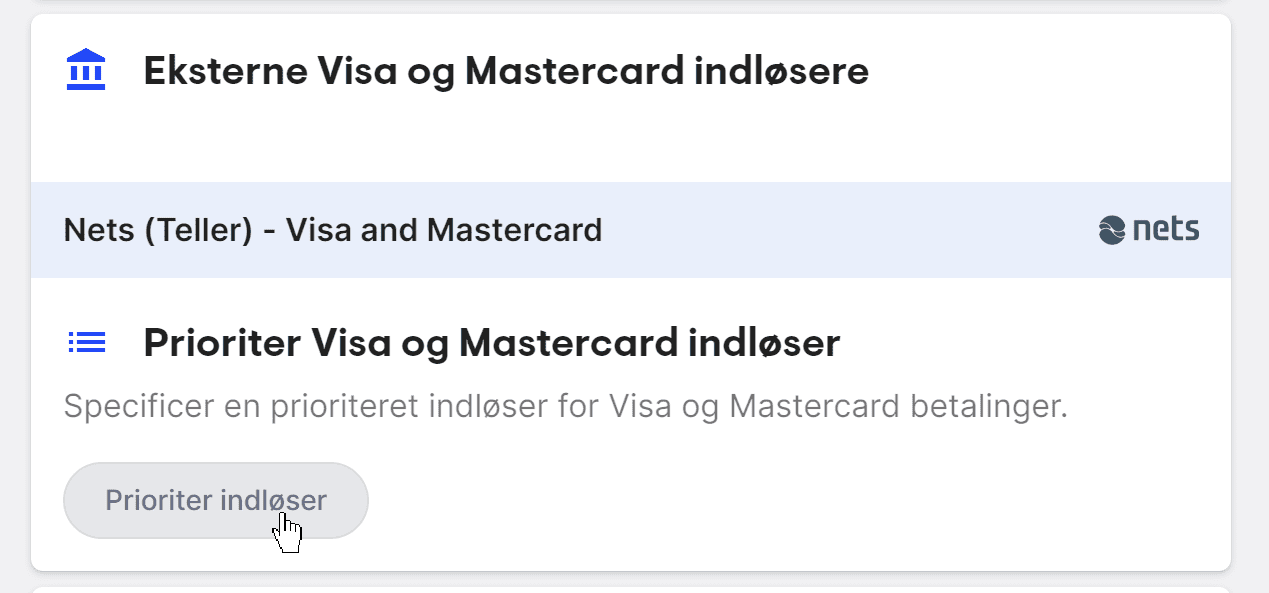
Click Prioritise acquirer and choose the one you want to use by default for the cards both of them support (typically Visa and Mastercard).
Once you have chosen, it is saved automatically.
Choose the acquirer per card type in your shop
Go to Payment methods
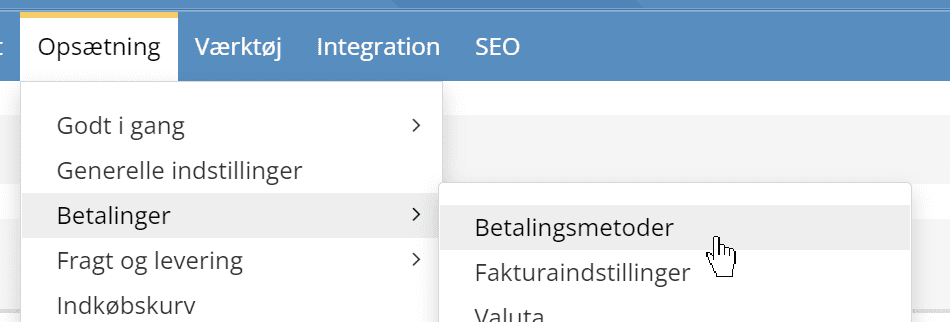
Edit card payment via QuickPay
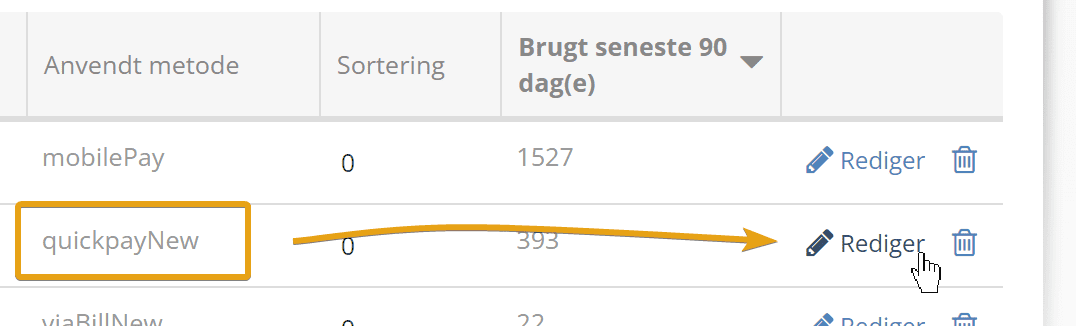
Click the Other settings tab

Now choose the acquirer you want to change for each card type – here, for example, Clearhaus has been chosen for Mastercard
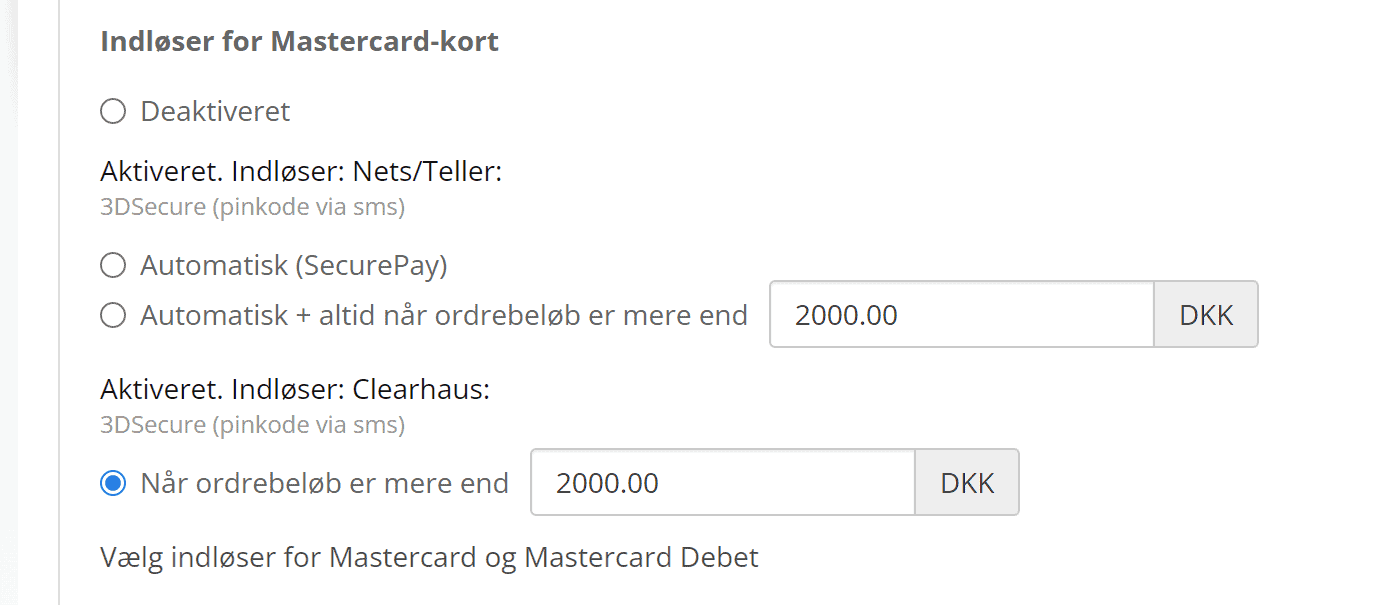
Finally, remember to save, and you’re done with that project.