
In this category Payments
EAN invoicing
EAN invoicing (electronic invoicing to Danish public authorities) is typically used by public institutions. You can choose to add it as an option for everyone or for selected customer types.
Go to Settings > Payments > Payment methods and choose Add new. Then choose the Payment by invoice module and Create.
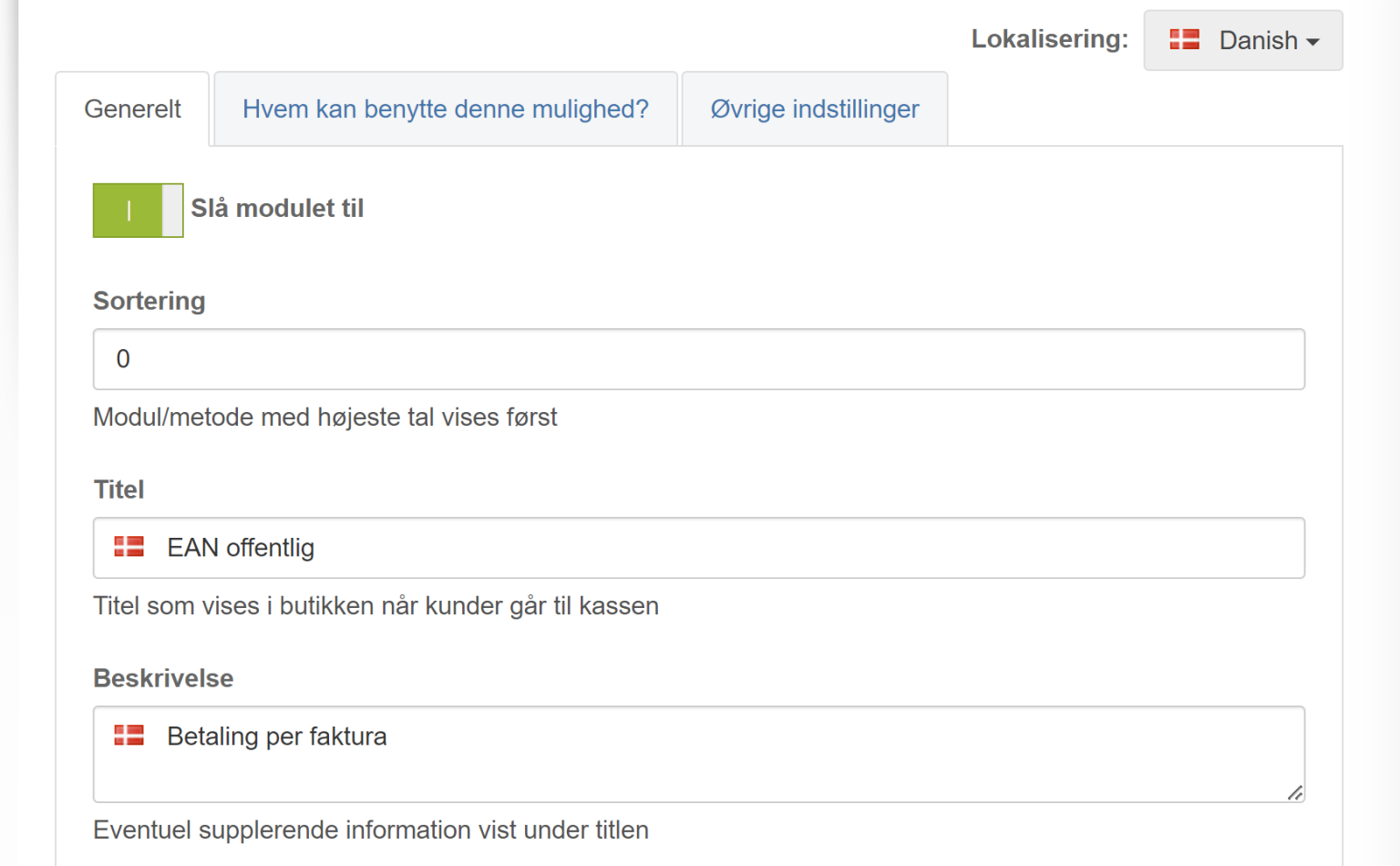
Then adjust the module for EAN invoicing.
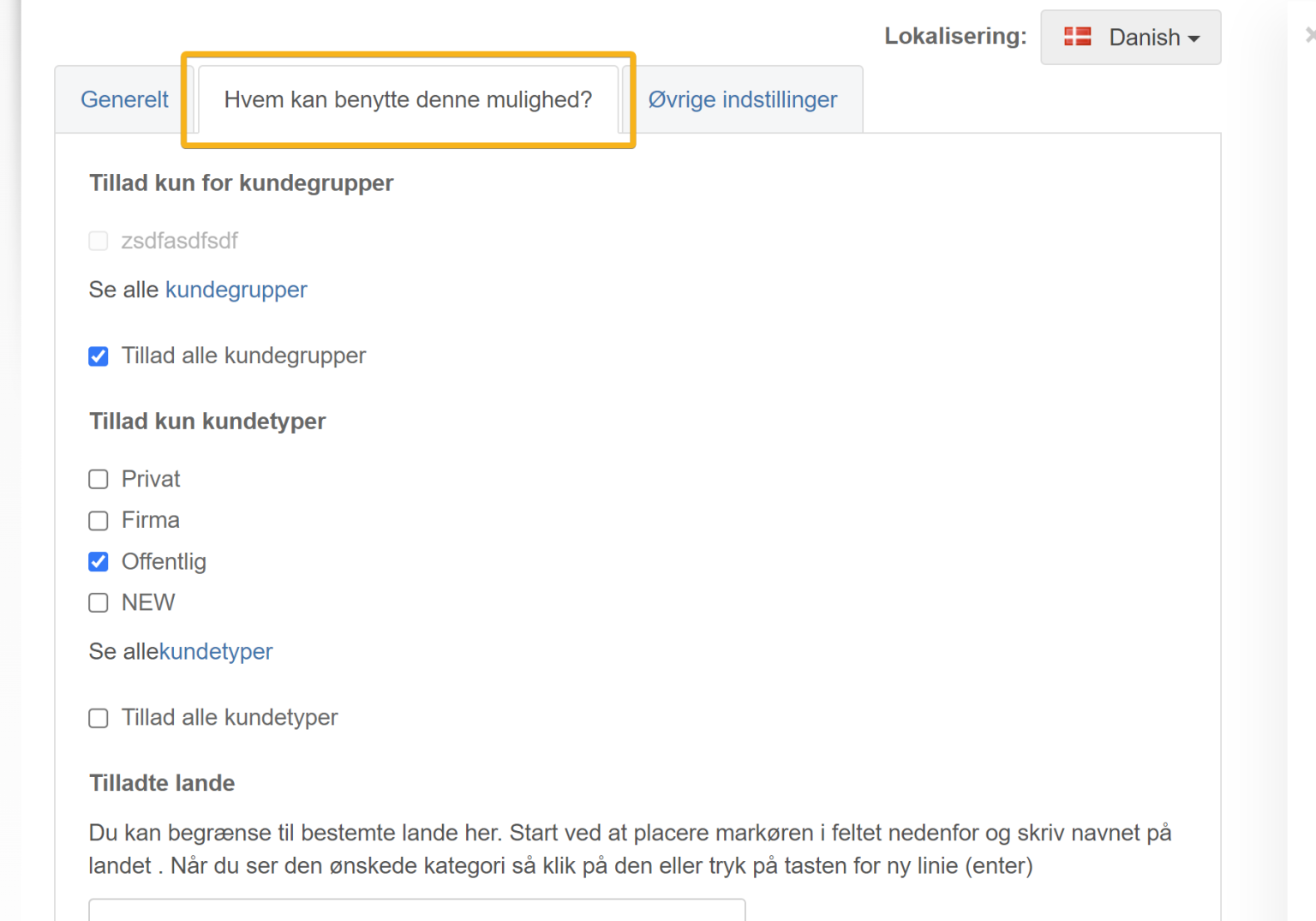
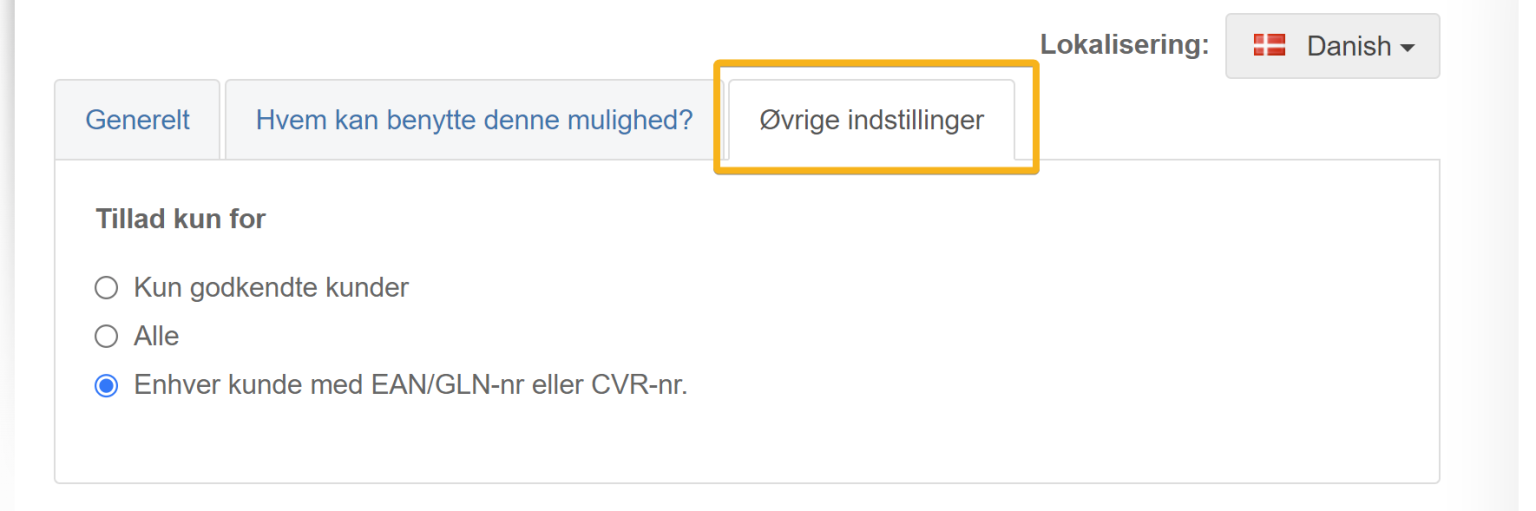
In the following example it has been set up for the customer type Public (it then appears at checkout when this customer type has been chosen).
An EAN invoice is typically sent electronically to public-sector customers. You can do this via your accounting system or a service that offers it by scanning.