In this category Other topics
Other topicsLanguage setup
Customise standard texts – in English or other languages
All the texts that are not your own content in general – everything from the Add to basket button to the title of the invoice etc. – can be changed via languages.
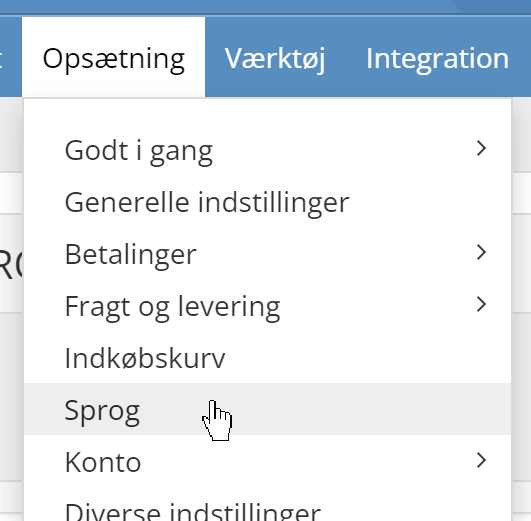
You start from the list of languages
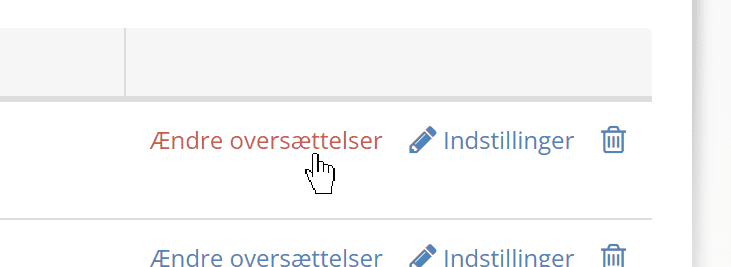
Click Change translations next to the language in which you want to change the text – this can also be your shop's main language:
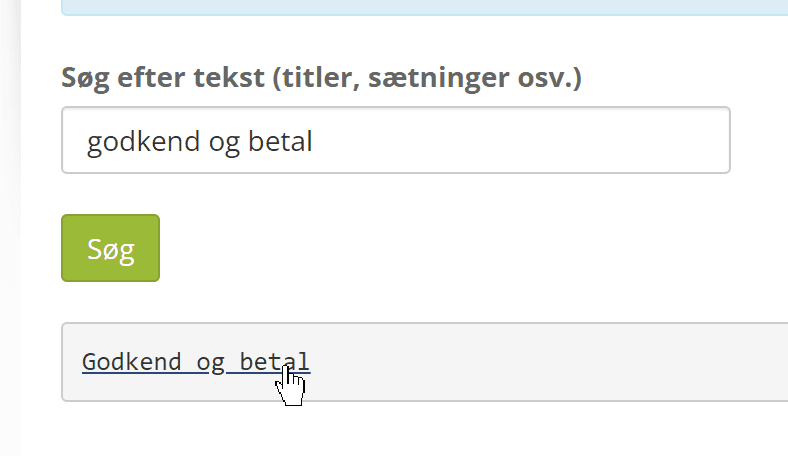
Type the text you want to change, whether it is part of the shop for customers or of the admin, and click Search.
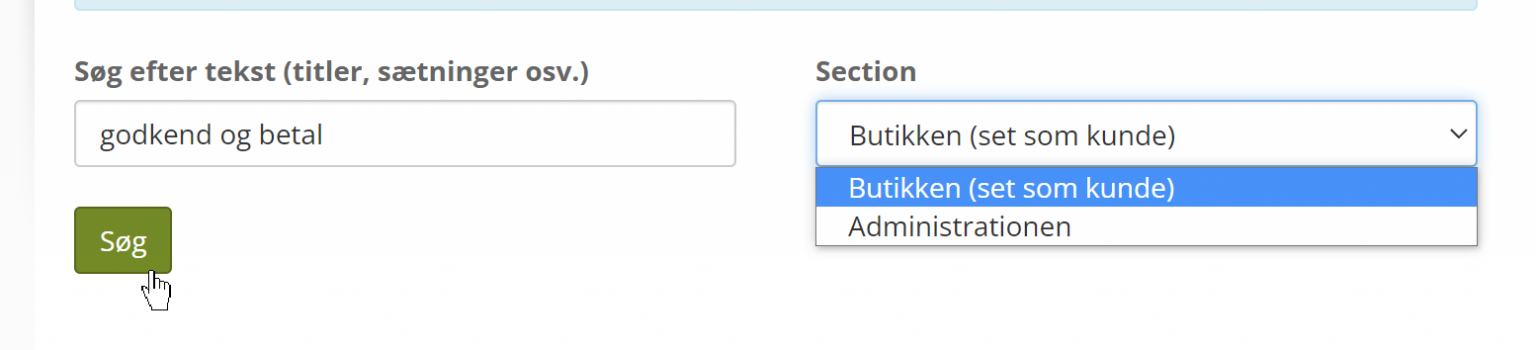
Above, we have searched for the text on the button for going to checkout.
Click the text you want in the search results
Type the text you want instead – for example:
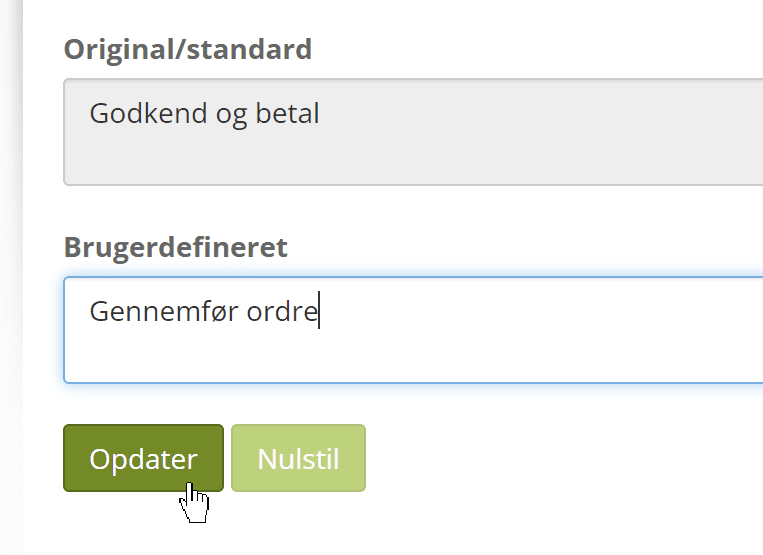
Click Update
You can now see your change in the list of your own translations. If you change your mind and want to go back to the standard text, click the icon with the bin on the far right:
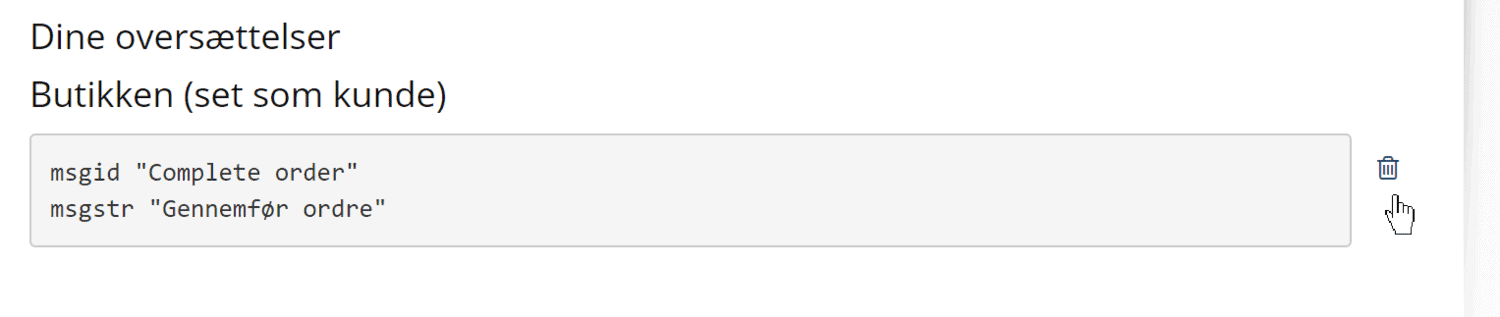
And here is the result of the change in this example: