
In this category Shipping & delivery
Delivery to Bring parcel shops
On this page
If you have an agreement with Bring for delivery to their parcel shops, follow this guide.
Below we go through the delivery method you can use to set up delivery to Bring parcel shops.
The parcel shop module
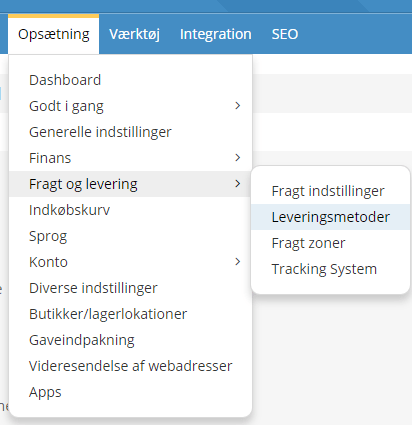
You’ll find the delivery methods under Settings > Shipping and delivery > Delivery methods – and there you choose Add new.
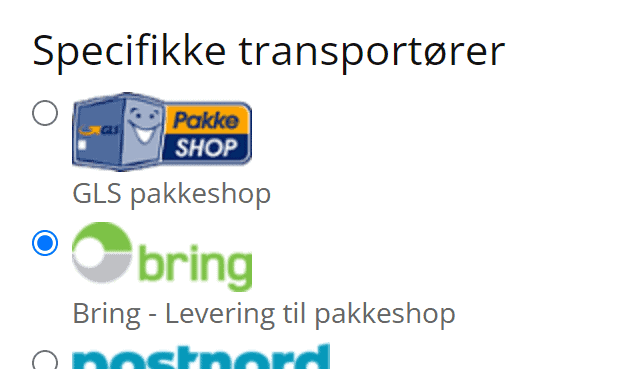
Next, choose which module to install. Choose the one called Bring delivery service.
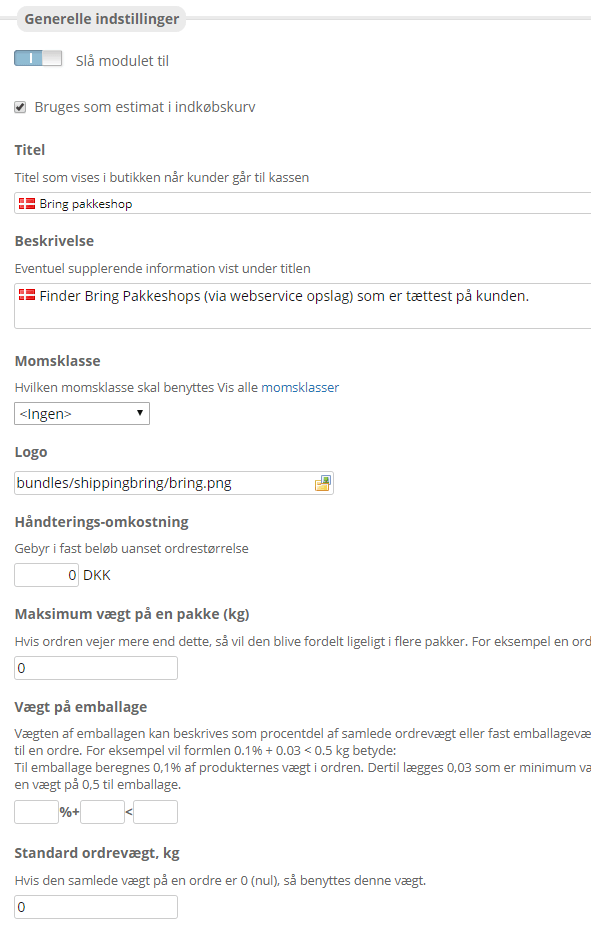
General:
First enable the module, and choose whether it should be used as a shipping estimate in the basket. That way customers can see what shipping will cost them when they add products to the basket.
Remember to set the VAT class – in most cases VAT applies.
You can also enter handling costs and a maximum order weight.
If your products don’t have a weight and you don’t have time in your diary to add it, there may be one weight that suits most of your orders.
That’s why you can enter a default weight for a single parcel in Default order weight, kg. It is then used when not all the products have a weight.
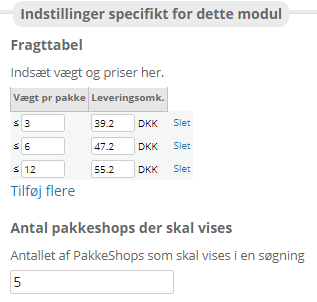
Here you enter your shipping prices (excl. VAT) and how many parcel shops should be shown to the customer. 10 is the maximum.
Remember to save when you’ve made your settings – after that, your customers can use Bring parcel shops for delivery of their orders.
Order processing
On the orders you can see which ones were placed with Bring delivery, and also which parcel shop number was chosen.
From these orders, the recipient’s name, the parcel shop number and other details have to be copied manually to Bring.dk. If you use a system such as Shipmondo for your shipping labels, you can contact them about the options there.