
In this category Integrations
Multishop
On this page
Central management of several shops
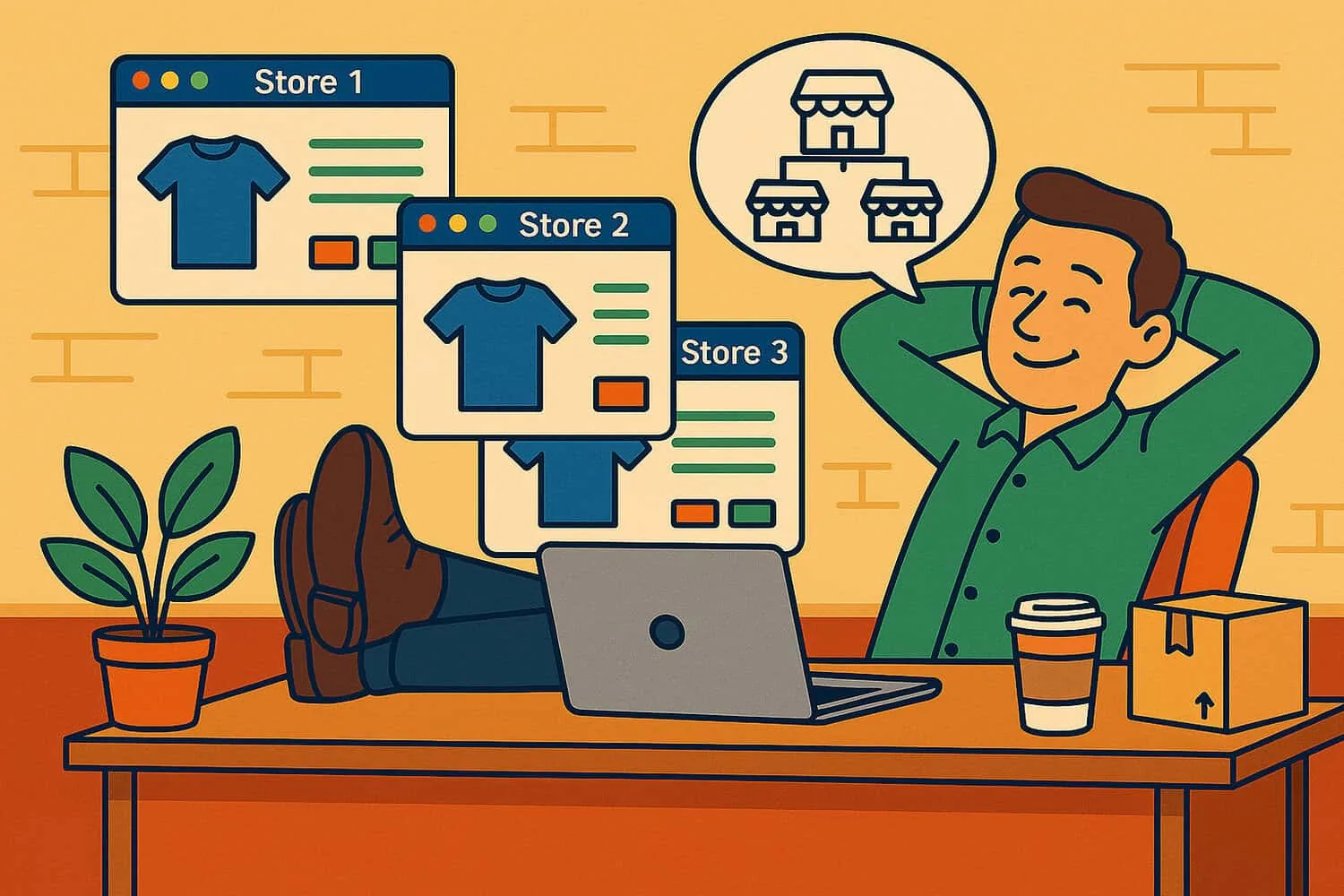
With multishop, you can send products from one primary shop – for example your Danish shop – out to several other shops. The extra shops can be in other languages.
You can create all the content for products and categories in several languages in one shop, and then send each language version out to several shops.
For translation into several languages, it obviously makes sense to use the built-in integration with AI translation.
Get started with multishop
To use the multishop system, you need a separate agreement with us. Contact us and we'll find a solution that suits your business.
Limit which products are synchronised
Unless you specify otherwise, multishop sends ALL products out to the shops linked in the multishop setup.
You can deselect products that should not be included, either on the individual product, at category level or per brand.
Deselect a product
You deselect individual products by editing the product. There, choose the Other settings tab and tick the box as shown here:

Deselect all products in a category
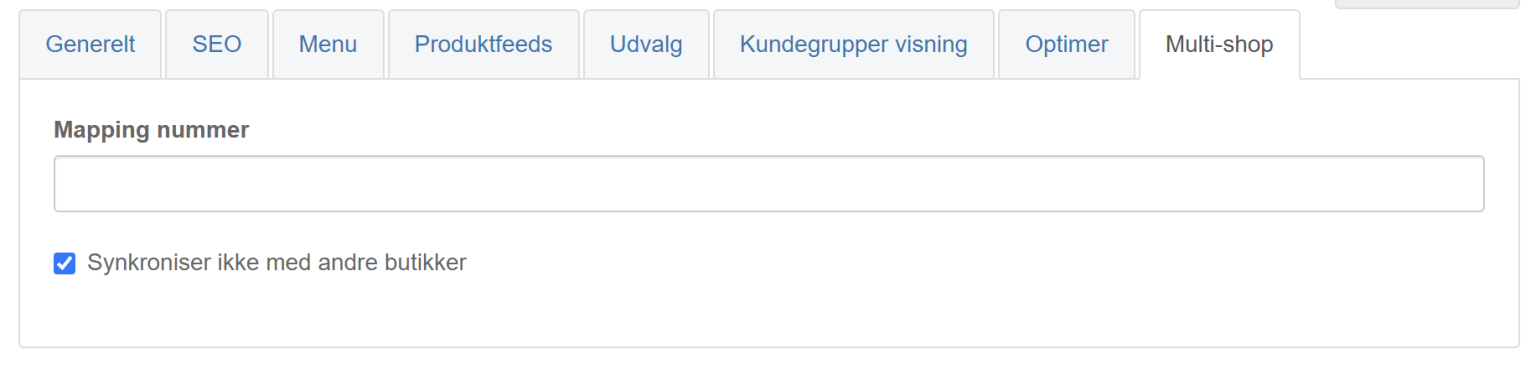
If all the products in a category are to be left out of the multishops, go to edit the category and make the choice shown here on the Multishop tab:
Deselect all products of a brand
A third option is to deselect all products of a brand – this then applies across all the categories that products of that brand are in.
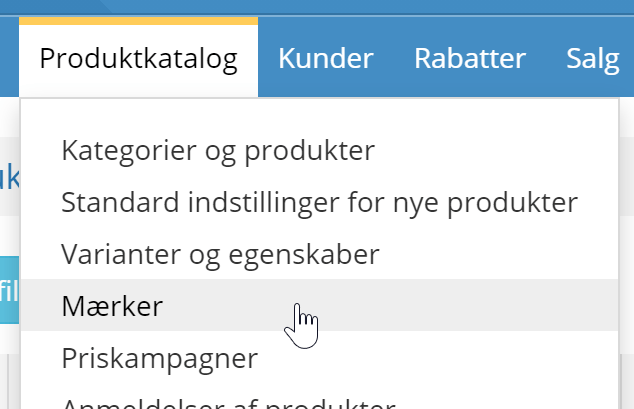
Here you go to the list of brands
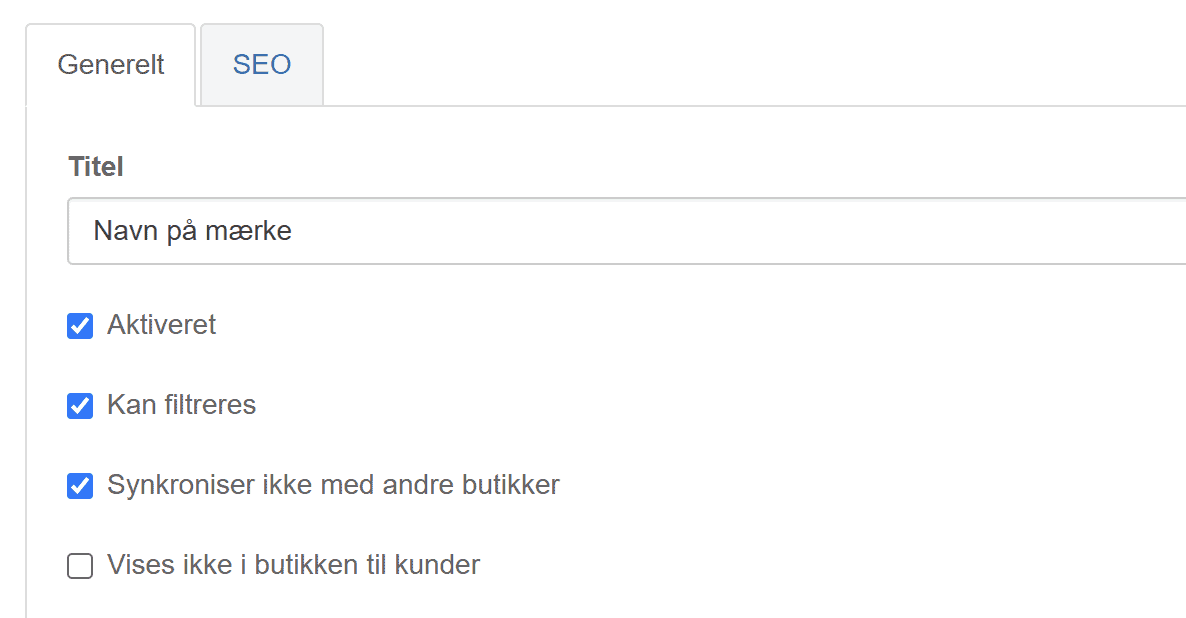
Click to edit the brand whose products are not to be included in the multishops. There, tick the box as shown here
Note: deselecting does not remove products that have already been synchronised
If products that you mark as not to be included in multishop have already been sent out to the multishops, you need to go into each shop and delete them. They will not be deleted by deselecting them in the primary shop.
Converting prices by exchange rate
You can have prices converted automatically for the other shops at the daily rate or at a fixed rate.
Automatic updating of the exchange rate means less maintenance, but it also means that prices which stay the same in the primary shop will change in the other shops.
See the section “Turn automatic updates on/off” here for how to set this up.