In this category Product catalogue
Editing content and descriptions
On this page
Wherever you can add text content, there is an editor like this one:

Here are a few tips and tricks for using it.
Copying text from other pages/documents
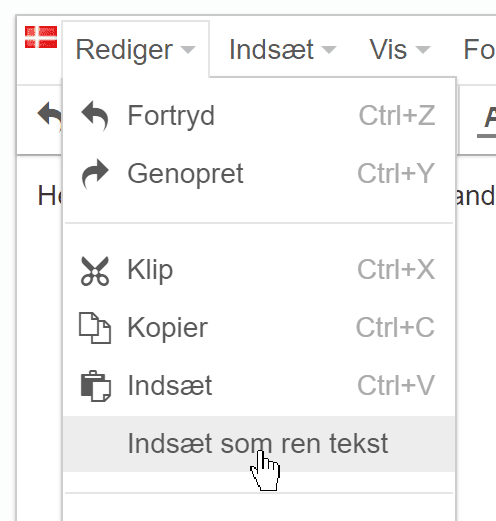
If you copy content from another website, a document or elsewhere, the formatting of headings etc. will usually come along with it. And it may not match the formatting and text sizes you need. You can avoid bringing that formatting along by pasting with this function:
Inserting (embedding) content via code from YouTube, Vimeo, forms etc.
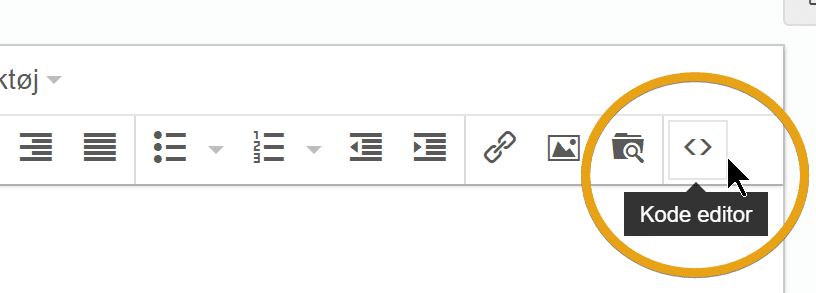
You can insert a video, a form and other content from other sources by first choosing the code editor:
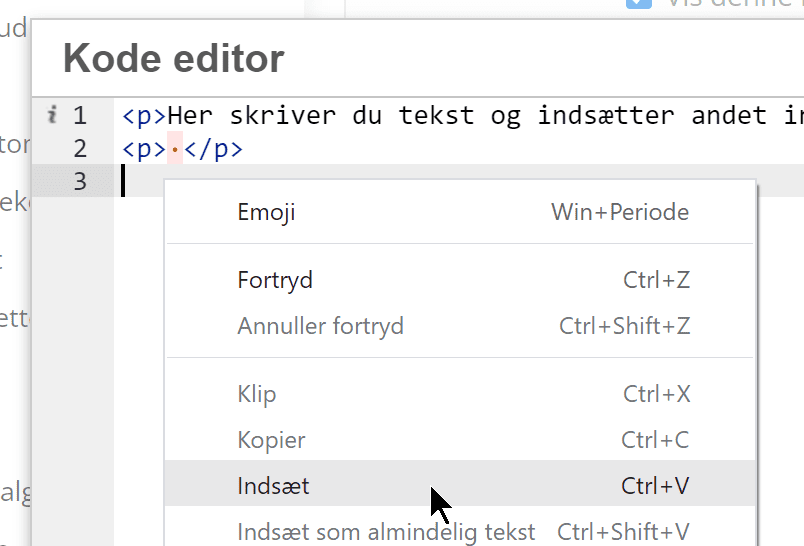
Place the cursor where the element (video etc.) should go and paste it (right-click and paste, or the keyboard shortcut on your computer)