In this category Product catalogue
Hide the price and buy button on selected products (call for price)
On this page
If you want to remove the option to add selected products to the basket and also hide their price, you can do it on the Data tab when editing the product.
Turn hiding the price + buy button on/off
You turn on hiding the price + buy button when editing the product. Go to the Data tab and tick the box at the top here:
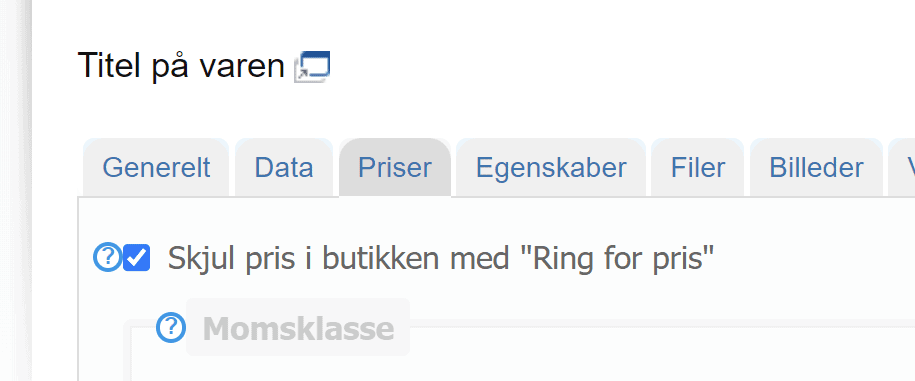
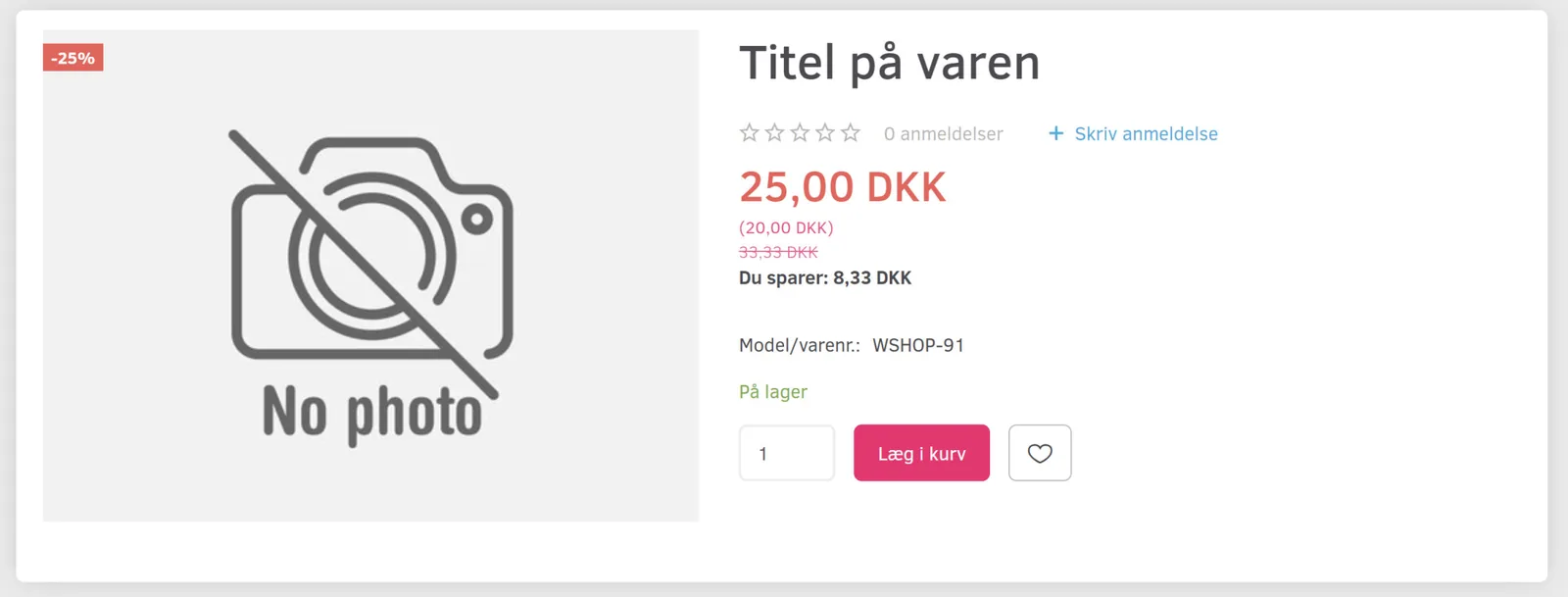
Where there used to be a price, for example like this
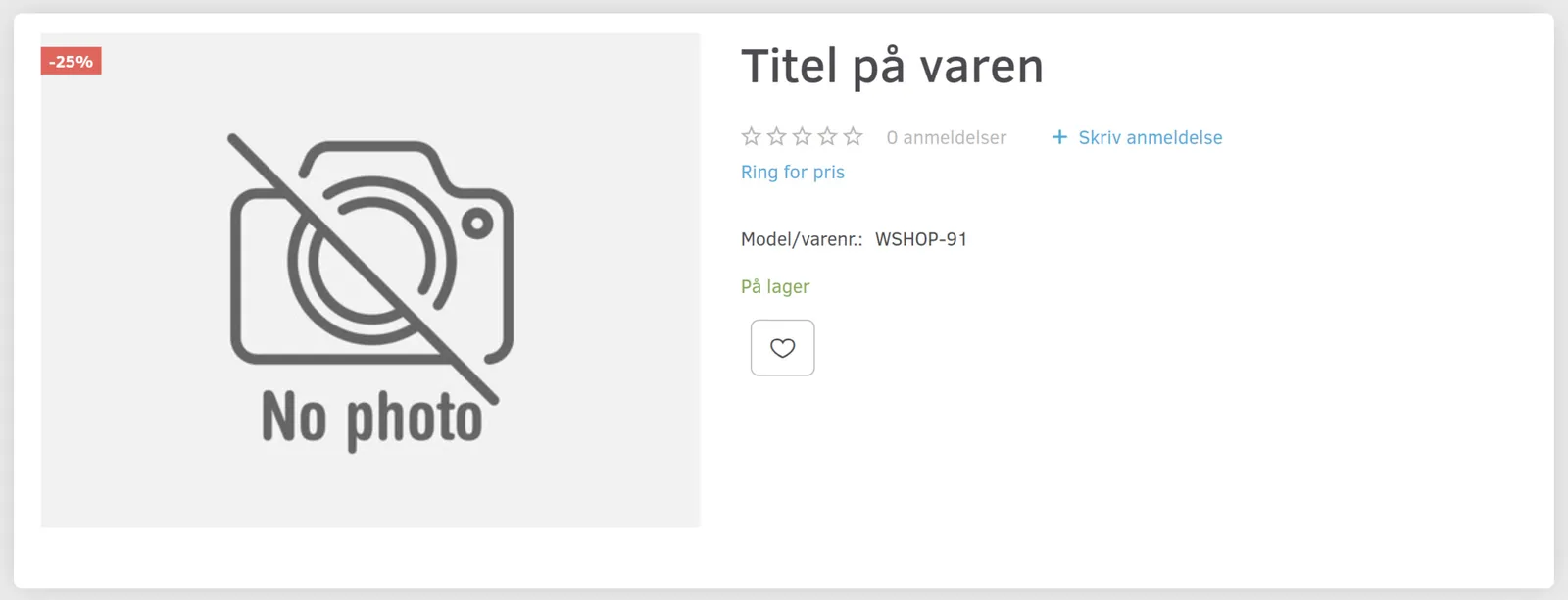
it will now show the standard text “Call for price” and the buy button has been removed
Change the text shown as “Call for price”
You can change the text “Call for price” to say something else – or perhaps just a space, so nothing is shown.
You do this via the standard texts, which are described in general here (search for the text call for price in the shop).
Show a price, but hide the buy button
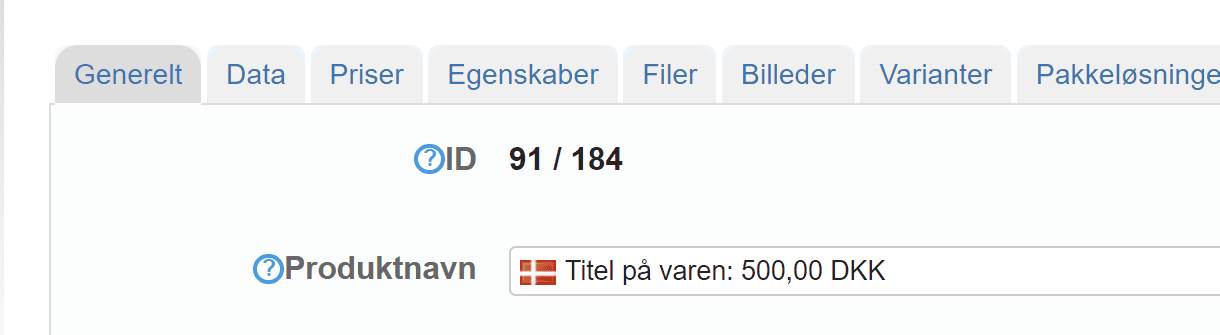
Would you like to show a price but hide the buy button? That can be done a little creatively by, for example, writing it into the product title, as here: