
In this category Product catalogue
Product catalogueProducts
Grouping variants
On this page
Variants/attributes have gained an extra option to group products by colour and present them as choices in a colour box. Here is an example of how it can look in the shop:
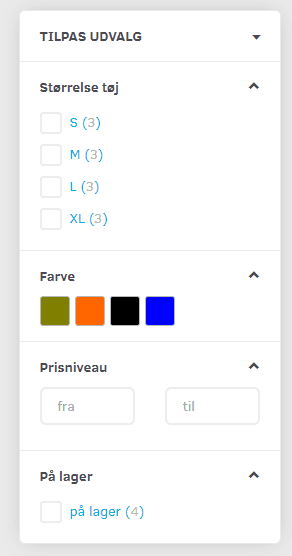
So instead of showing a long list of colours such as “Navy blue, marine blue, light blue, dark blue etc.”, you can group all the blues together in one choice.
Likewise if, for example, you have lots of different sizes – you can group them into ranges that the customer chooses from:
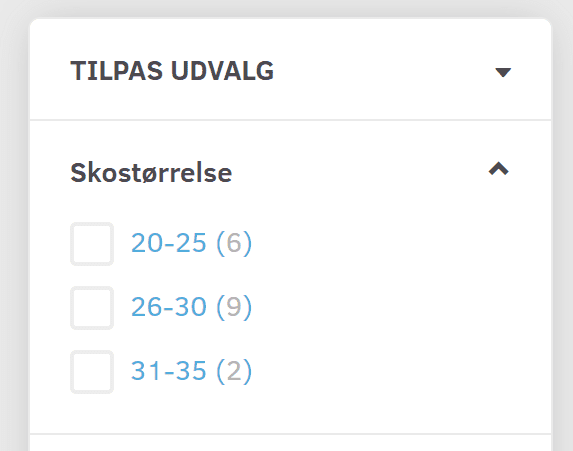
Create groups
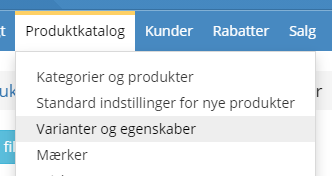
Start by going to Variants and attributes
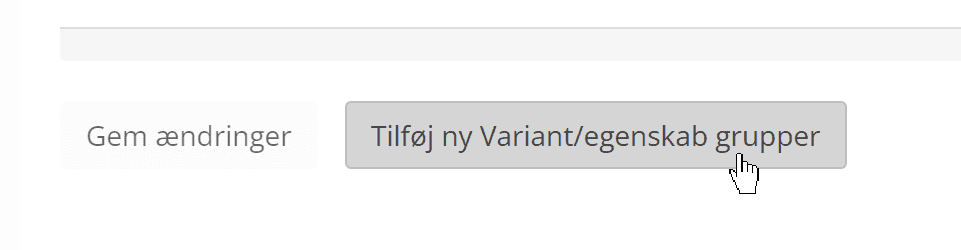
Click the button at the bottom
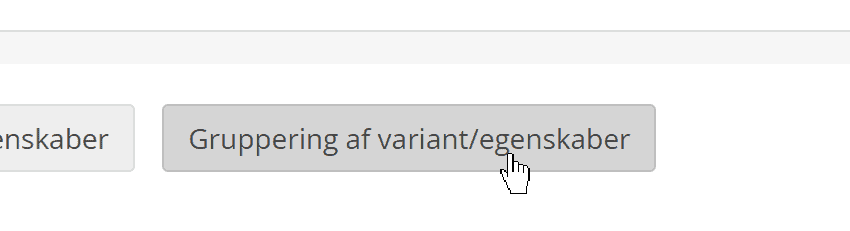
Here you click at the bottom on
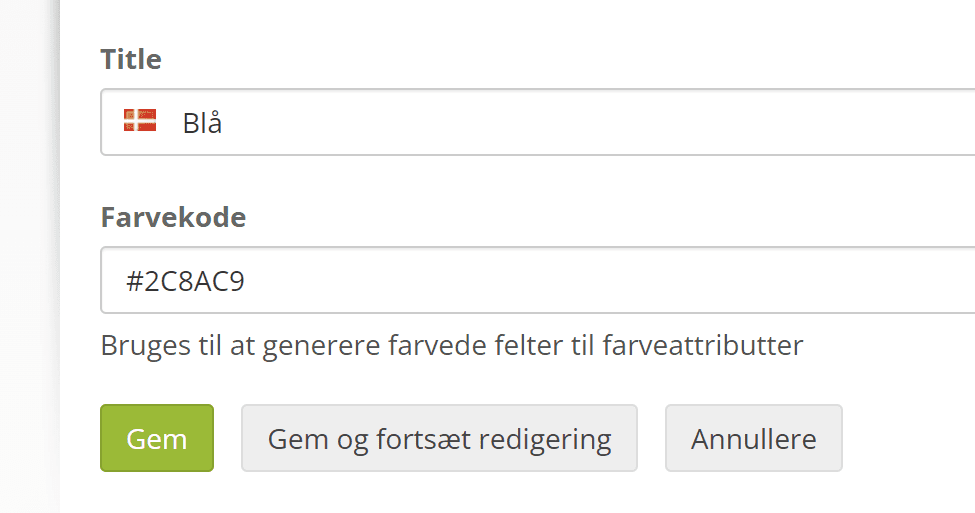
Type the name of the group. If it should be shown with a coloured square (like the first example at the top of this page), enter the so-called hex code of the colour you want to use.
You can find the colour code at htmlcolorcodes.com (opens in a new tab), for example
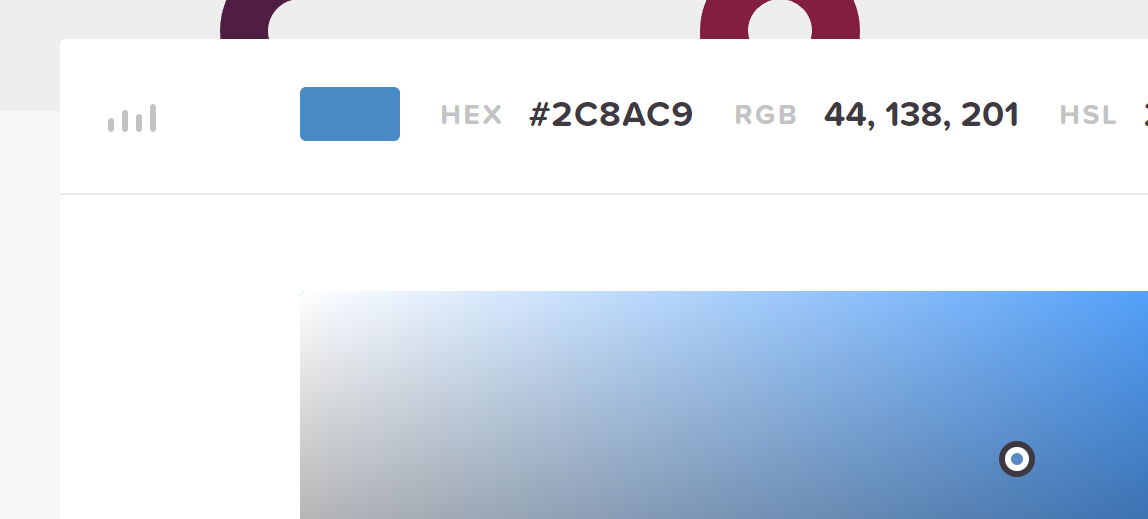
This is how the colour blue could be created:
Assign groups to variants
Go to the editing page of the variant choice you want to group – for example colour.
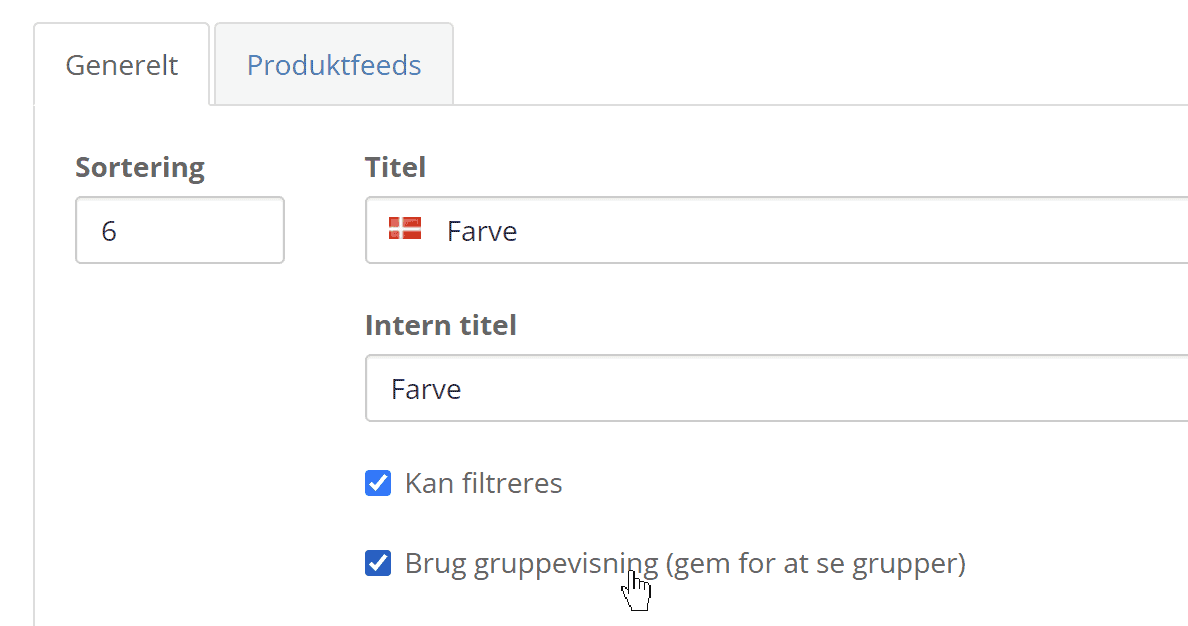
Here you must first turn on Use group display – click Save at the bottom to activate it.
Next to each variant you now have the field Group
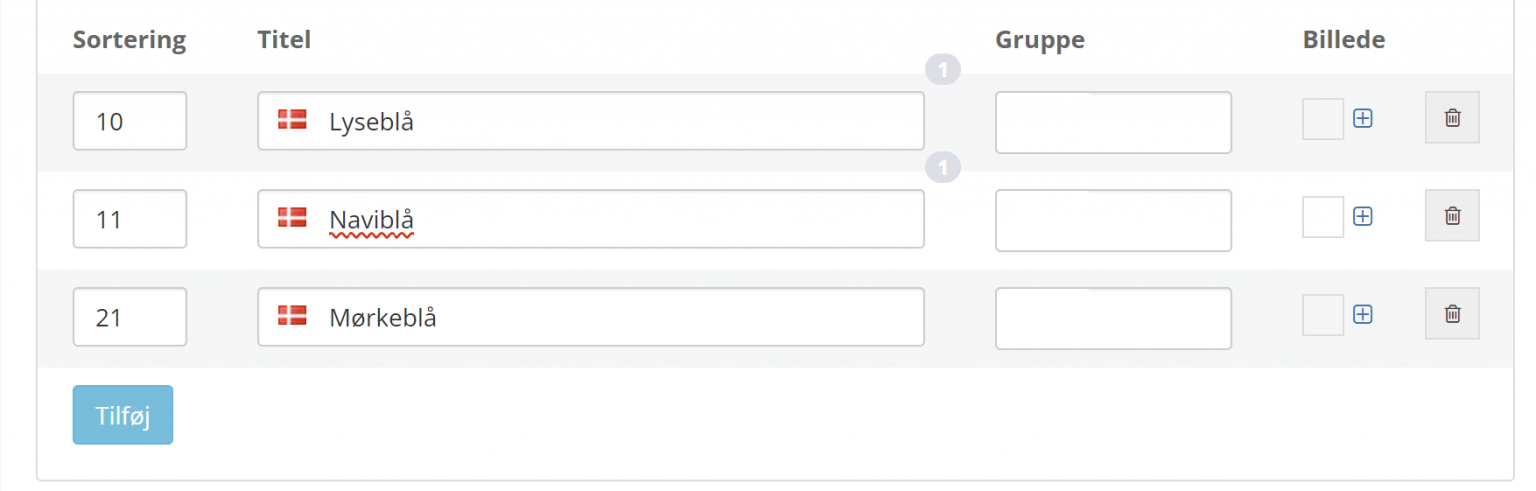
Place the cursor in the group field and type to search for the group you want – here, for example, blue

When you have assigned all the relevant variants to a group, click Save at the bottom.