In this category Product catalogue
Product catalogueProducts
Products: create and describe (general)
On this page
See here how to create a product and get off to a good start describing it on the General tab.
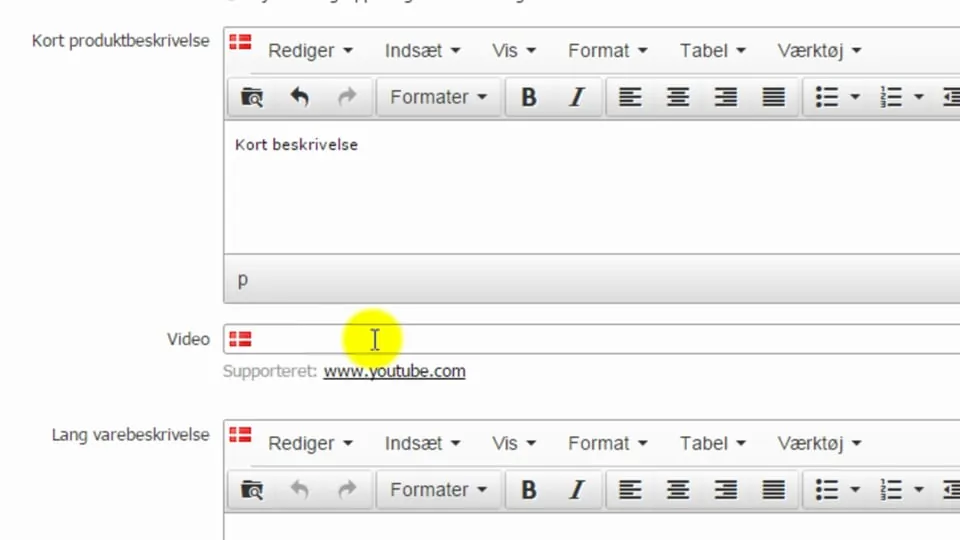 Play video: Products: creating a product and the General tab (opens Vimeo)
When a product is not for sale – not found or redirect
If a product is not for sale, you have several ways to let your customers know or send them on their way to alternatives:
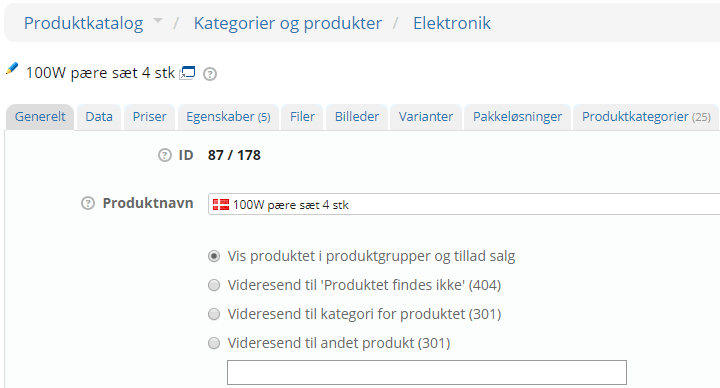
Redirect to “Product not found” (404)
With this option, both visitors and search engines are told that the product/page no longer exists. It can be a good choice when a product is no longer for sale and there are no relevant alternatives to send people on to.
Redirect to the product's category (301)
If you choose this setting, people are automatically taken to the category the product is in. If, for example, a specific light bulb is leaving your range, people will be redirected to the category with all the light bulbs.
Redirect to another product (301)
If you have a product that is no longer for sale and another one that is very similar, you can redirect straight to that product. Be careful, though, about redirecting to products that are not very similar, so you don't cause unnecessary confusion.
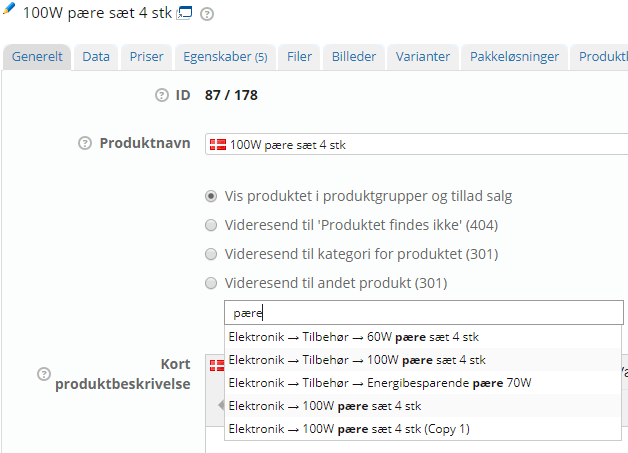
You choose a product by placing the cursor in the field and typing a search. Here is an example with a search for “bulb”: