
In this category Product catalogue
Landing pages and product selections
How to create pages with a selection of products. It could be, for example, products of a particular brand or all products on sale. Or making it easy to find a gift.
On this page

With the Selection function you can create pages that help your customers see exactly what they are looking for.
It could be, for example:
- All products on sale
- Products with 25% off or more
- Products costing between €25 and €40 (find a gift)
- All red jumpers in size XL
There are lots of possibilities. It can also be for Google Ads campaigns, where you can create a landing page that matches one specific ad very precisely.
It could be, for example, all products of a particular brand, and only those in a chosen colour and size from one product category. An ad that appears for the search “ecco shoes size 32” and shows exactly that has a much better chance of making a sale than if the link just goes to the shoe category. To keep your Google Ads landing pages separate from your normal navigation, you can hide the page from search engines and, if you like, from the menu too.
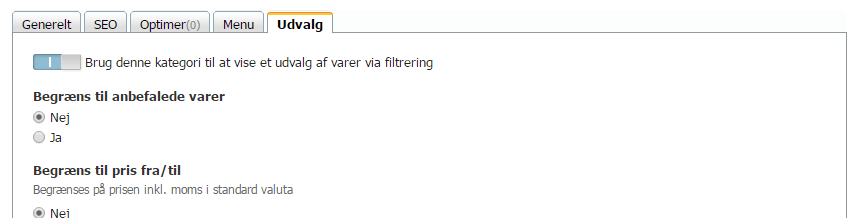
You will find the Selection option as a tab when you create or edit a category:
Example: Offers
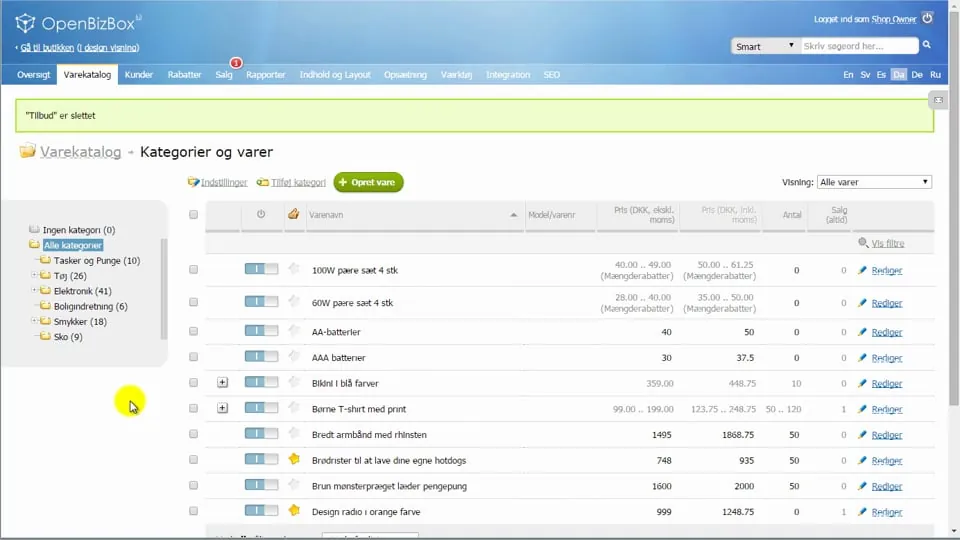 Play video: Product selections: example offer (opens Vimeo)
Example: Find a gift
Make it easy to buy a gift in your shop. It is quite quick to set up with a selection, like this:
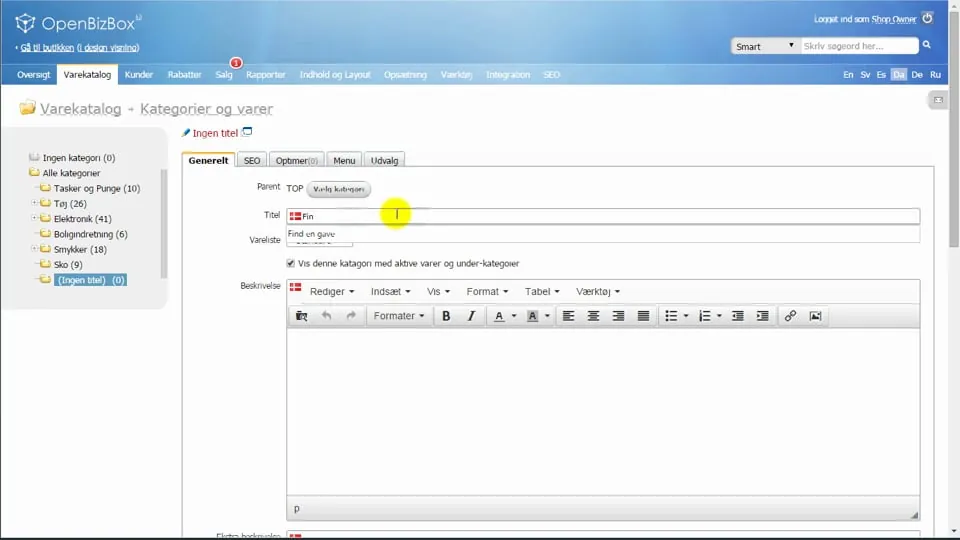 Play video: Product selections: example find a gift (opens Vimeo)
Example: Google Ads, PPC, marketing
By creating landing pages with very precise text and selections, you can both increase your ad relevance (and so perhaps also lower the price per click) and improve conversion. All in all, more sales and lower costs for clicks/visits.
What typically sets a landing page made purely for online marketing apart is these two settings:
- The page is hidden in the menu
- The page is hidden from search engines (indexing for ordinary search)

You will find the options to hide the page in the menu and from search engines on the SEO and Menu tabs:
Here is a video showing an example of building pages for use with Google Ads (AdWords at the time):
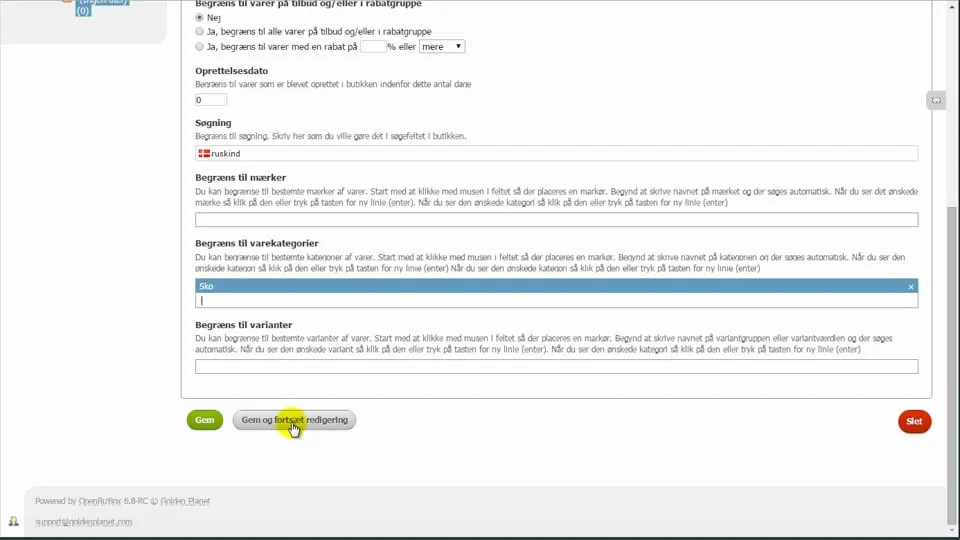 Play video: Product selections: example AdWords (opens Vimeo)