
In this category Product catalogue
Product catalogueProducts
Product: Data
On this page
Below you will find a video for each section of the Data tab:
The “Product” section:
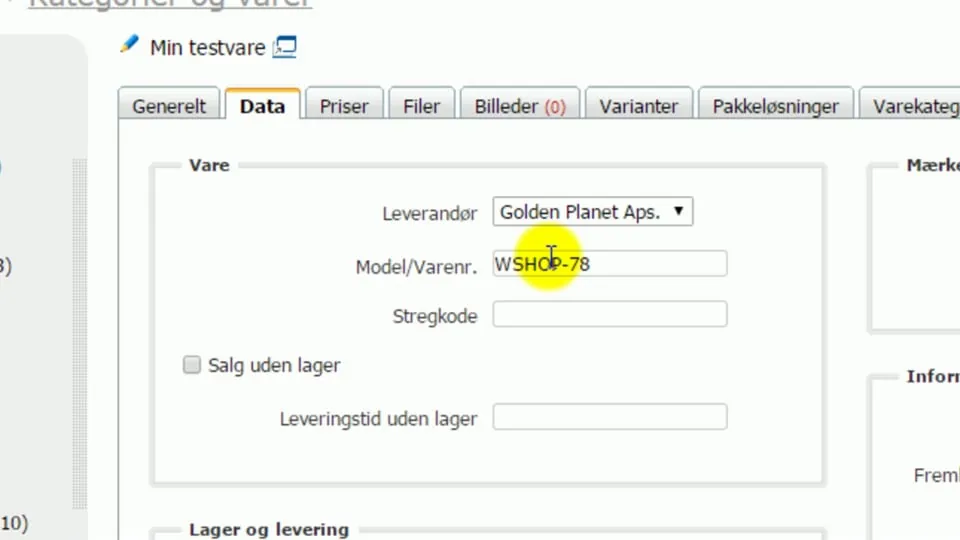 Play video: Products: the Data tab – the product section (opens Vimeo)
The “Stock and delivery” section:
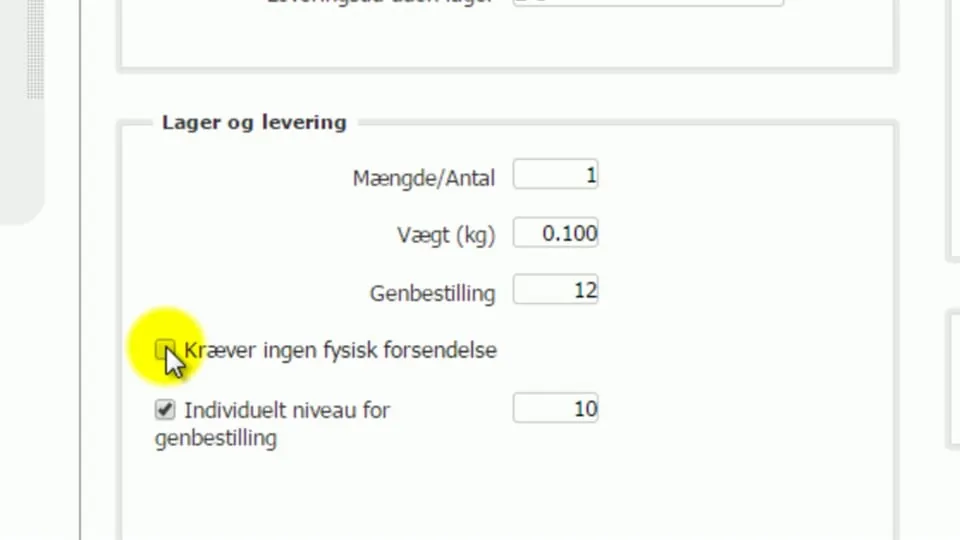 Play video: Products: the Data tab – the stock and delivery section (opens Vimeo)
In this section you can also enter the stock location and the barcode, also known as the EAN code.
The “Brands” section:
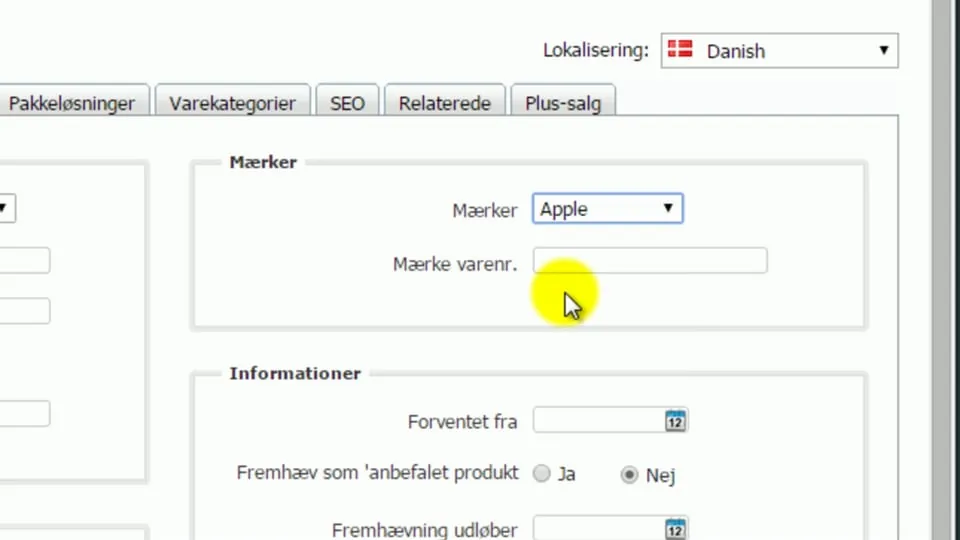 Play video: Products: the Data tab – the brands section (opens Vimeo)
The “Information” section:
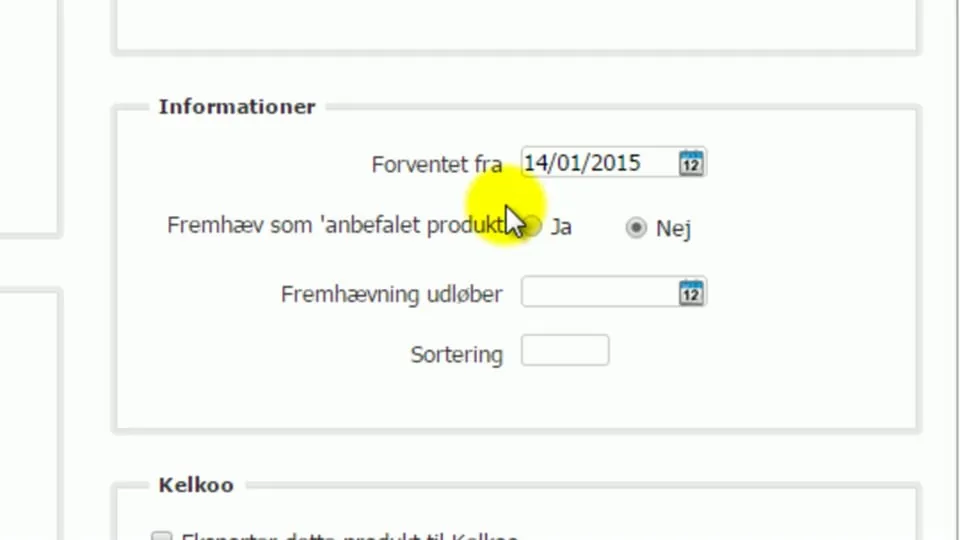 Play video: Products: the Data tab – the information section (opens Vimeo)
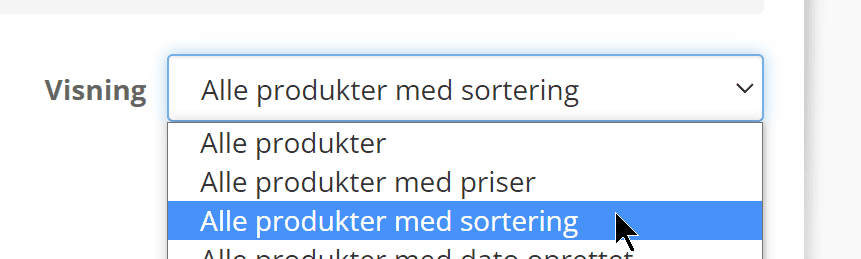
You can also mark products as featured (Popular) from the product list by choosing the view All products with sort order
and then adding or removing the star next to the products in question
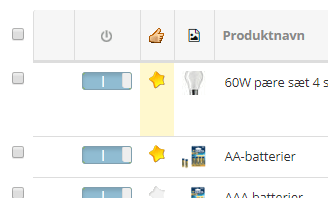
Click Save changes at the bottom when you have finished with the list.