
In this category Other topics
Activity log in the admin (events)
On this page
When you want to find out when a change was made in your online shop, you can check it in the built-in log. It goes back about 2 weeks.
For example, you can see when a product was created, changes to stock quantities etc.
Where to find the activity log
- Log in to your shop's admin
- Go to the web address in your browser and change it so that it ends in /admin/events/ after the domain name (e.g. webshopdemo.dk/admin/events/)

Example of filtering by activity on a specific product
To search for a specific product, you need its ID number.
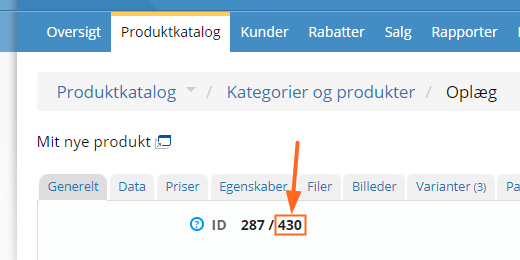
On a product without variants (colours, sizes etc.), you can see it on the General tab as the second number after ID – in this example it is 430:
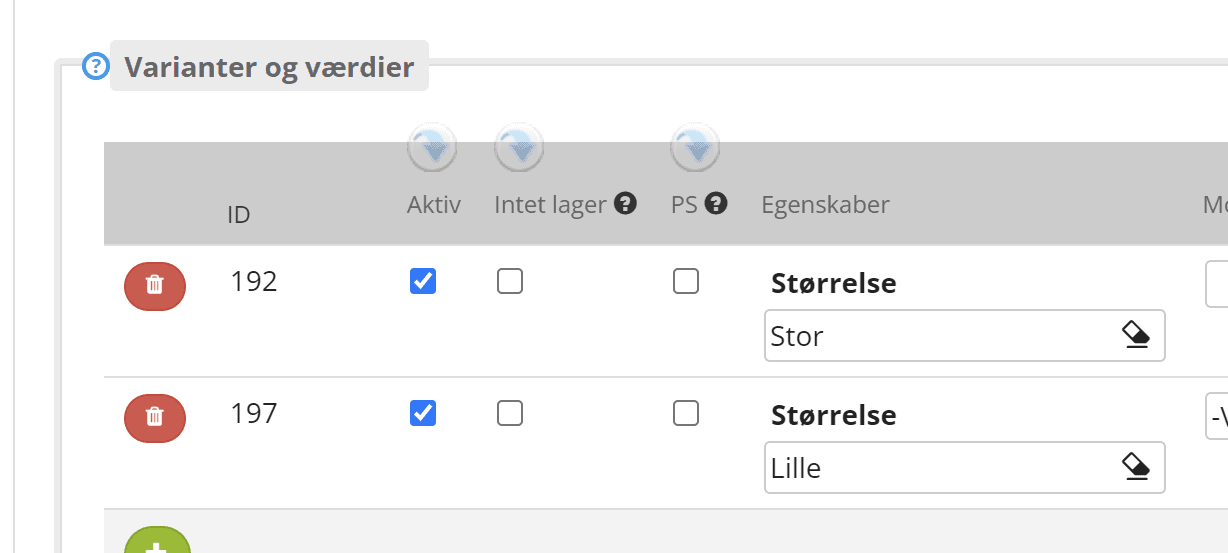
If it is a variant, you find the ID on the Variants tab in the first column:
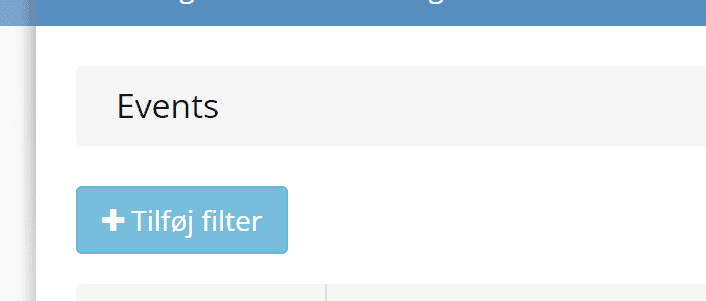
In the event log, click the Add filter button
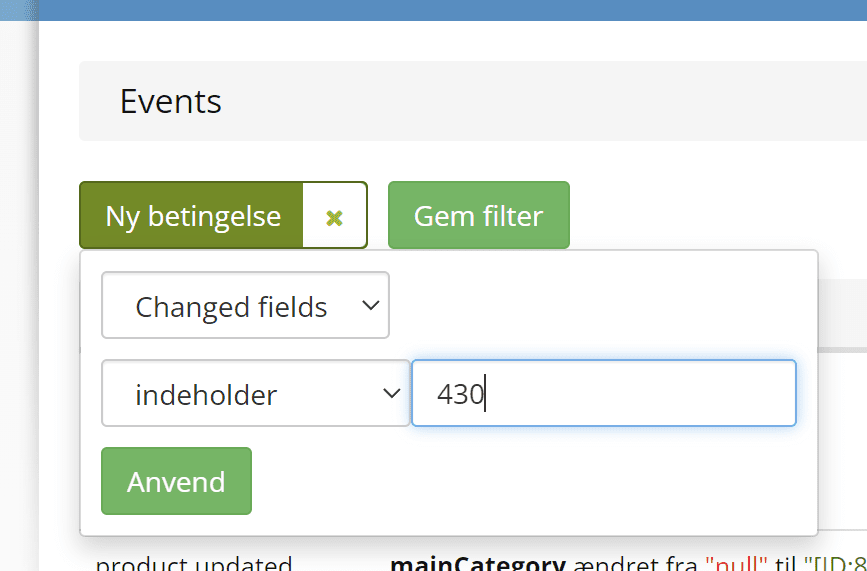
Now choose Changed fields and contains, and type the product's ID
Where it says Articles changed followed directly by the product's ID, a change has been recorded. Here the stock quantity was changed from 0 to 1 by editing the product:
