
In this category Other topics
Rounding prices (per currency)
On this page
With rounding, you can have consistent prices in your shop. Also when prices are calculated as a percentage of the cost price, a discount or a currency, so you avoid them ending up as an “odd” amount such as
€44.87
With automatic rounding, you can have it become, for example,
€44.95
How to turn rounding on and off
Each currency often has its own typical way of rounding prices. Rounding to the cent in EUR is different from rounding to the øre in Danish kroner. Other currencies that run in larger figures may be rounded to the nearest 10 or 100 rather than to a decimal.
You set up rounding for a currency – including your shop's main currency – via the currency settings in the admin
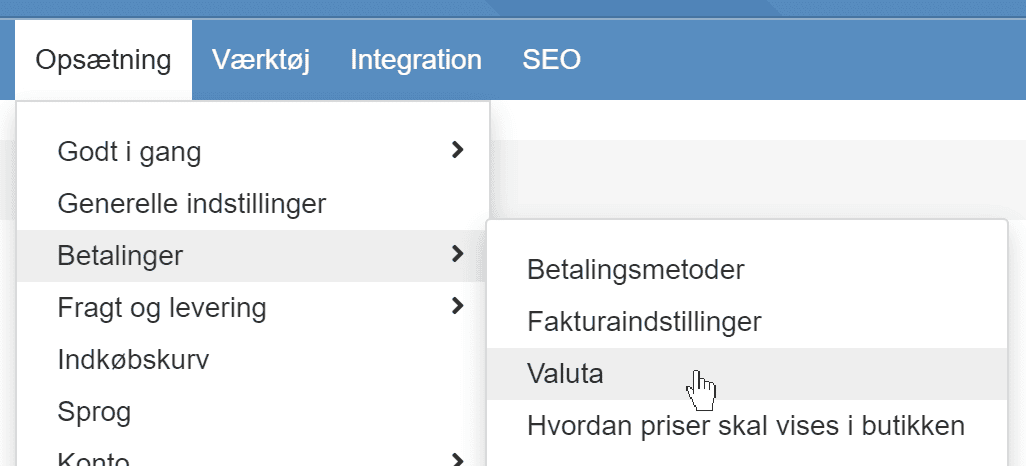
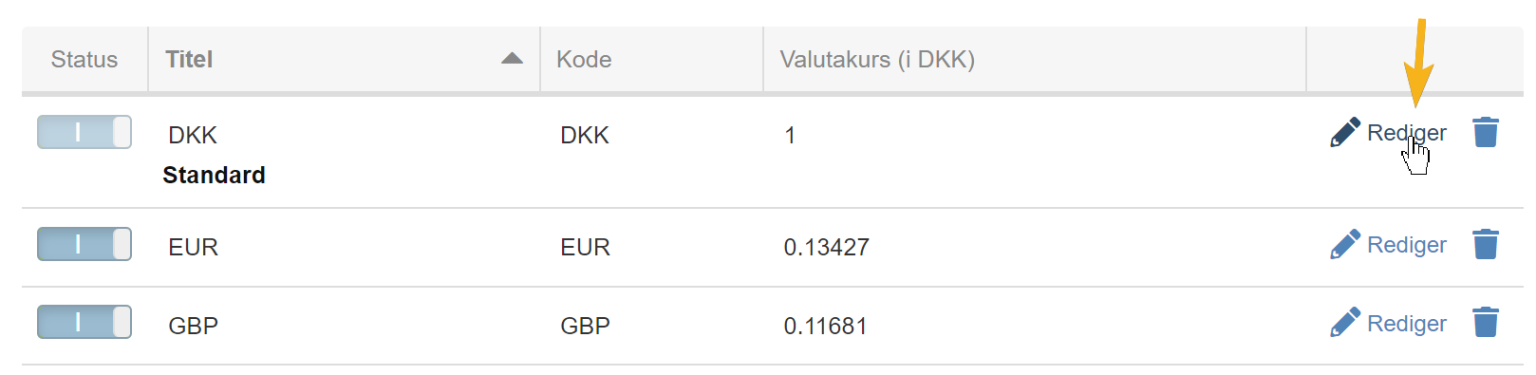
Click Edit next to the currency you want to round prices in
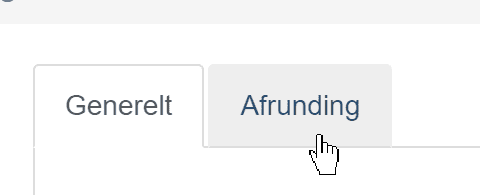
Then choose the Rounding tab
By default, there is no rounding. You can enable rounding by ticking the enable box and then adding your rules
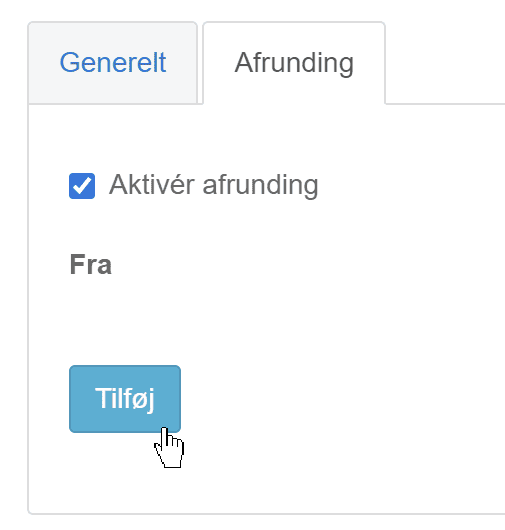
In the same way, you can turn rounding off (temporarily) by removing the tick in Enable rounding and then clicking the Save button.
How to round – examples of rounding rules
You set up your rounding by deciding which steps to round to. For example, that all your prices should end in either .25, .50 or .95 for prices under €100 – and above that in whole amounts without cents.
Example 1: Round all amounts to the nearest .95 (0.95 – 1.95 – 2.95 etc.):
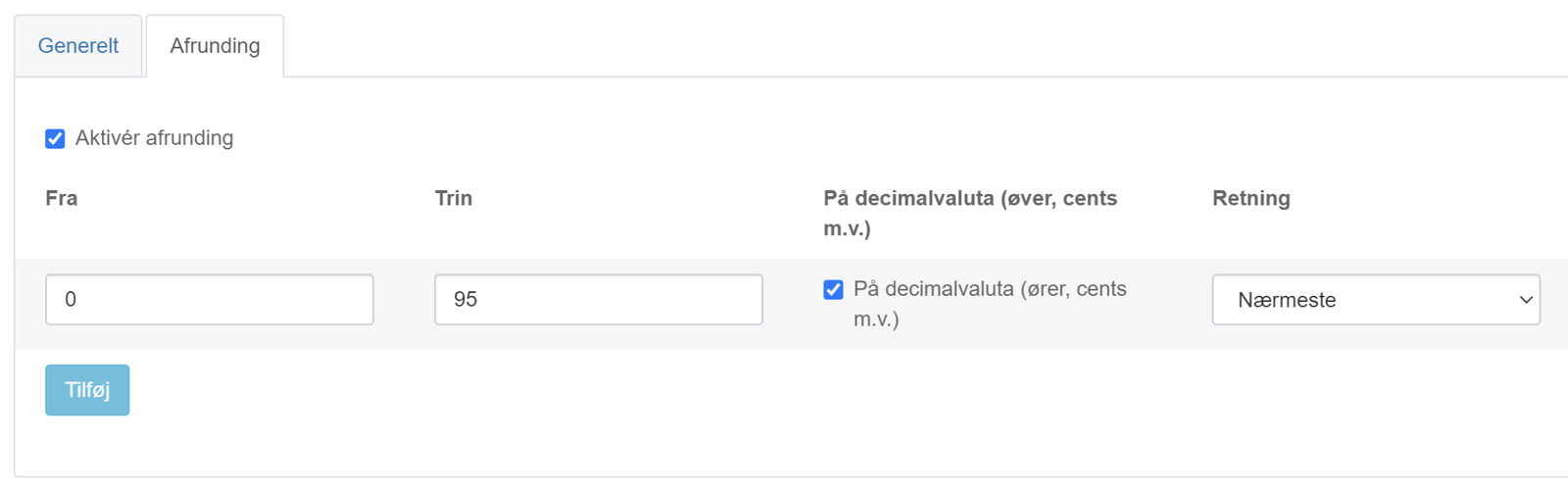
The rule applies to all prices from €0 and up. Note that it is set to round on the decimals. Nearest means that amounts such as 5.85 become 5.95 – and 5.18 becomes 4.95.
Example 2: Round amounts under 100 to the nearest .00, .50 or .95. Above 100, round up to whole amounts:
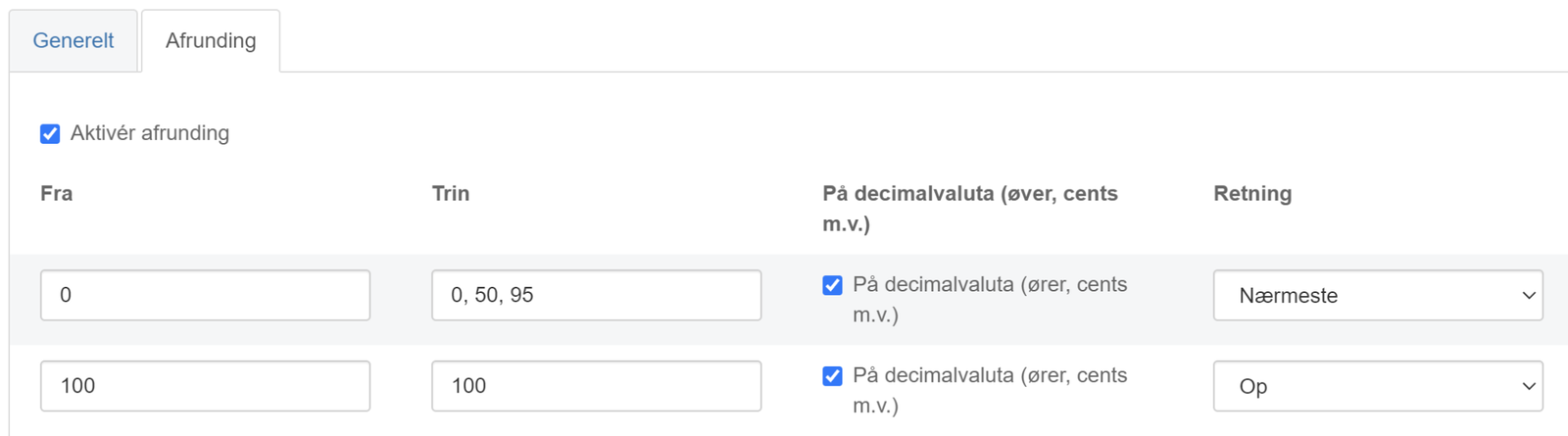
Here 5.85 also becomes 5.95 – but 114.85 becomes 115.00.
Example 3: Same as example 2, but with amounts over €1,000 rounded to the nearest €10
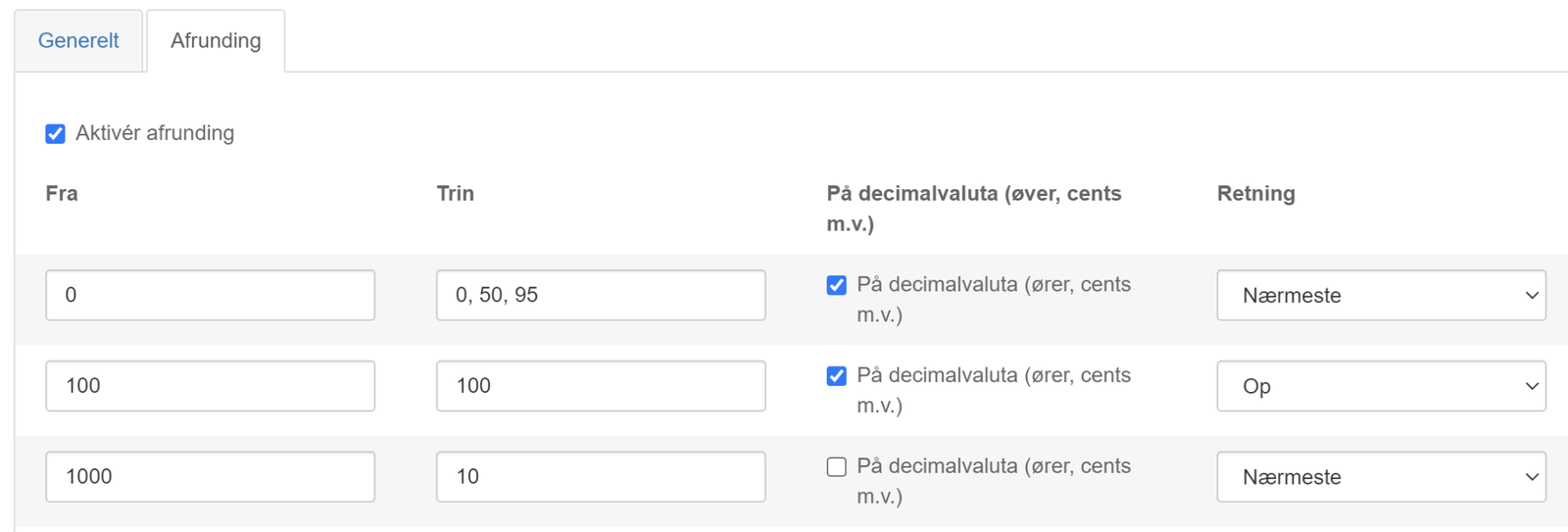
The same as example 2, with the difference that, for example, 2,208 is rounded to 2,210
Consider using it only for prices in currencies other than your local one
If you still want to control your prices in your main currency exactly as you write them and as discounts etc. convert them, you can consider using rounding only in the extra currencies you may have. That way, you can both convert them automatically at the daily rate and avoid almost all of them ending up as “odd” amounts.