In this category Other topics
Sticky “Add to basket” at the top on mobile
With this feature, you can let customers who visit on mobile add a product to the basket even when they have scrolled a long way down the page.
Instead of the top looking like this, for example:
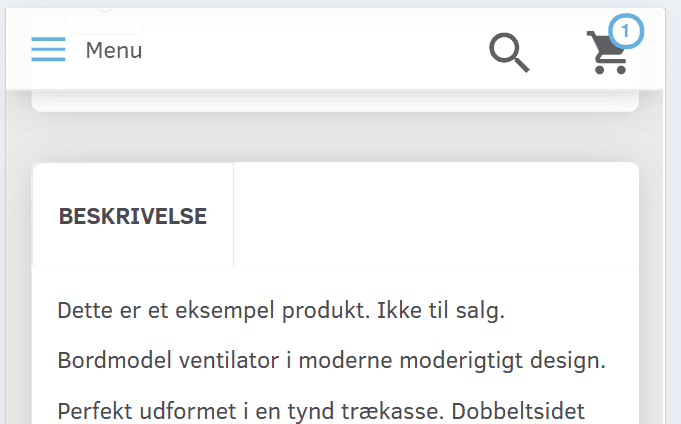
It will look like this:
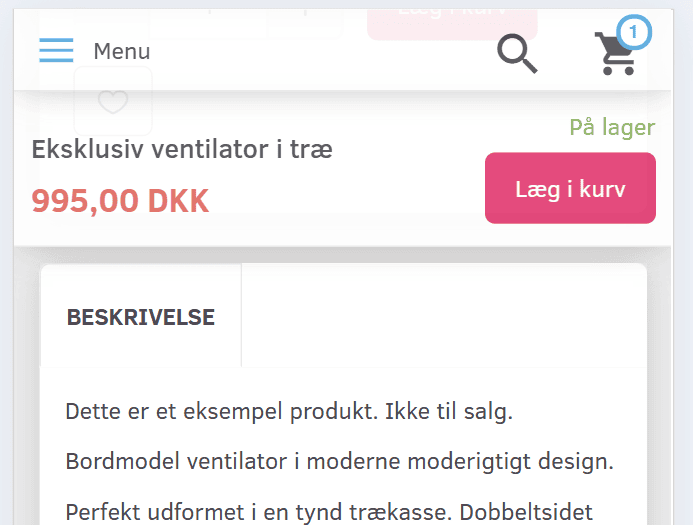
Here it is shown for the whole page, where you can also see the basket, which customers can always click to open and see everything in their basket:
Setting up the basket at the top
You can turn the basket at the top on mobile on and off via this menu item
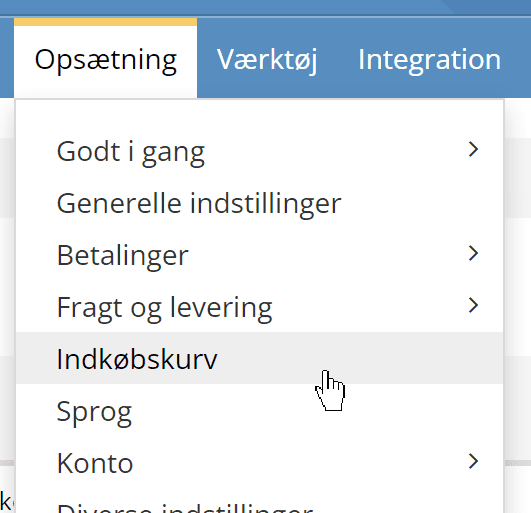
Here you will find these settings
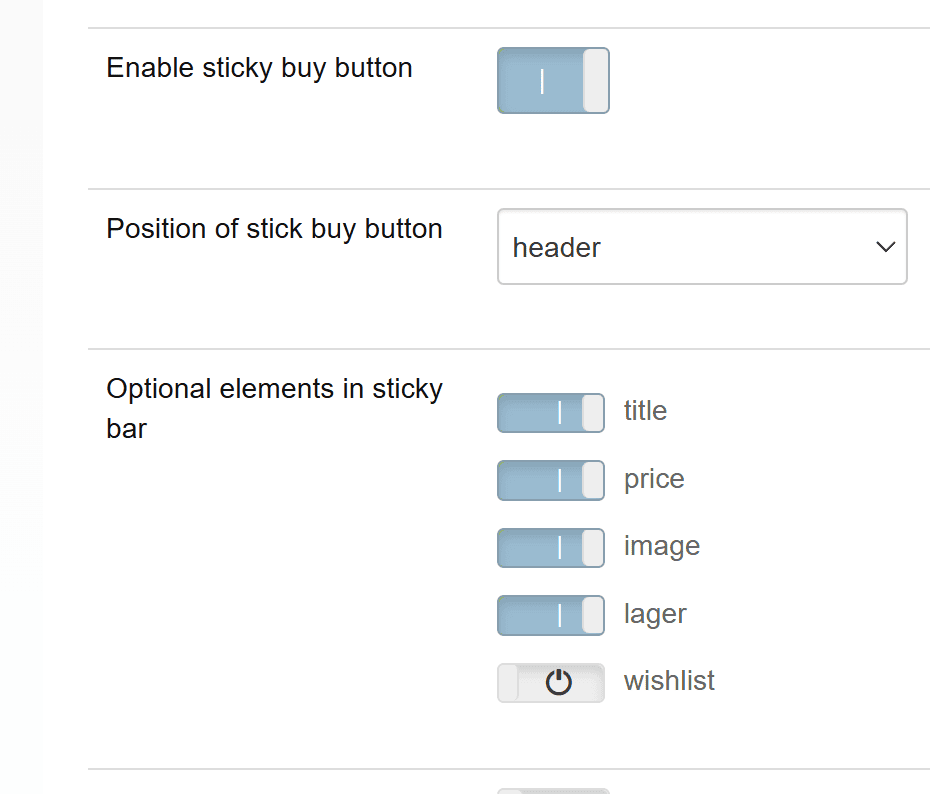
The first one, of course, turns it on and off. The next ones set whether it is shown at the top or at the bottom.
In the ones after that, you choose which elements are shown in the “sticky header” – whatever suits your online shop best.
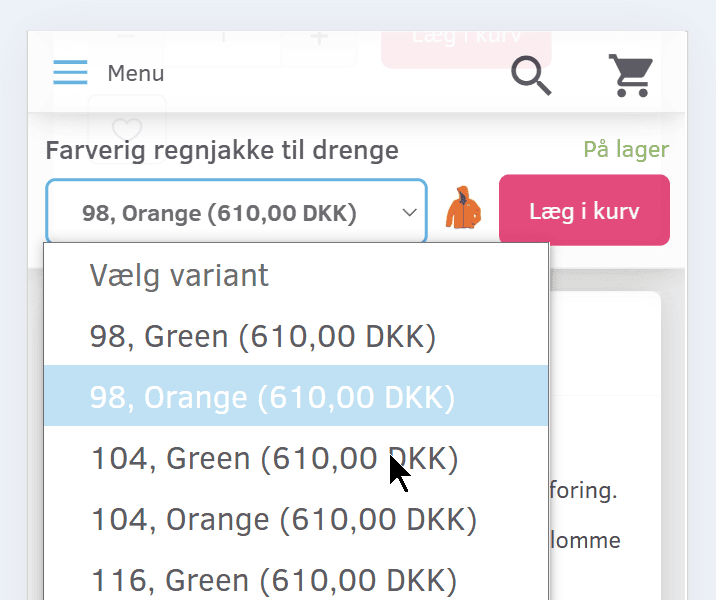
The image is only shown when you have variants that are set to show a specific image per variant – for example an image for each colour:
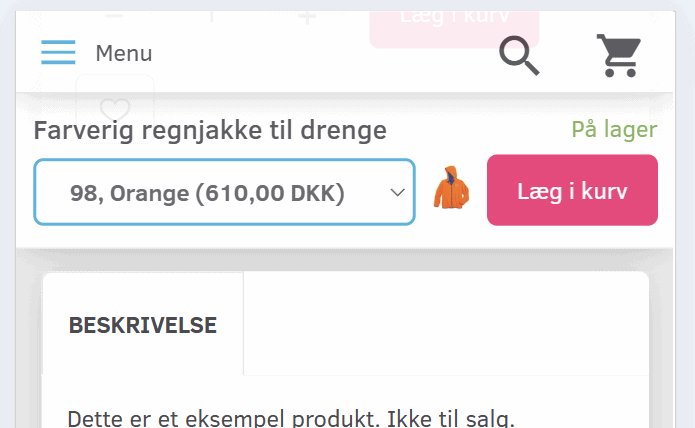
Variants are shown in a drop-down menu – so with colours it will look like this: