
In this category Other topics
Other topicsImporting and exporting data
Working with data in Google Sheets
On this page
When you want to change data or use import to create new products, the easiest way is to start from a file with exported data.
If you want to create new products, start with a data export, open the file in your spreadsheet and delete all rows except the titles in the first row. You can also leave some of the first rows in place, so you have them as examples and can easily copy fields that should be the same for all products (for example VAT). You can then delete these extra rows just before you save for the last time and start the import.
This video shows how to work with data in a spreadsheet.
We generally recommend using Google Drive (opens in a new tab) to work with data. It is free and always available in your browser.
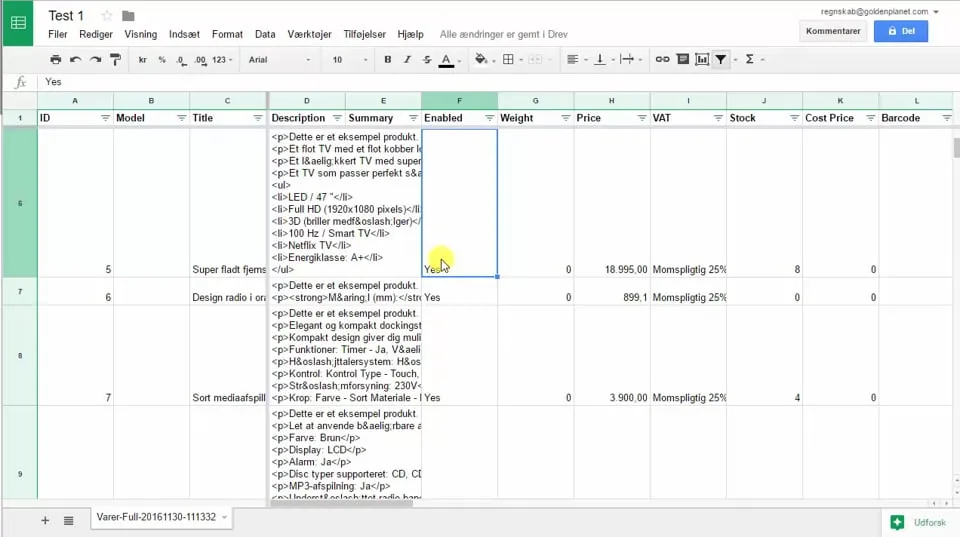 Play video: Google Drive – importing data (opens Vimeo)
Save a Google Drive sheet for import into your shop
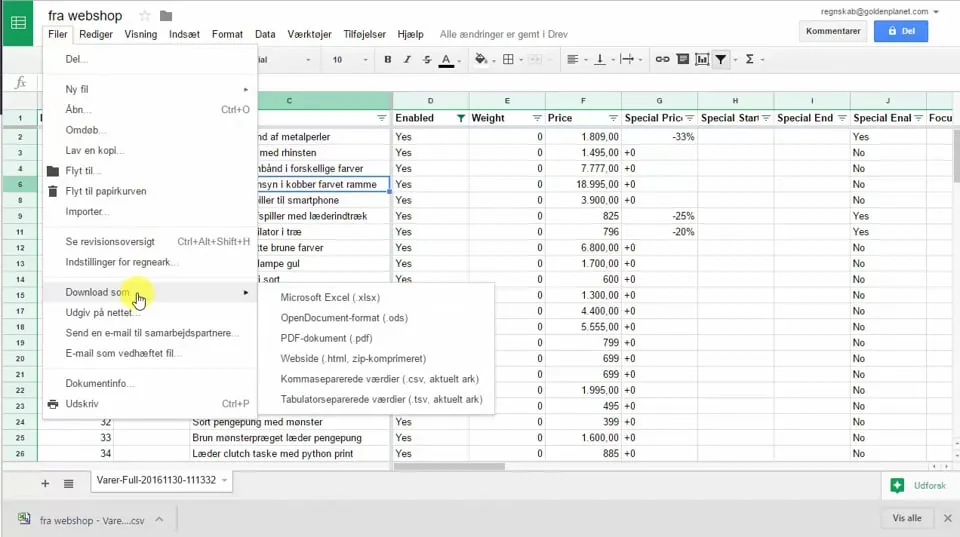 Play video: Google Drive: save as CSV (opens Vimeo)
Free course in Danish on Google Sheets
You can learn more about Google Sheets on this free course (opens in a new tab) (in Danish).