
In this category Other topics
Favicon
If you would like a small icon/image in the browser tab when customers visit your online shop, you can add what is called a favicon very easily.

Add or change your favicon
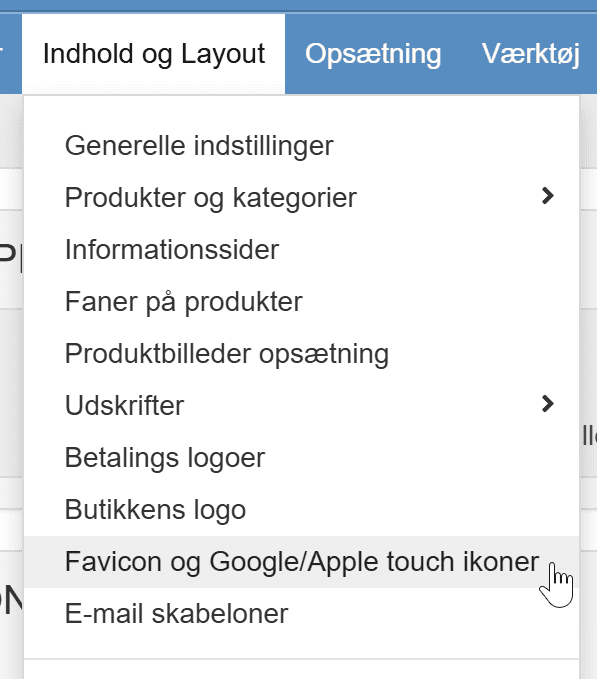
You add your favicon via Content and layout > Favicon
The maximum size is 32 x 32 pixels, and these formats are supported: .ico, .gif and .png. You can convert larger files for free with a tool such as https://favicon.io/favicon-converter/ (opens in a new tab)