In this category Other topics
Wish list
On this page
Make it easy for your customers to save products from your shop and share them with friends and family.
To create a wish list, the customer must first log in if they are a returning user, or create a user account if they are a new customer. They can then start making wish lists for everyone in the family and send them to friends and family by email and/or social media.
Enable in the shop
First, the wish list must be enabled in the shop.
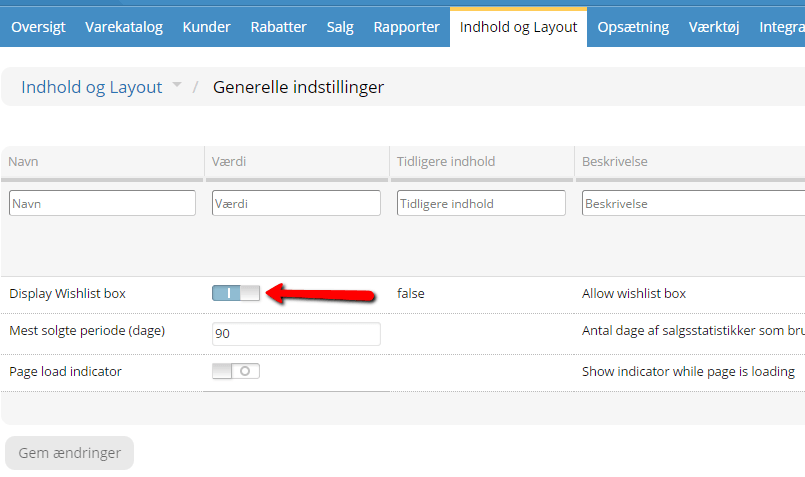
You do this by going to Content and layout > General settings and then enabling Display Wishlist box.
Enable in the layout
Next, the wish list must be added to the design – so that it is shown in the best place for your shop's design.
Go to Content and layout > Layout tool. Here you choose Product pages in the top left-hand corner.
Then drag the Wish list button element into the design and place it where you want it.

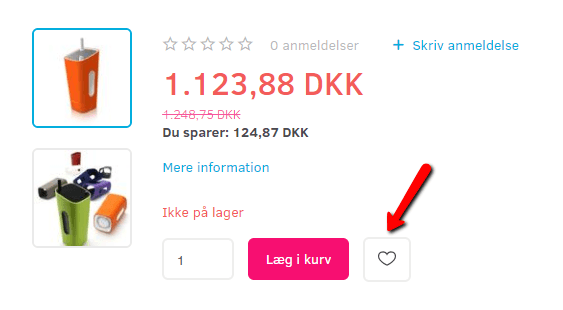
And this is how it will look to customers – if the customer is not yet logged in (the customer will then be asked to log in):
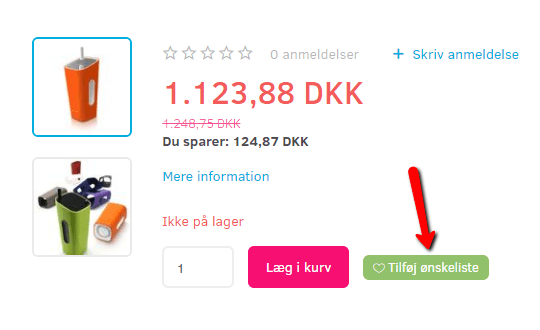
If the customer IS logged in, it will look like this:
How the customer uses it
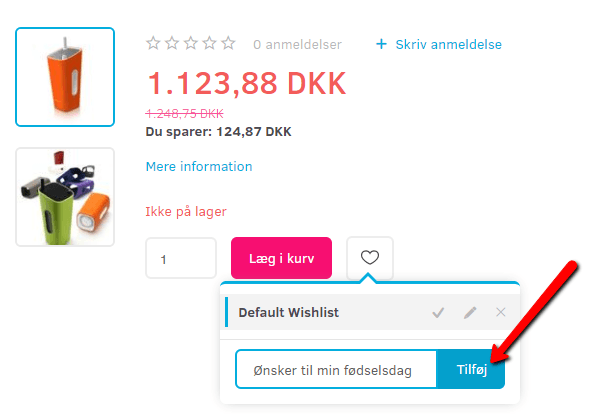
When the customer is logged in and clicks the wish list on a product, a small box opens.
Clicking the title of the wish list adds the product to that list. The customer can also create a new list – by adding a name/title for the list – and then add the product to it.
From the small box, a list can be deleted by clicking the cross – and edited by clicking the pencil.
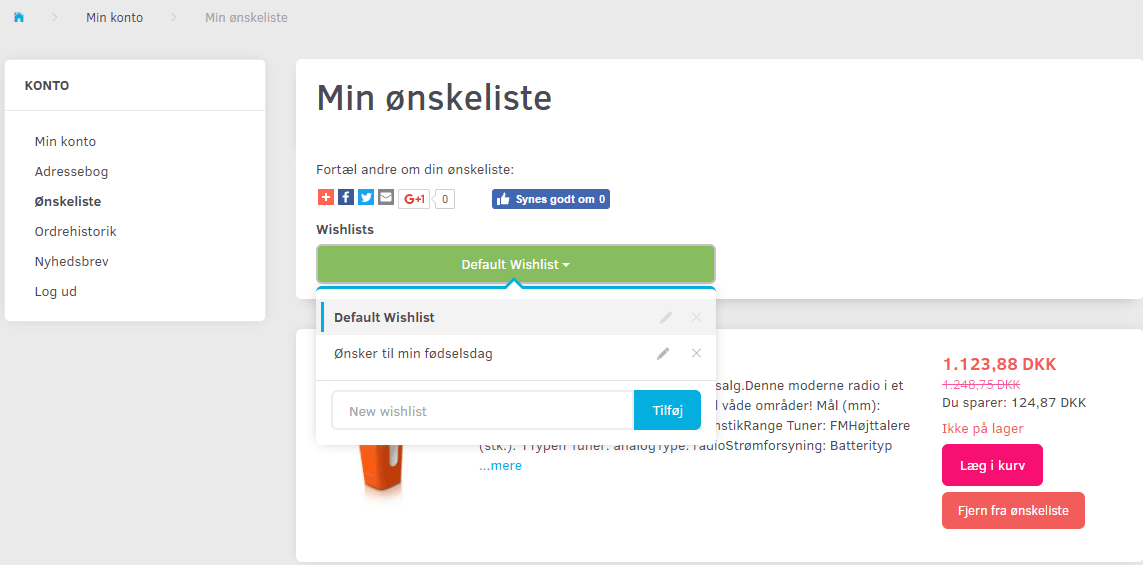
Clicking the pencil opens a new tab, where the customer can see which products are linked to that particular list.
The customer can also find the wish list via the menu in their own account.