In this category Other topics
Age verification with MitID
On this page
In Denmark, from 1 October 2024, online shops that sell tobacco, nicotine and/or alcohol must carry out age verification with MitID (the Danish digital ID).
We have therefore made an integration with MitID that can ask for this verification when a customer goes to checkout:
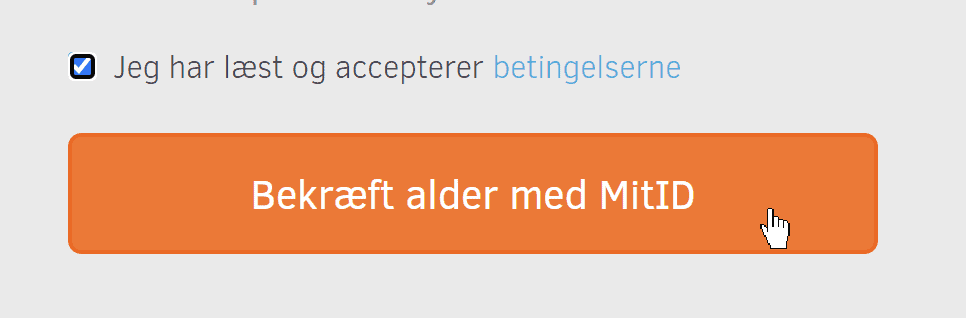
After a successful age verification, the customer can complete the order as usual.
We save the completed age verification on the customer, so the next time a customer gives the same email address for an order, they will not be asked for age verification again. This makes it easier for the customer, and you save the fee for a repeated verification.
Only information about the person's age is retrieved via MitID – no CPR number (Danish personal identification number) is retrieved or stored. The record that a customer has been age-verified is, however, personal data that you as the online shop process under the GDPR, so mention it in your privacy policy.
You can read more about the new law here at the Danish Safety Technology Authority (Sikkerhedsstyrelsen) (opens in a new tab) (in Danish).
Set up an agreement for the MitID integration
To connect your online shop to MitID verification, you need an agreement with a broker of MitID look-ups.
The integration we have made works with MitID via Signaturgruppen. You therefore need to contact them to set up an agreement:
Signaturgruppen A/S – signaturgruppen.dk (opens in a new tab)
Phone: +45 70 25 64 25
Setting up your shop
When your agreement with Signaturgruppen is in place, you can enable age verification in your online shop.
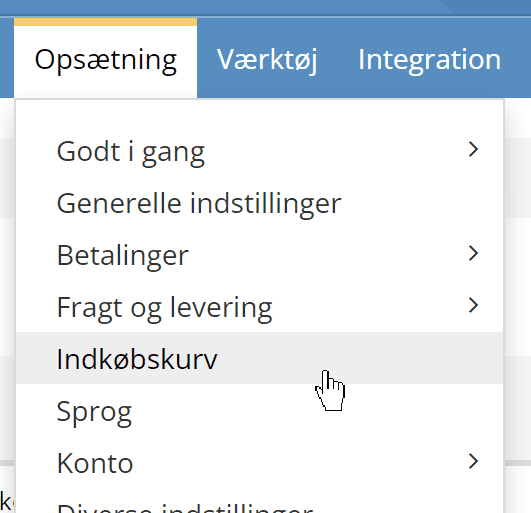
You do this via Cart under the Settings menu item
Here you first enable age verification and set the minimum age:
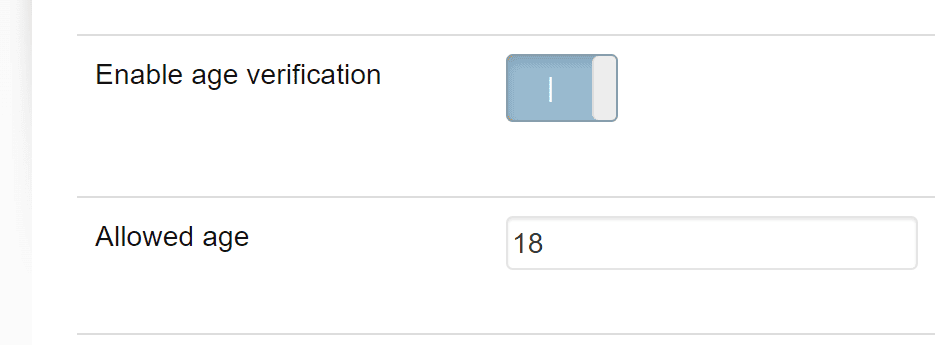
You cannot have more than one age, so in most cases 18 will be the one to use.
Below that, enter your Age verification client-id, which you have received from Signaturgruppen
If you don't want to spend time setting age verification on each individual product, you can choose to have it carried out on all of them. You do this with this setting:
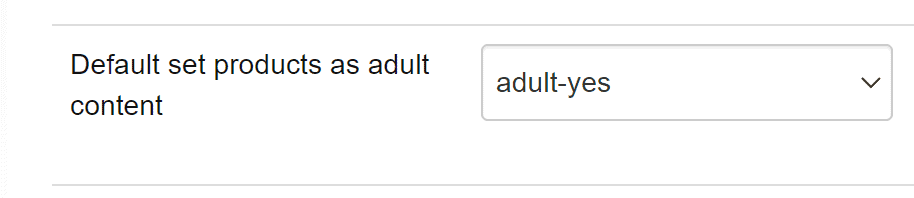
That's it. Now try placing a test order with your own MitID.
Verification of selected products (rather than all)
If you have set the setting mentioned above like this
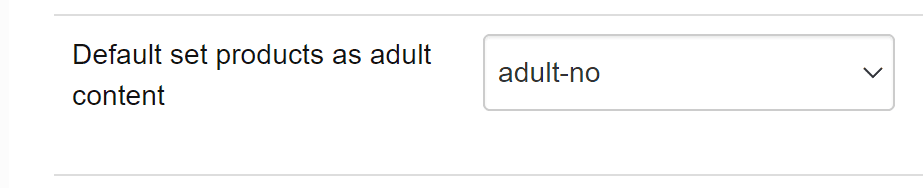
age verification with MitID is only required for the products you set it for.
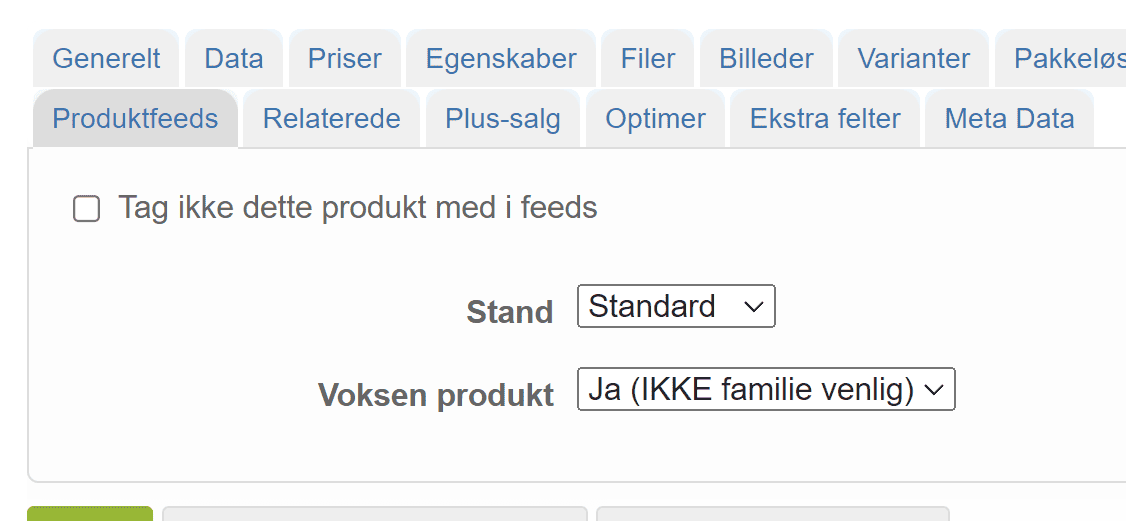
Go to editing of the products in question and then, on the Product feeds tab, mark the product as an adult product
Turn age verification on/off directly on a customer
If you are able to verify age in another valid way – for example the customer showing you a driving licence or passport in person – you can mark on a customer that age verification has been carried out. The customer will then not be asked for MitID when they want to shop in your online shop.
You do this via Customer list
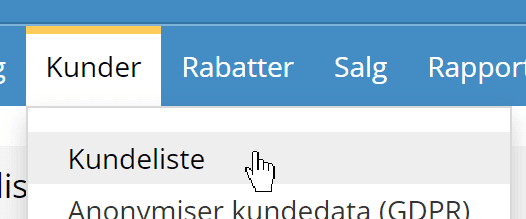
Search for the customer and go to editing the customer. There you will find age verification, which can be turned on/off: