
In this category Other topics
Google Consent Mode V2
On this page
The EU's Digital Markets Act (DMA), which the large platforms must comply with from March 2024, requires Google and other large companies acting as gatekeepers to obtain appropriate consent from the users of their so-called “core platform services”.
For your online shop, it is the cookie rules and the GDPR that require consent; Consent Mode v2 is Google's way of receiving that consent.
Google has approved a number of providers (opens in a new tab) for this with regard to advertising with them for remarketing etc. We mention the two most widely used in Denmark in the next section.
What you need to do
- Turn off the old consent mode (if you use it)
- Add the updated script for the cookie banner
- Adjust/enable it in your cookie banner solution (e.g. cookieinformation.com)
Suggested cookie solutions approved for Consent Mode v2
- Cookiebot (opens in a new tab) – Info about Consent Mode V2 here (opens in a new tab)
- Cookieinformation.com (opens in a new tab) – Info about Consent Mode V2 here (opens in a new tab)
1: Turn off the old consent mode
Check in the Google Tracking feature whether you use the old (v1) consent mode:
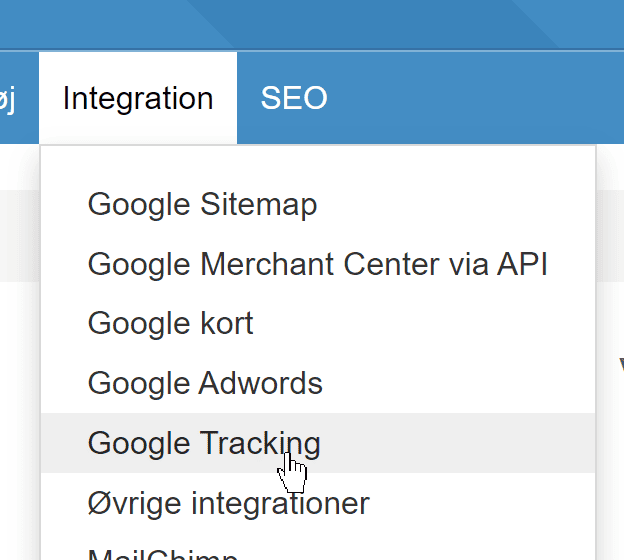
If it is enabled as shown here, you need to turn it off

2: Add the updated script for the cookie banner
Go to Other integrations
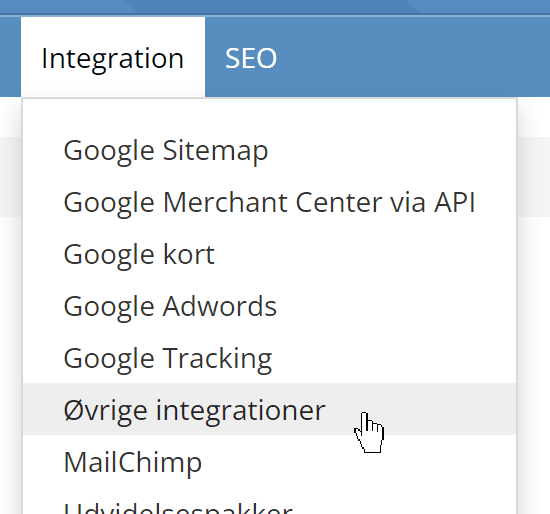
If you already have a cookie banner solution/code, turn it off in the list (and delete it later if you like).
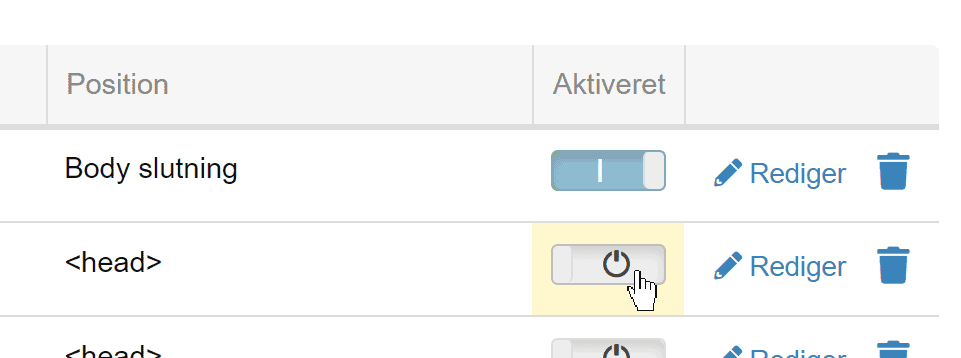
Remember to save after turning it off.
Now add the new code from your cookie banner solution by clicking this at the bottom of the page
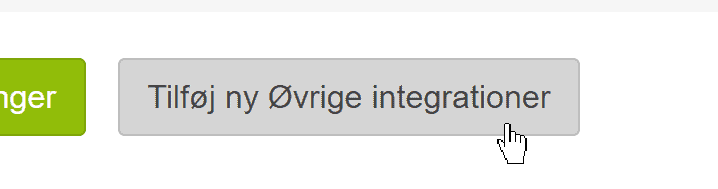
Fill it in like this (you can of course choose a different title)
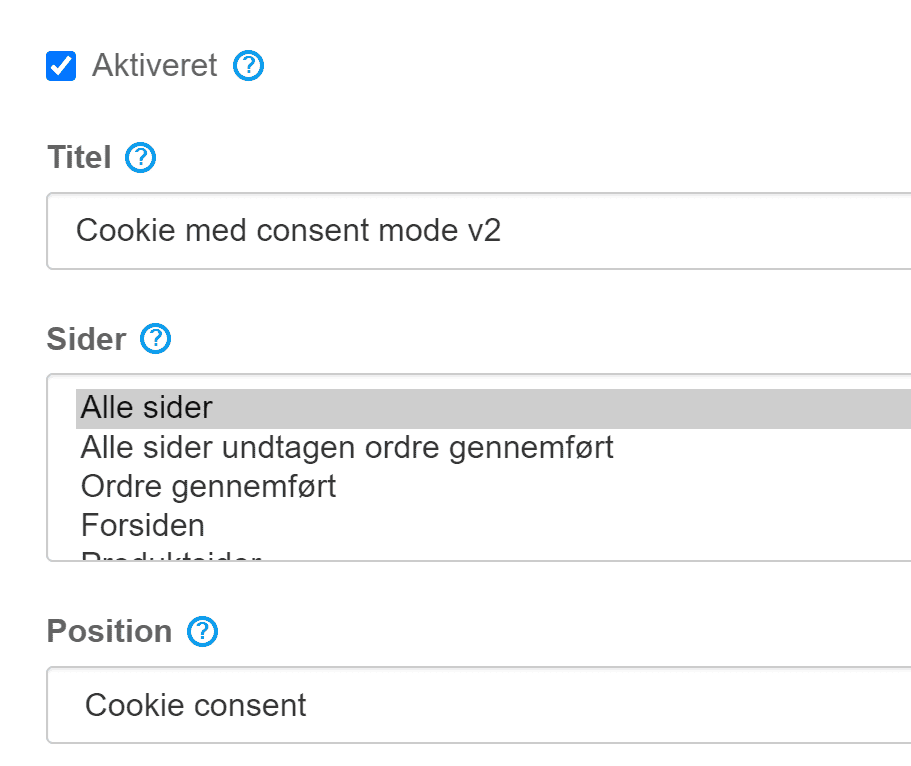
Add the script from your cookie banner solution according to their guide.
If you use cookieinformation.com, their guide is here (opens in a new tab). They also have this guide to updating to Consent Mode V2 (opens in a new tab) with good information.
If you have chosen Cookiebot, their guide without Google Tag Manager is here (opens in a new tab) – if you want to do it via GTM, see this guide instead (opens in a new tab).
See also our general guide to cookie banner solutions here.
Webinar – Consent Mode v2 with Tag Manager
This webinar on LinkedIn (opens in a new tab) gives a good walkthrough of how Consent Mode v2 is set up with Google Tag Manager and Cookieinformation.com as the cookie banner solution.
Verify the implementation (for Google Ads)
Google Ads has this guide to checking your Consent Mode setup (opens in a new tab).