
In this category Release notes
What’s new in version 6.19
On this page
This time, an update of your online shop brings you these in particular:
- Extra fields on products – a new and smart way to add extra content to products
- SSL encryption of checkout – get the padlock
- See products in the admin by date created
- Search for customers by phone number and CVR number
- Fix: printing the order list
Extra fields on products
Now you can create as many fields (typically shown as tabs) as you like on each product. It could, for example, be extra tabs with specifications and video, like here:

You’ll find the new option as Extra fields when creating/editing a product:
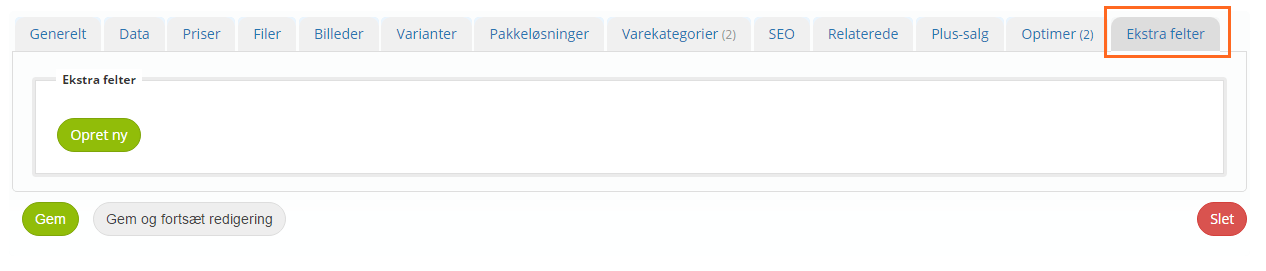
If you don’t see the extra fields/tabs on your product, it is because the element is missing from your layout. You can add it via the layout tool:

There you first choose to work with the layout for Product pages:
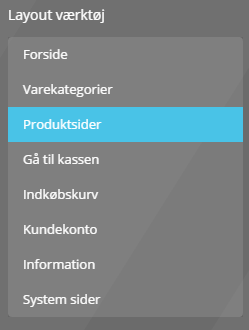
Find the element Standard tabs, and drag and drop it onto the page where you want the tabs:
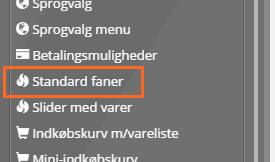
In the element, choose all the tabs to be shown and enable extra fields.
SSL encryption of checkout – get the padlock
Google Shopping now requires checkout to be SSL-encrypted. If you use Google Shopping, or think your customers may see an advantage in the page being encrypted when they go to checkout, you can now enable it.
When it is switched on, your checkout page will run on an encrypted page as a so-called subdomain, and this will be shown in the browser – like here, for example:
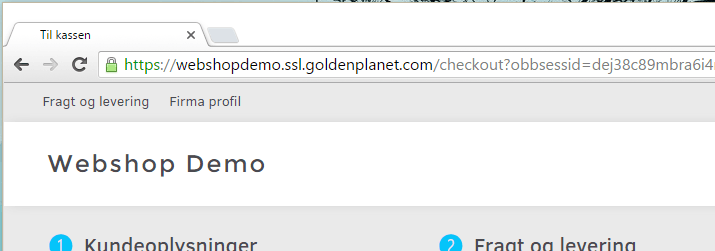
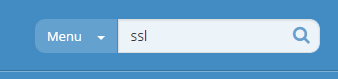
The easiest way to find the new option is to search for SSL (limit the search to the menu if needed):
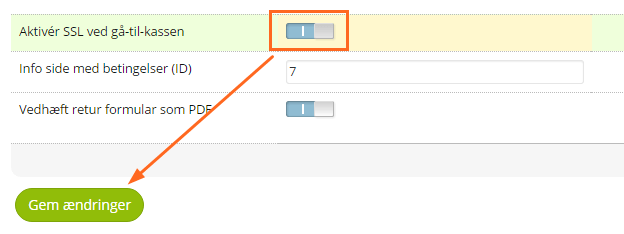
Enable SSL, then save the setting:
As always when changes have been made to checkout, it is a good idea to place a small test order to make sure the whole process works as it should.
It is currently not possible to have your whole website SSL-encrypted, but it is on the list of features for future updates.
See products in the admin by date created
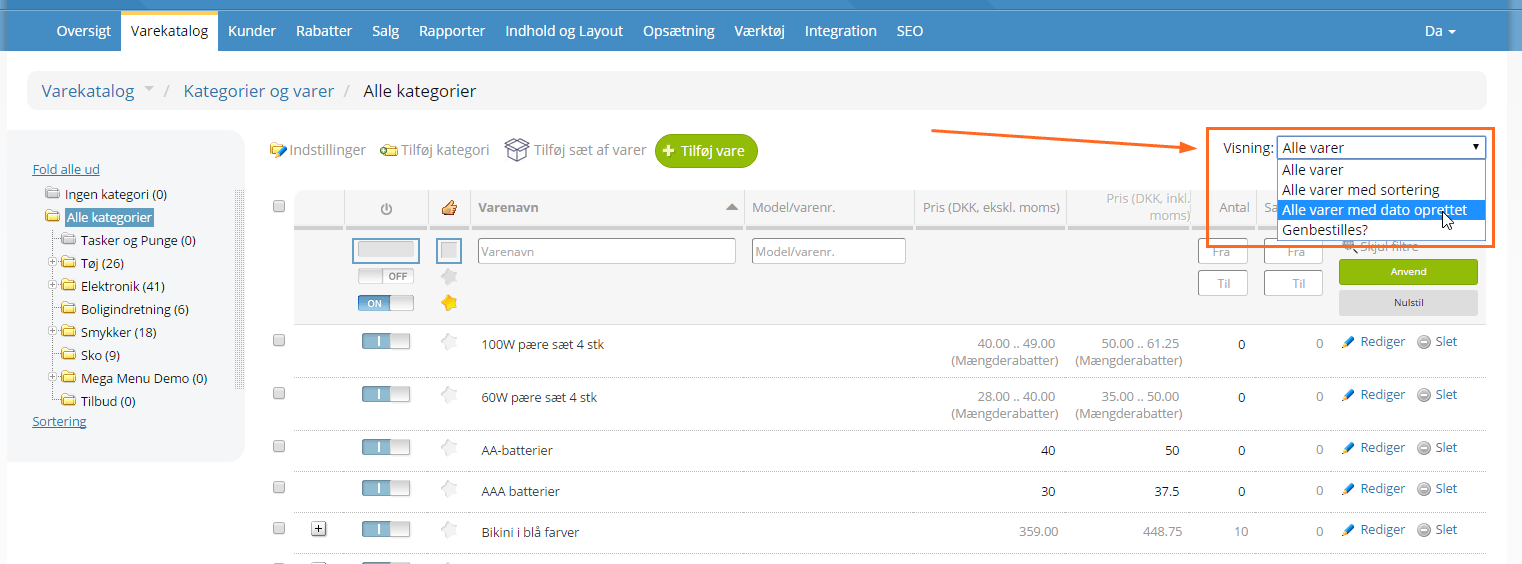
Would you like to see all the products you have created today? Or just go through the products newest or oldest first? You can now do that with the new view All products with date created, which you choose at the top right of the product list:
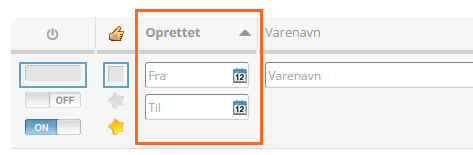
You can then change the sort order by clicking the small up/down arrow by the Created column, and filter by entering a date in from/to:
Search for customers by phone number and CVR number
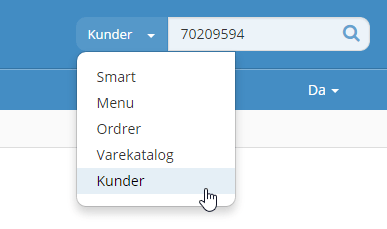
Sometimes it is easier to find a customer by phone number or CVR number (the Danish company registration number) – so you can now search for customers by these. From the customer list or directly from the search at the top right in /admin:
Fix: printing the order list
It is once again possible to print the order checklist without codes appearing on it that shouldn’t be on the page.