In this category Release notes
Version 6.40
On this page
Here are the main points of this update for your online shop:
- Product feeds for Facebook, PriceRunner etc.
- Import/export of product attributes (for filtering)
- See in the order list whether there are comments from the customer
- Export of email addresses from orders
- Search in /admin improved
Product feeds for Facebook, PriceRunner etc.
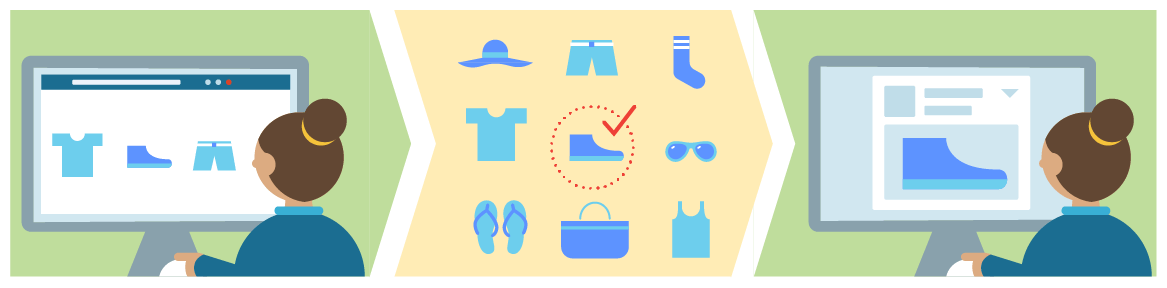
With this tool you get an easy and very flexible way of creating product feeds.
You can use them, for example, for marketing your products on Facebook, PriceRunner etc.
That means you probably won’t need to use external services such as Avecdo for this either.
You can also use it for Google Shopping. However, this type of product feed doesn’t update as quickly at Google, so depending on your needs it may make sense to use it instead of the current integration for that purpose.
Product feeds can be created per language – for all products or limited to selected ones.
We are launching this one carefully and have given it a so-called BETA label.
Read more about this and how to set it all up in this guide.
Import/export of product attributes (for filtering)
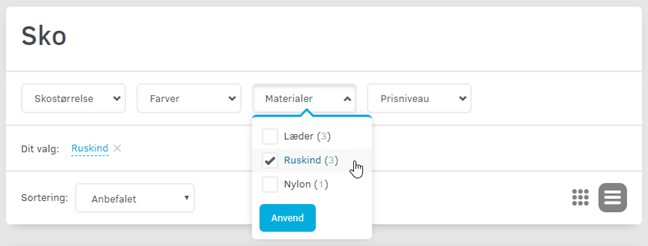
Now you can set attributes on your products via an import – instead of having to sit clicking/typing them in when editing each product.
This means you can build up the attributes in, for example, a spreadsheet and then import them. Or perhaps you can get them in a file from your supplier and get there even faster that way.
Attributes are exported and imported in the same way as variants (the choices the customer has to make – e.g. shoe size).
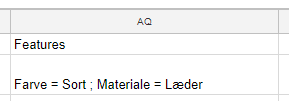
If a product has the colour black and the material leather, it would look like this in the spreadsheet:
Bonus tip: If you want horizontal filtering at the top, as shown in the screenshot at the top here, you can enable it via Content and layout > Products and categories > General settings
If you don’t want to spend the time yourself on, e.g., importing attributes from a file you have received from your supplier, you are welcome to hire us for the job.
See in the order list whether there are comments from the customer
When a customer has added a comment to an order, it often needs some extra attention.
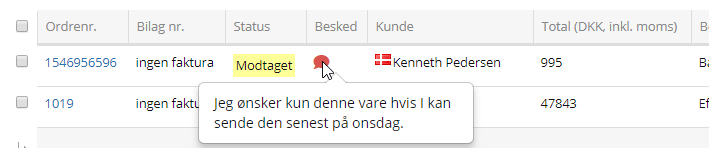
To help with day-to-day order handling, you can therefore now see an icon in the order list when that is the case:

Just point the mouse at the icon, and you can read the message from the customer:
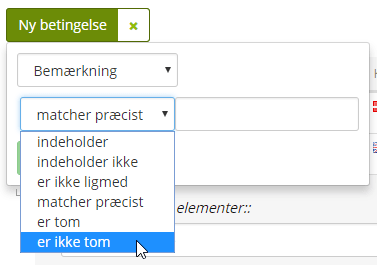
You can also filter, for example to see all orders that have a comment:
Export of email addresses from orders
Do you need to contact all customers who bought a particular product in 2018?
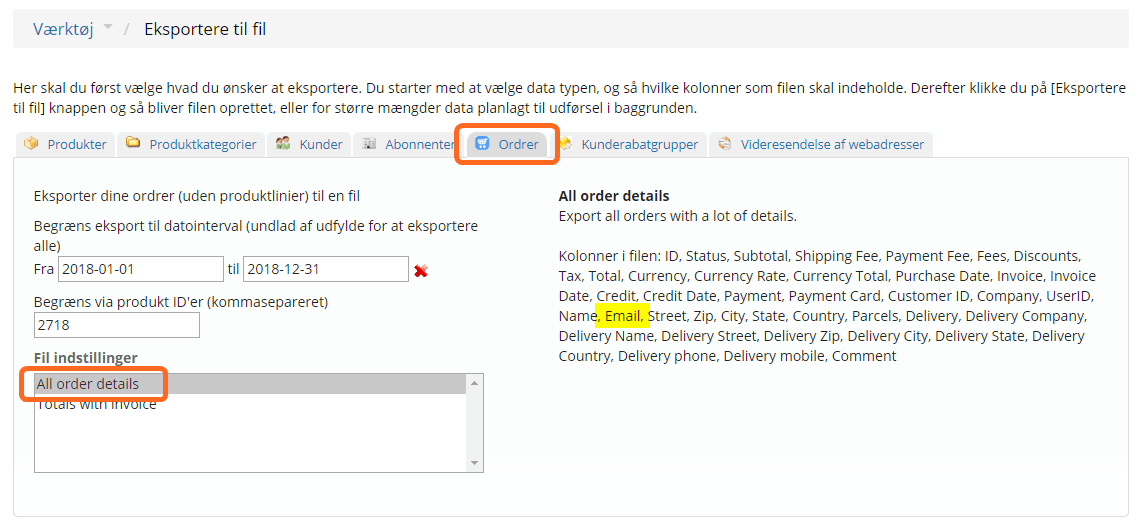
You can now solve that situation and others via the order export, by choosing the file setting All order details.
It could look like this, for example, if the product’s ID/SKU is 2718:
Search in the admin improved
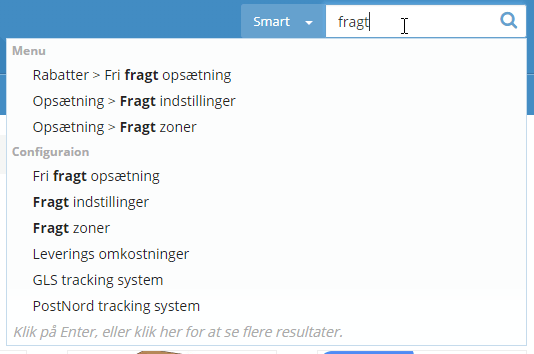
We have optimised the search in /admin so it now gives more results – also out in the “corners” of the platform.
Next time you are looking for an option, do give the search a chance.