
In this category Release notes
Version 6.67
On this page
- Product tabs that expand and collapse
- Restore deleted products
- Log in with a code confirmed by email (two-factor authentication)
- Easily raise or lower the prices of many products
- Customers can get free delivery by adding selected products to the basket
- Vimeo for videos on products via a link (an alternative to YouTube)
- New countries added to the GLS parcel shop search
- Product sets: hide the contents of the set from the customer
- XML feed setup can be copied to a new feed
Product tabs that expand and collapse
Product pages can quickly become long and hard to follow when there is a lot of information to show – such as descriptions, shipping terms and brand information.
With the new vertical tabs, you can organise the content in sections that can be expanded and collapsed, so customers can easily find what's relevant without scrolling past large amounts of text. You decide which tabs are shown, what they contain, and whether they should be open or closed by default.

See an example here, and how to build them into your online shop
Restore deleted products
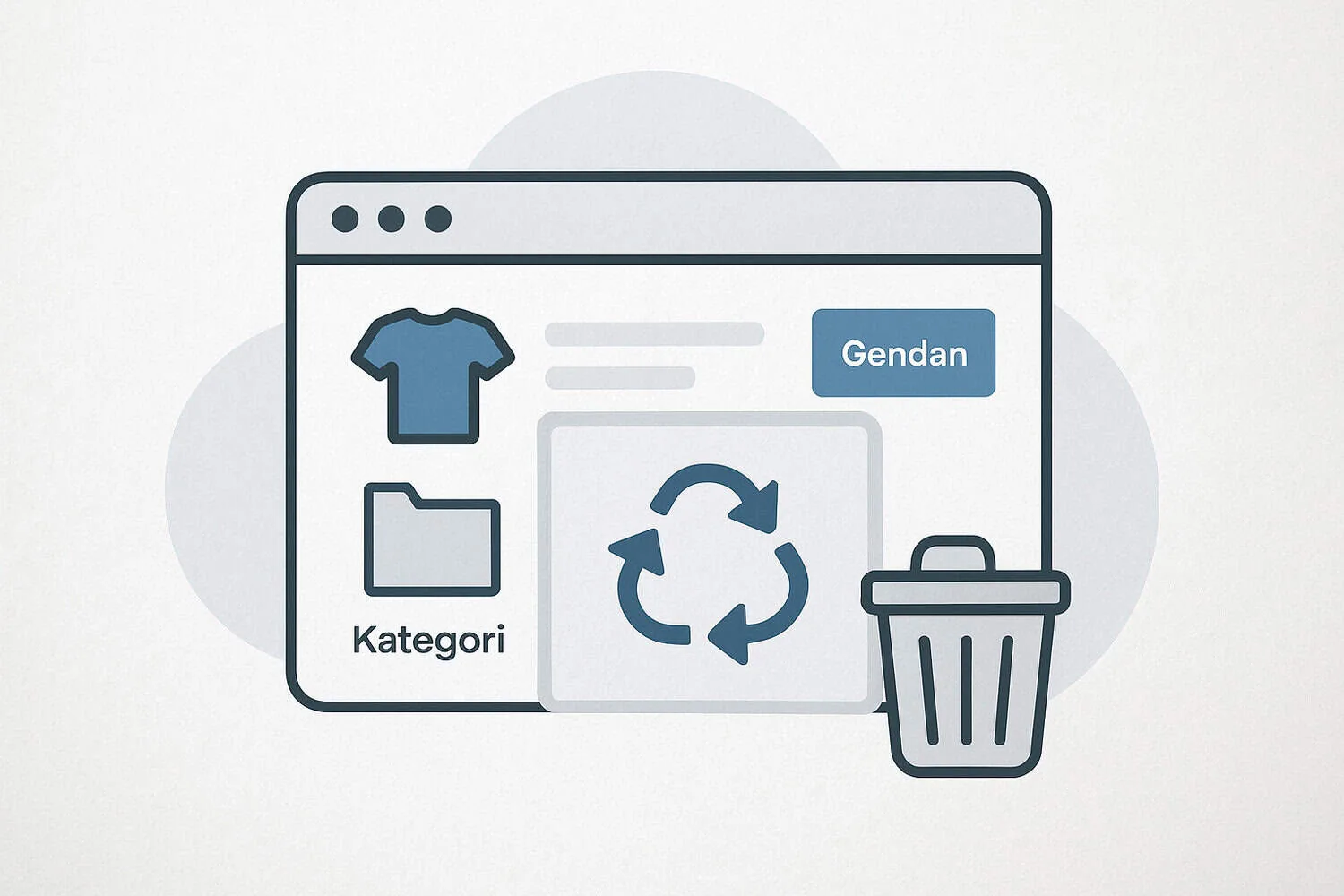
Regret deleting something? Easily restore products and categories
We know that mistakes happen, and it can be frustrating to delete a product or a whole category by accident. That's why we have made a new feature where you can easily find and restore deleted items.
You'll find the new option in the menu under Tools > Deleted products.
Read more about it in this guide.
Log in with a code confirmed by email (two-factor authentication)
If someone were to get hold of a user's password – for example because it is also used elsewhere – two-factor authentication can stop them using it to log in to your shop's admin.
When you activate so-called “two-factor authentication” (2FA), a code is sent by email that also has to be entered when logging in from a new device within 30 days.
You can activate this by going to the user setup
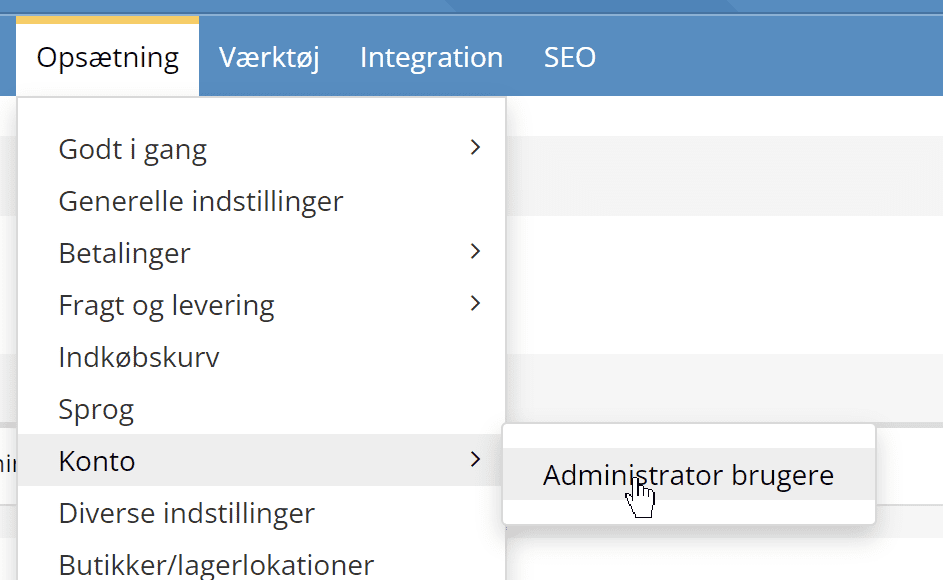
Click into the user who should have two-factor authentication activated (or switched off again). Tick as shown here:
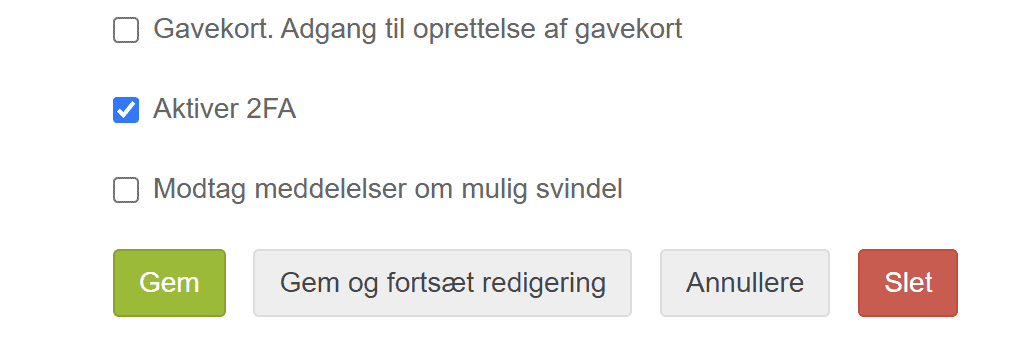
Click the Save button. At their next login, the user will be sent an email with a code to enter.
Easily raise or lower the prices of many products
We know that adjusting prices can be a time-consuming task, especially if a supplier announces price increases or you want to adjust a whole product category. To make that process much easier for you, we have launched a new feature for bulk price updates.
With the new tool Update many prices, you can quickly and easily change the standard price across hundreds of products at once. You can raise prices by a percentage or a fixed amount, or even set a completely new price based on your cost price. The feature also gives you full control to limit the change, so that it only applies, for example, to selected brands or categories.
Read more about it in this guide.
Customers can get free delivery by adding selected products to the basket
With the new feature, you can offer customers free delivery when they put certain products, or products from selected categories, in the basket.
Do you want to give customers free delivery when they add other products to the basket as well? Then you can activate this on the Other settings tab.

That way the customer keeps the benefit as long as they have the selected products in the basket – whatever else they buy.
More about this in the guide to shipping discounts
Vimeo for videos on products via a link (an alternative to YouTube)
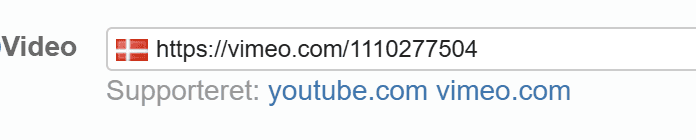
If you want to avoid adverts and suggestions on YouTube videos, you can now instead add a video that you have uploaded to vimeo.com to your products
On the General tab when editing a product, just enter the web address of the video, as in this example
New countries added to the GLS parcel shop search
There are now many more countries to choose from for GLS parcel shops. You can set up the GLS parcel shop module to send to each of these countries:
- Austria
- Belgium
- Czech Republic
- Germany
- Denmark
-
Spain
-
Finland
- France
- Croatia
- Hungary
- Italy
-
Netherlands
-
Poland
- Portugal
- Slovakia
- Slovenia
- Sweden
Just add the GLS module for each of the countries you want to send to.
Product sets: hide the contents of the set from the customer
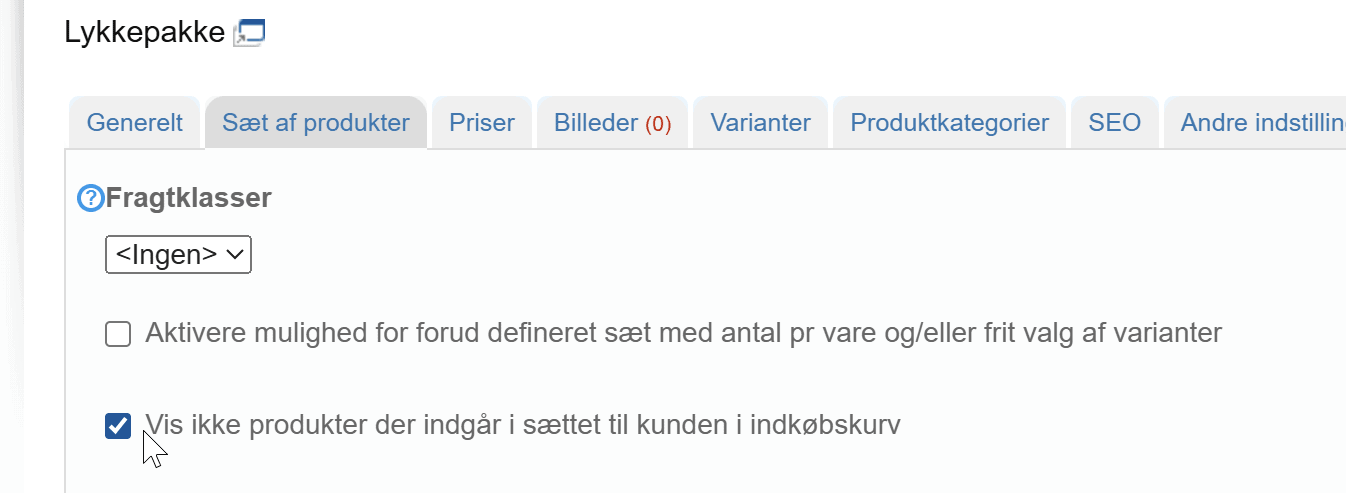
If you don't want the customer to see a list of the individual products in a product set, you can now choose to hide this list – e.g. when the customer views their basket or goes to the checkout. With this method, the list is not shown in the order confirmation email either. It can also be used, for example, if you want to make a mystery box to clear out your stock.
It is easily activated on a product set by ticking the relevant setting, as shown here:
XML feed setup can be copied to a new feed
Easily make a new feed based on the setup of an existing feed. From the list of feeds, you now have the option of creating a copy next to each feed. If you can use an existing feed, though, that is always best – the fewer feeds you have, the faster they update – and the less there is for you to adjust over time.