
In this category Release notes
Version 6.46
On this page
Here is an update with lots of news for your online shop. After a spring focused mainly on optimising the “core engine”, we have spent most of the summer making new features. That is actually a good deal more fun too, but the other work has to be done as well.
The most important news:
- Create variants faster and more easily
- Show delivery times based on both your own stock and the supplier's
- Customer groups can have their own product categories
- Integration with Klaviyo
- Choose an individual sort order for selected product categories
- Save your favourite searches/filters in the admin
- The order checklist has new filtering options
- List of discount coupons extended
- See variants in all product lists
- See the stock quantity of each product in a set
- Delivery information via order email templates
- More options for importing variants
Create variants faster and more easily
All the colours have been created – except red, which you need for a new product?
Now you don't have to go all the way into the variant setup and then all the way back to the product setup. Watch the video to see how you can now do it in a flash:
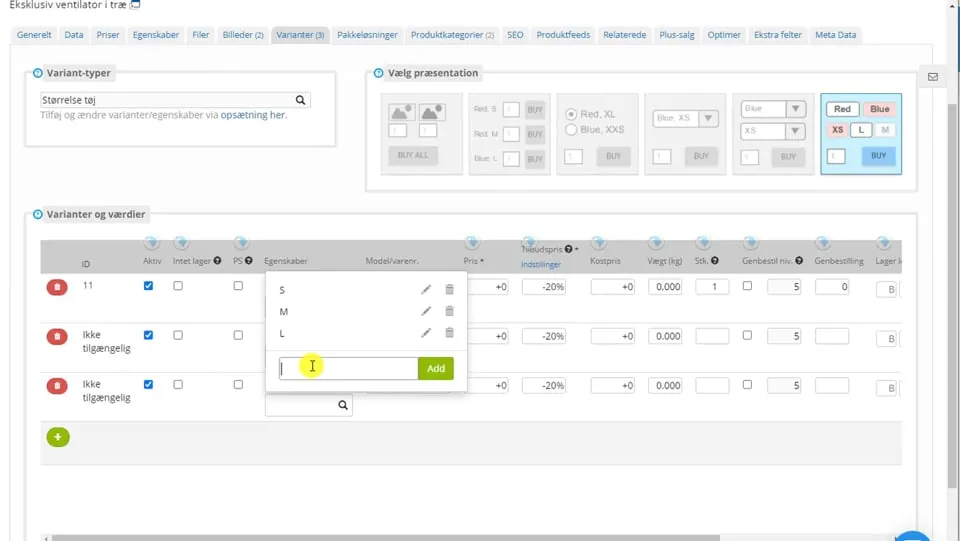 Play video: Variants directly from the product editor (opens Vimeo)
Show delivery times based on both your own stock and the supplier's
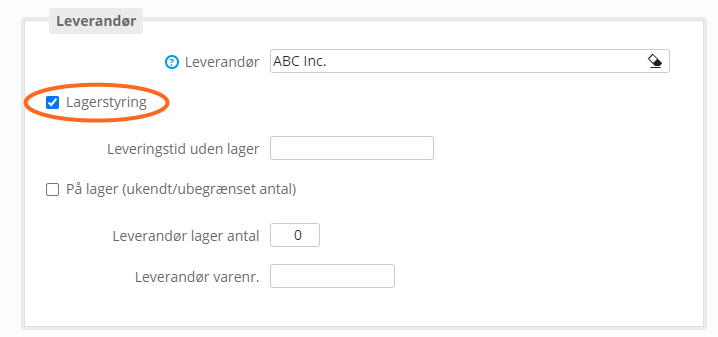
Among other things, the purpose of this option is to
- Give customers a useful and more accurate delivery time
- Spend less time finding + giving delivery times
- Reduce frustration and dissatisfaction among customers
We are now taking an important step towards even better options for stock management and information for customers.
The way it works is by making it possible to add information about the stock status at the supplier to your products.
Stock management can work in 2 different ways
- Yes/No stock at the supplier
- Quantity in stock at the supplier
Quantity in stock probably requires some form of integration with the supplier, preferably directly via an API.
Yes/No stock status needs less updating and can be used e.g. when products have been discontinued and so can no longer be had from a supplier.
To run stock management for suppliers, you need the Enterprise plan. Just contact us if you would like to hear more about the options and prices.
In this video you can see how it works:
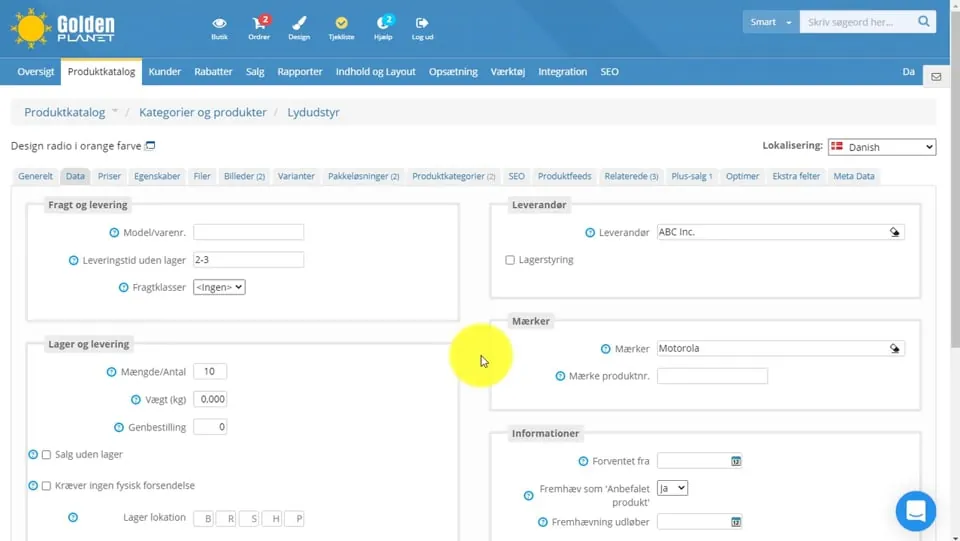 Play video: Supplier stock management (opens Vimeo)
Customer groups can have their own product categories
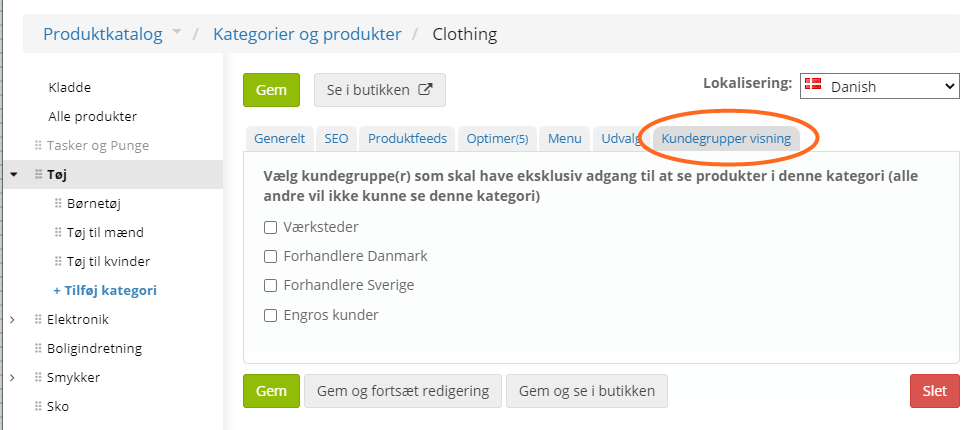
This is probably most relevant for those who sell B2B to other businesses or public institutions.
When a customer who is a member of a customer group (also used for discount groups) has logged in to your online shop, they can be shown product categories that no other customers see.
This makes it easier for your B2B customers to find exactly the products you have made agreements about.
You can also use it to show products and categories that are only sold B2B.
This is part of the B2B features, which require at least the PRO plan.
Integration with Klaviyo

Klaviyo gives you insight into what works in your marketing and email marketing, with a focus on e-commerce.
In many areas it is an alternative to e.g. Mailchimp (opens in a new tab).
We have made an integration with Klaviyo that allows both tracking and sending data via the API.
You can read more about Klaviyo on their website (opens in a new tab).
The integration requires the Enterprise plan. Feel free to contact us if you would like to hear more about the options and prices.
Choose an individual sort order for selected product categories
Sometimes it's best to show customers the newest products first. Other times alphabetically. Or the best sellers, so they don't hide away on page 4.
When you create or edit a category, you can now choose a sort order when it should differ from the default:
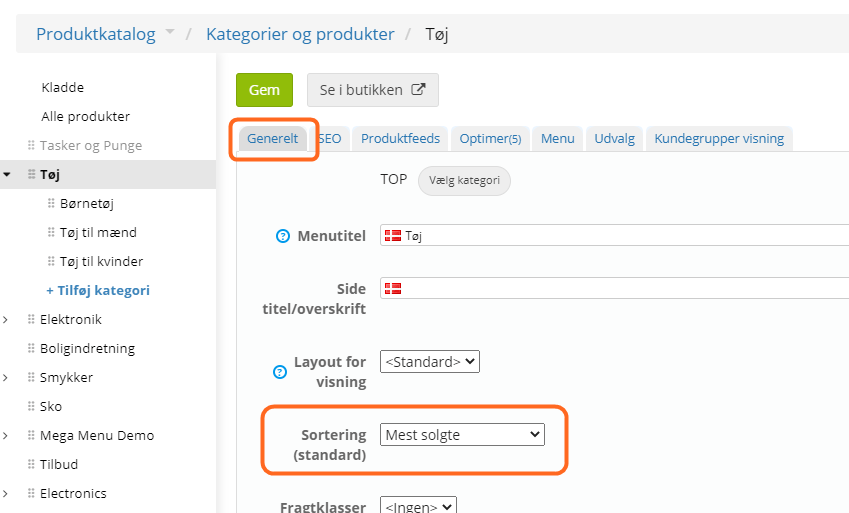
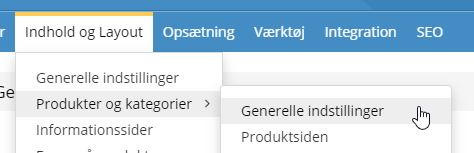
The default sort order is still chosen via
Save your favourite searches/filters in the admin
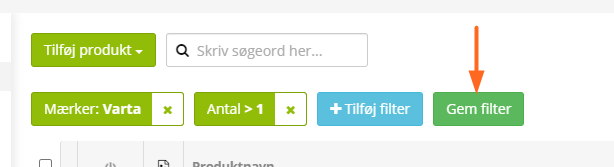
No more setting up the same filters again and again for the ones you use often. See how in this video:
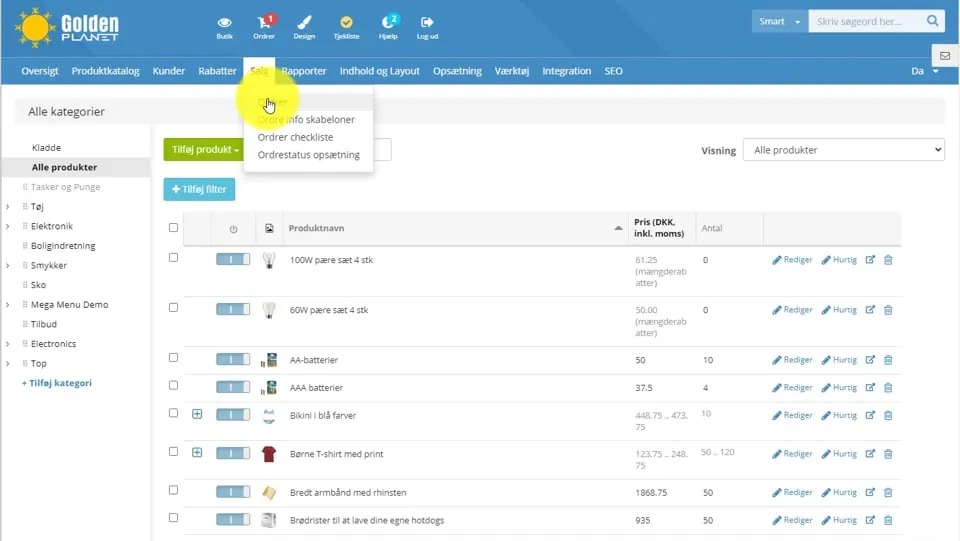 Play video: Filtering and saving a filter (opens Vimeo)
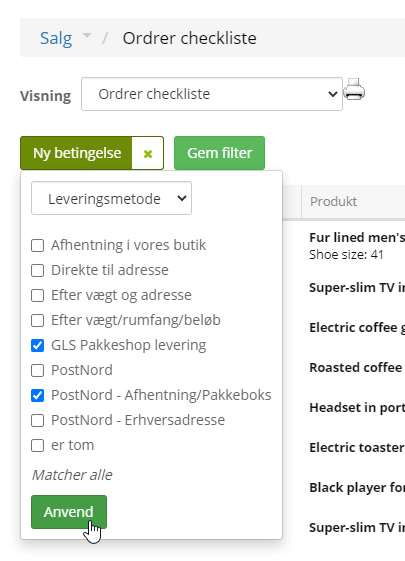
The order checklist has new filtering options
The order checklist is an important tool in many people's daily work. It now has more filtering options, and for payment and delivery methods you can choose several at once:
List of discount coupons extended

An easier overview if you have many discount coupons (over time)
- Filtering in the list
- More columns – including start and end dates
The next update will also bring an option to get a list of which orders have used each discount coupon.
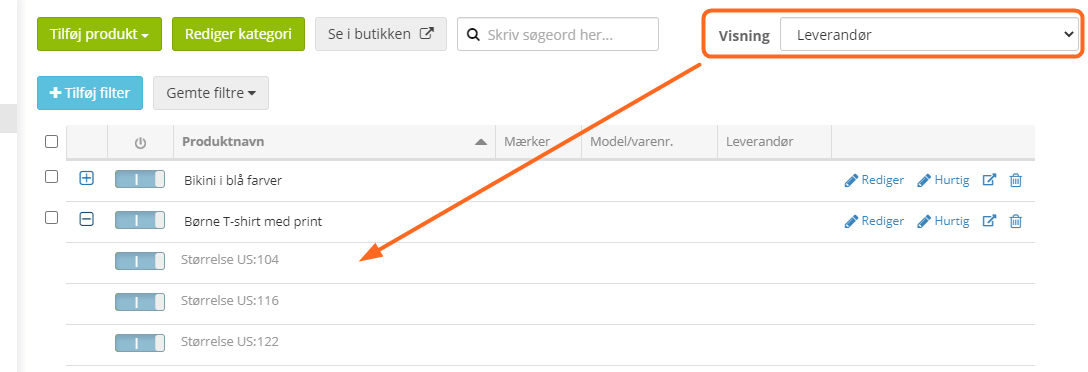
See variants in all product lists
Whichever view you choose in the product list, you can now expand it and see all the variants
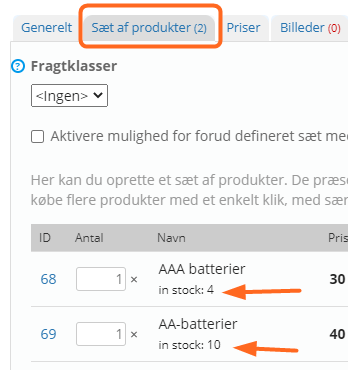
See the stock quantity of each product in a set
When you create or edit product sets, you can now see the stock of the products that make up the set:
Delivery information via order email templates
In the setup of order info templates
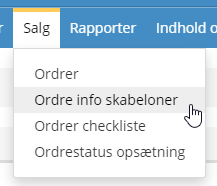
we have added an option to insert delivery information (e.g. which pick-up point the customer has chosen)
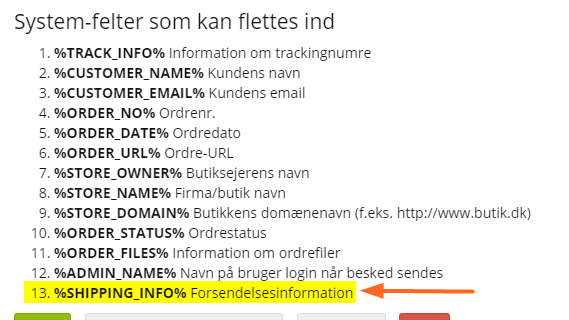
We have previously also added an option to attach the invoice. This should now make it possible to send the information about an order to the customer all together in one email.
More options for importing variants
We have extended the options for importing variants, so that it is now easier, among other things, to change and add variants starting from an export.
Have a look at the guide to importing data next time you take on that project.
Coming soon
That's all for this time. We're already working on the next update – there's always more on the way.