
In this category Release notes
Version 6.14
On this page
Your online shop has new options again. Besides several smaller fixes and improvements, these are the new features:
Post Danmark integration: fetch tracking numbers
Shipments with Post Danmark are now even easier to handle if you use the Pacsoft integration.
You can now fetch tracking numbers via the integration – instead of selecting, copying and pasting them manually. An email with the tracking number can also be sent to the customer automatically at the same time.
This can be done either one order at a time or for many orders at once.
See the guide to day-to-day use of the Post Danmark integration here.
If you’re getting started with Post Danmark and Pacsoft in general, you can see how here.
Post Danmark integration: now also for parcels abroad
If you have the Post Danmark integration with Pacsoft, you can now also handle your parcels abroad that way.
You’ll find the new module under delivery methods:
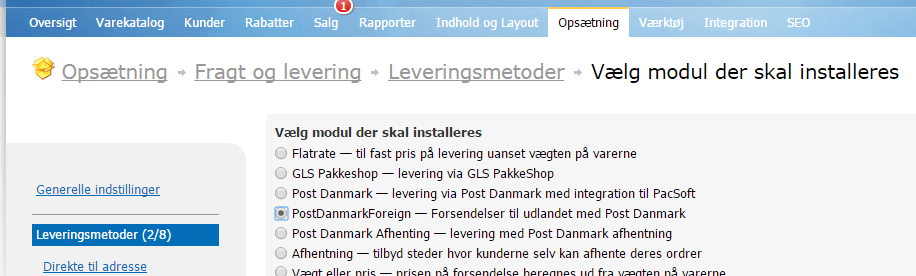
Prices, rules and settings differ quite a lot for some countries. You therefore need to add and set up the module for each of the groups of countries you want to offer shipping to:
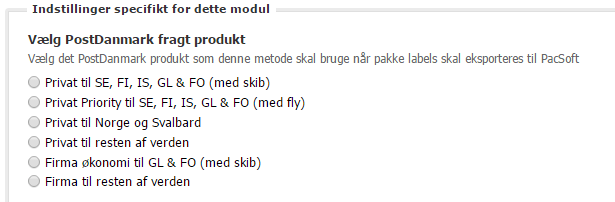
You can limit which countries are included in the shipping product’s group of countries by setting up shipping zones (under shipping and delivery). In other words, you can set up delivery to Sweden alone, even though Sweden is grouped with other countries in the shipping product group.
Import/export of prices for discount groups
If you have many products with prices for customer groups, it can be a big job to go into each product to set the price for each group.
That has now become much easier. Prices for customer groups can now be added or changed via export/import.
The easiest way to get started is to export your current prices for customer groups. Open the export in a spreadsheet, add or change prices, and then import the file.
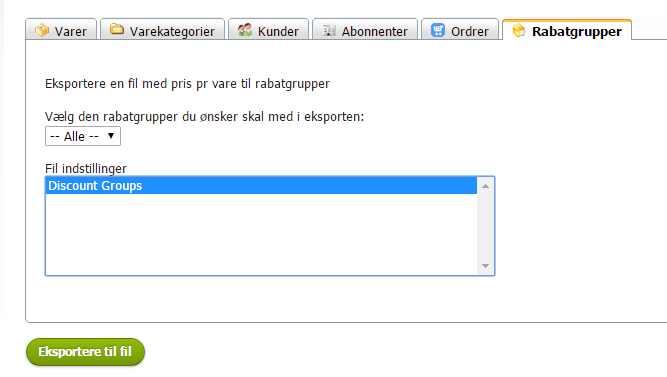
Guide to discount groups here.
Guide to import/export in general here.
See which system tasks are running
Larger tasks, such as putting many products on sale, updating all products in Google Shopping etc., are carried out in the background so as not to overload the system. An overload could, for example, make your online shop slow for customers.
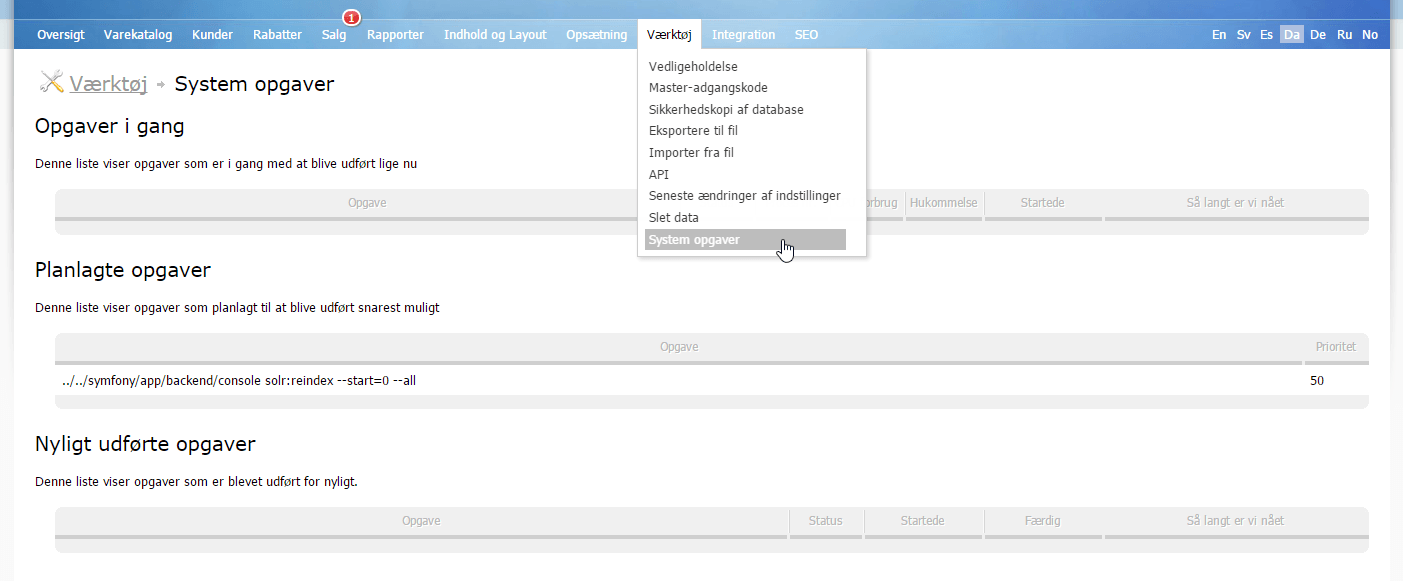
It is now possible to see which tasks your online shop is working on and how far they have got.
You’ll find this option under Tools > System tasks:
Upgrade of the “core engine”
Technologically, a great deal is always happening in web services. We continuously add, extend and upgrade them in your online shop. It is one of the many things that happen “behind the scenes” and that you don’t easily notice. They arrive in your online shop automatically, so you can focus on other things.
In this update, it is the “core engine” itself (the Symfony framework) that has been given a new and improved version.