
In this category Release notes
What’s new in version 6.20
On this page
We have another update ready with good news for your online shop:
- Pages with products per brand
- Improvements for B2B (selling to businesses)
- More products shown in categories on tablet and mobile
- Increased speed
- New lists of products in the admin
Pages with products per brand
Now, with a few clicks of the mouse, you can get pages in your online shop that give an overview of all your brands, plus a page for each brand.
This makes it easy for your customers to get an overview, and it can be an important source of more visits from search engines.
If you have already created pages per brand, you should redirect search engines from your current pages to the new ones – more about that here.
You can read more about how to set up brands and show them in your online shop in the guide here.
Improvements for B2B (selling to businesses)
If you mainly or only sell to businesses, your customers are probably most interested in prices excluding VAT. Especially for products, but also for delivery etc.
If you choose prices without VAT as the primary ones, all prices on products, in the basket and at checkout will now be without VAT. When the customer goes to checkout, VAT (where applicable) will of course still be added before the grand total.
You can set prices excl. VAT as the primary ones under Settings > Payments > How prices are shown in the shop in your online shop’s admin. If you switch off Show prices incl. VAT, prices will be shown without VAT.
If you want to show prices both with and without VAT, you can enable that with the setting on the same page.
If you want prices both with and without VAT, with prices without VAT as the primary ones, your settings should look like this:

When prices without VAT are your primary ones, it is VERY IMPORTANT to be aware that the amounts you enter for free delivery and discounts must also be entered without VAT.
More products shown in categories on tablet and mobile
If you have quite a few products in a product category, before this update your visitors could well end up “working overtime” with their index finger when scrolling down through the range on mobile or tablet.
Space is now used better, and it has become easier for your customers to browse your products.
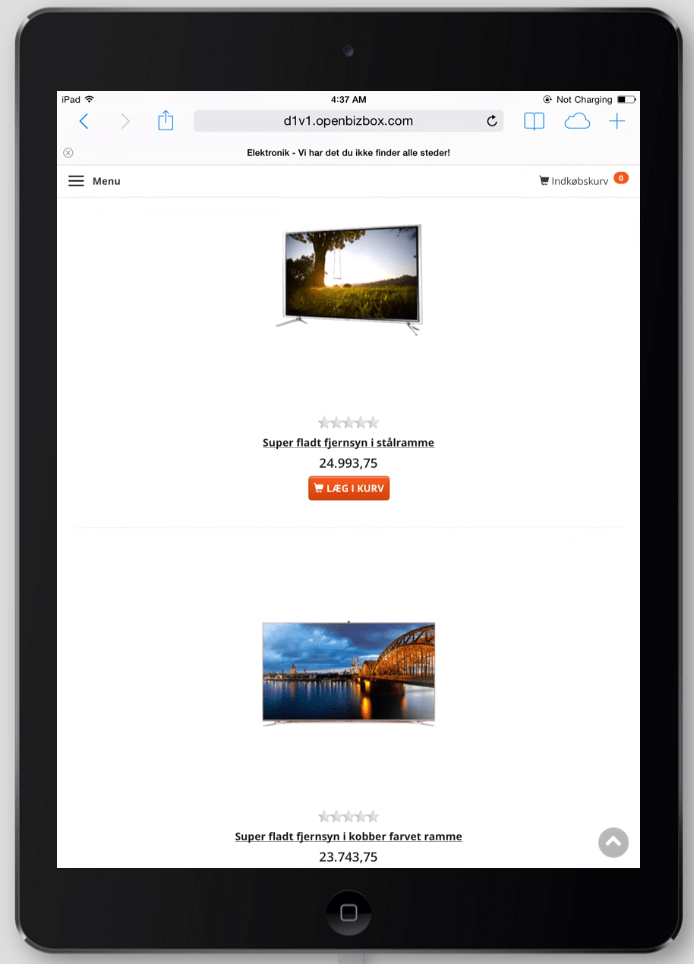
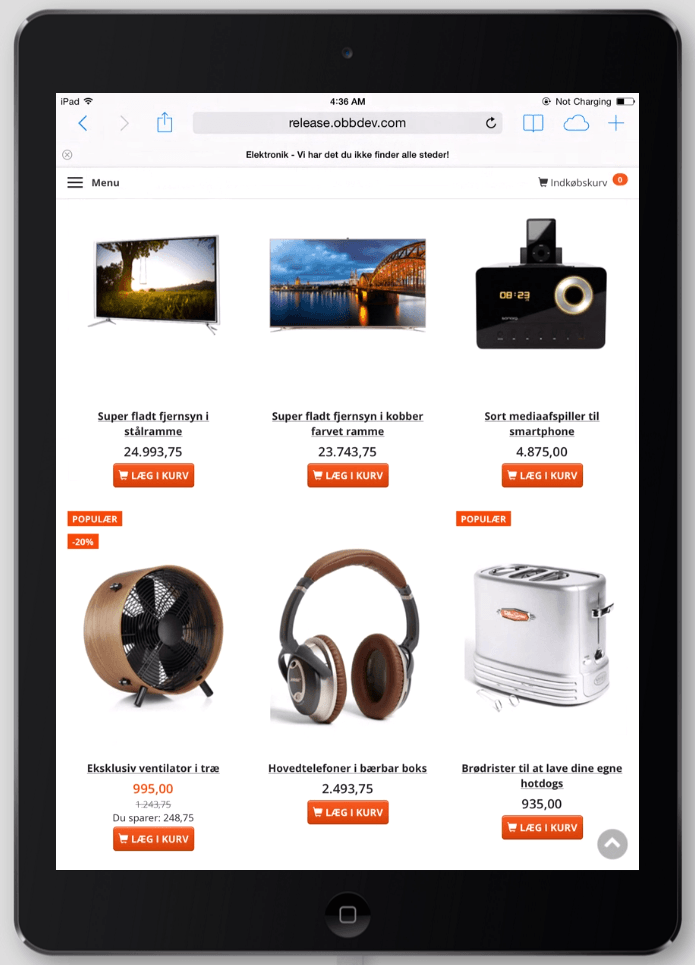
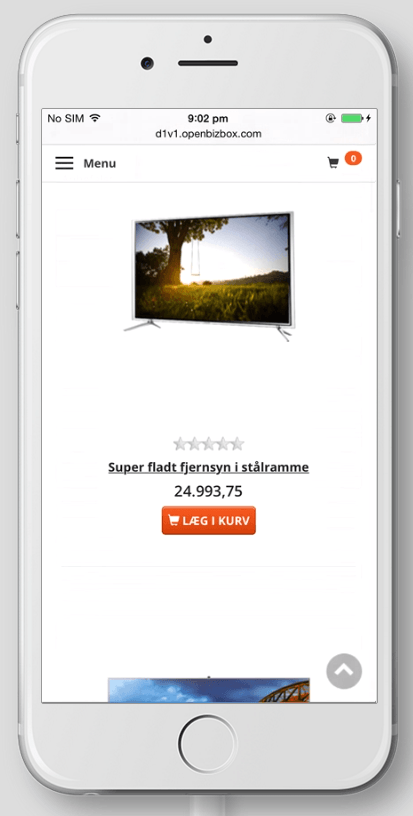
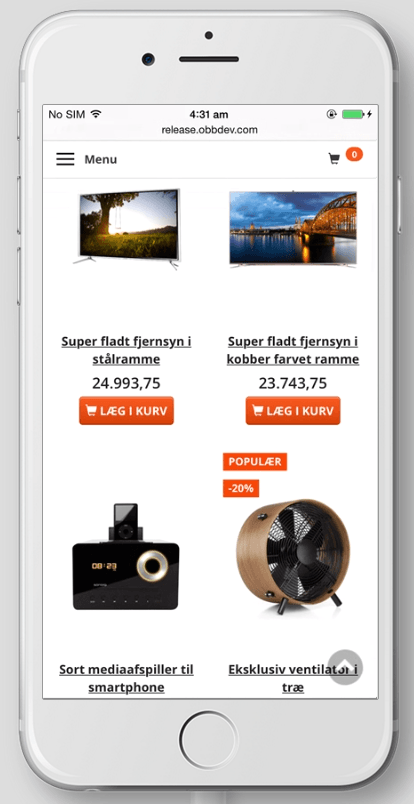
There are now 3 columns on tablet and 2 columns on mobile. And much less wasted space at the same time.
Here you can see examples before and after the update:
Increased speed
We have optimised the handling of images. This means that category pages in particular will load a little faster. It also saves some disk space.
The so-called web service on the servers has been switched from Apache to Nginx. This typically makes pages load about 100 ms faster. It may not sound like much, but it all counts.
We have more speed improvements on the way, which matter more and more with the many visits from mobile.
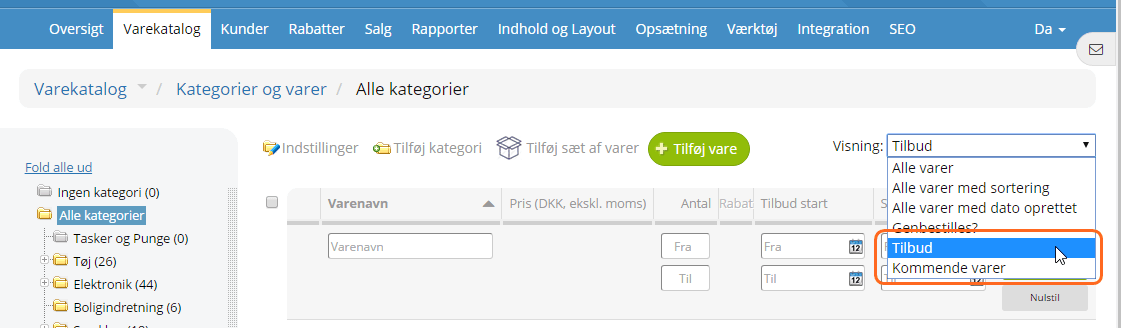
New lists of products in the admin
You have got 2 new views for the product list in the admin – on sale and upcoming products:
What’s coming in future updates?
Here is some of what is on the way for the next updates:
- Stock management with stock locations
- New ways of doing the same thing to several orders at once
- Filtering products by features