
In this category Release notes
Version 6.48
On this page
It's time for another update of your online shop:
- Better options for showing stock and delivery times on products
- Clean up unused variants/attributes in 2 clicks
- Partial cancellation of orders with new options
- Comments on orders take up less space on the checklist
- Cost price and total sales calculated for product sets
- More options in the import/export of products via CSV/spreadsheet
- Brands included in the XML sitemap
- API extended
Better options for showing stock and delivery times on products
We have improved the options for showing the quantity in stock and delivery times in general – both on categories and product pages.
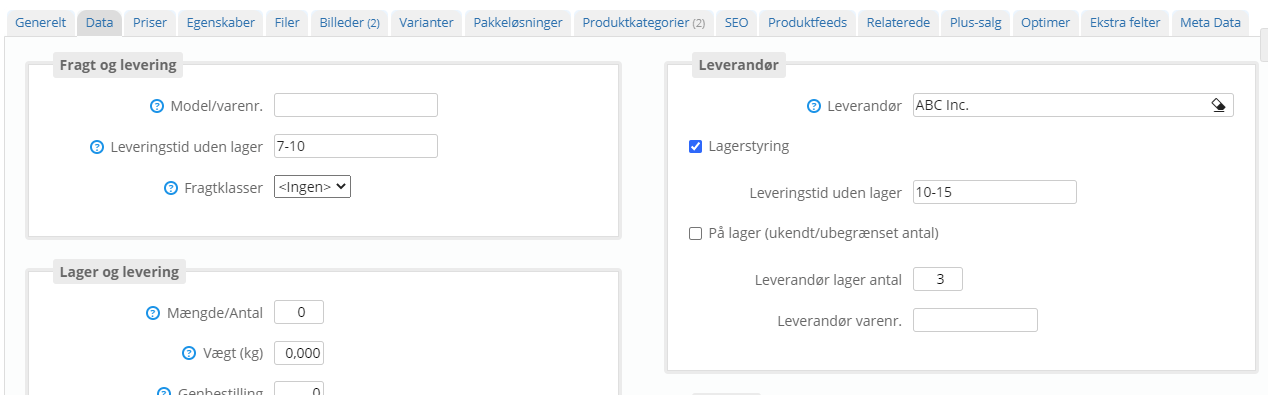
If you run stock and delivery times based on suppliers – which we introduced in version 6.46 – you can show both quantities and delivery times for your own stock and your suppliers' stock.
Here are some examples of how it can look:
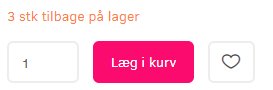

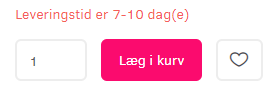
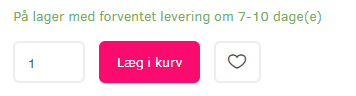
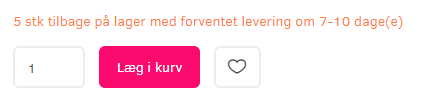
What is shown follows automatically from the stock settings and the delivery times you enter for your own stock and any suppliers
Clean up unused variants/attributes in 2 clicks
Things are easier to keep track of when there's only what you need.
Now you can remove, in one go, all the colours, sizes etc. that are no longer used on any products (both active and inactive).
In variants and attributes
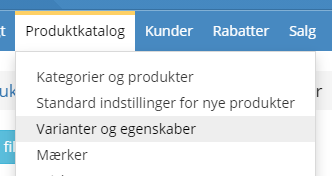
you'll now find this button at the bottom of the page

It shows you a list of all the variants and attributes that are not in use. You can open each one and take a closer look, or delete them all in one go with the button

Partial cancellation of orders with new options
In daily routines, even small extra options can make a real difference.
Here are a couple of them.
The first is the option to choose partial cancellation directly from the order list:
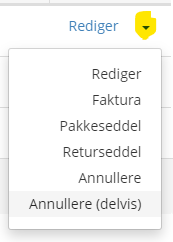
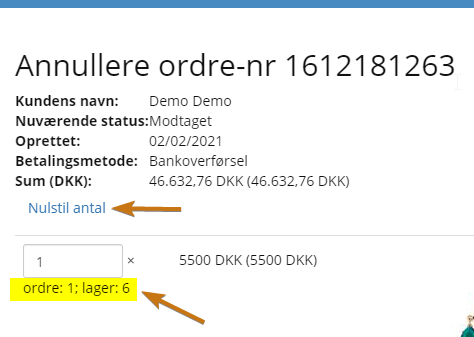
The second is when you open the partial cancellation of an order.
If, for example, you have 16 order lines and only 1 of them is to be partly cancelled, you can reset the quantity on all of them at the top.
You don't have to remember the quantity that was there, though – it's shown just below the quantity field:
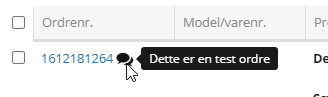
Comments on orders take up less space on the checklist
Repetition can be too much of a good thing. That's why customers' comments on orders are now only shown as a symbol on the order checklist:
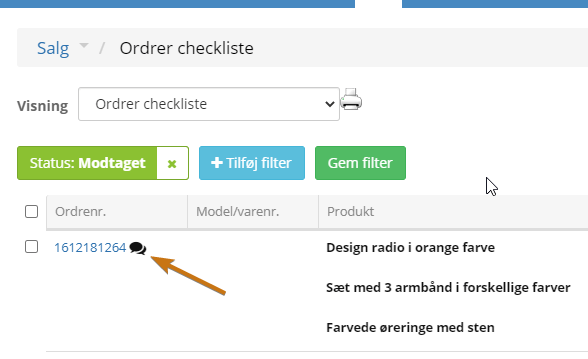
To see the comment, point the mouse at the icon:
Cost price and total sales calculated for product sets
The cost price of the whole set is now calculated automatically. Available in product feeds, the API and CSV/spreadsheet exports.
More options in the import/export of products via CSV/spreadsheet
New fields in the import and export of products:
- Sort order (for sorting the order of products manually)
- Link to a YouTube video
- No index (the SEO tab – Exclude this page from search engines)
Brands included in the XML sitemap
An XML sitemap is a good way to help Google find all your pages, and new ones, quickly.
Brand pages are now included in the XML sitemap. If you have already linked your sitemap to Google, you don't need to do anything to get brands included too.
API extended
Now and then someone finds a corner of our API where a lever to pull is missing. And then, of course, we are happy to add it. This time we have added
- Images for categories
- Images for variants
More on the way…
That's all for this time. We're already working on the next update – there's always more on the way.