
In this category Release notes
Version 6.58
On this page
In this and recent updates (since we last sent out news), you have got:
- New quick edit of products from the list
- Monitor customers suspected of fraud (or anything else)
- Report with total stock quantity and value
- Inactive products can be included in XML product feeds
- Customers can search their order history
- See the gross profit for an order
- Faster pages with many variants
- Create invoices directly in e-conomic via the integration
- Cost prices can be updated to e-conomic
New quick edit of products from the list
A focus on the most typical everyday changes – and you can have a new average cost price calculated.
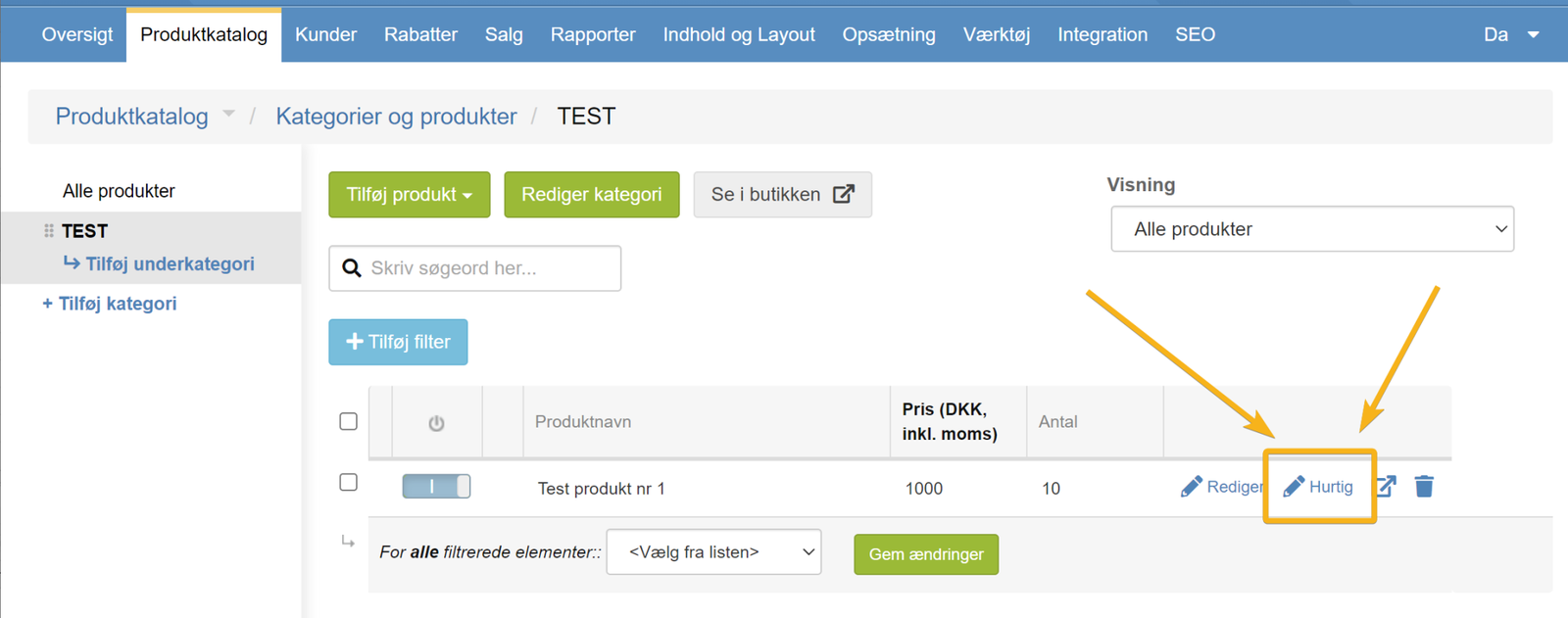
Quick edit in the product list is the one you'll find here next to each product:
Previously, it had the same fields as the quick/basic creation of a product. But day to day, it's more often stock, prices etc. that need changing. So now it looks like this (for a standard product, without variants)
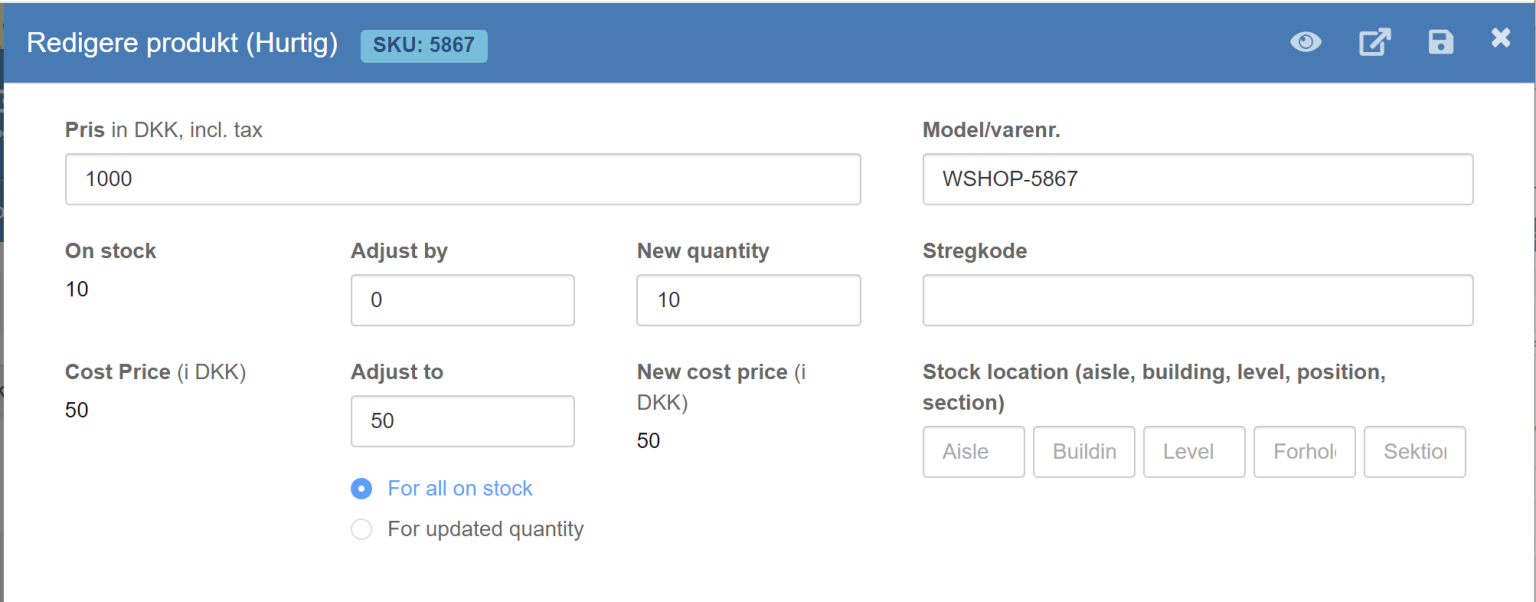
(translation is on the way).
You can add new items to stock, and the new total quantity will be calculated automatically.
At the same time, you can enter the cost price of the items you last bought in for stock, and the new average cost price will be calculated automatically together with the items that were already in stock.
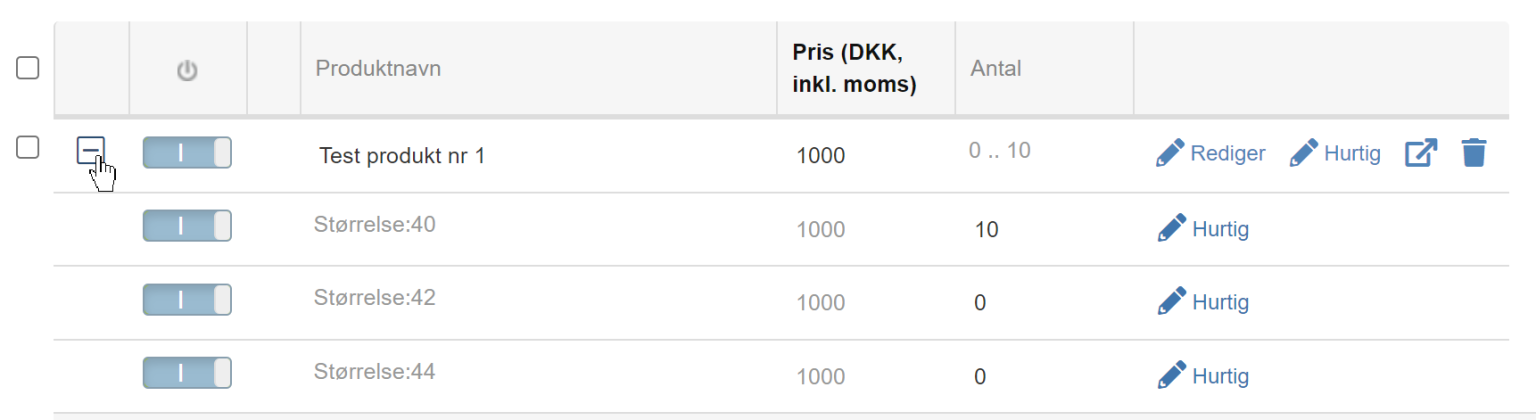
For variants, you can expand them in the product list and get a quick edit for each of them too:
Monitor customers suspected of fraud (or anything else)
If you have a person you suspect of fraud – for example by claiming that items are missing from an order – and you'd like to keep an eye on their future orders, you can now be notified when new orders come in from the same IP address or email address.
First, choose who at your company should be notified when “the alarm goes off”. You do this via the list of users in the admin
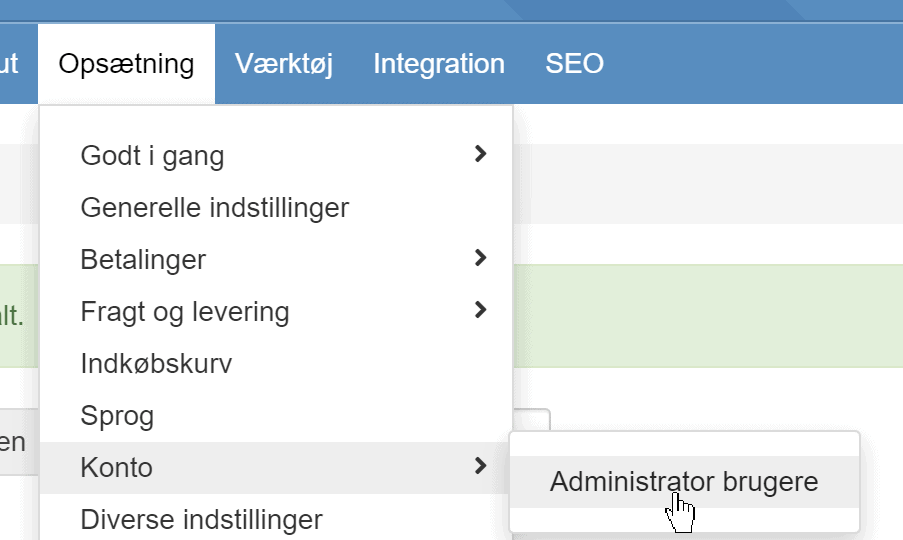
Click Edit next to the user/email address at your company who should be notified. Then activate at the bottom
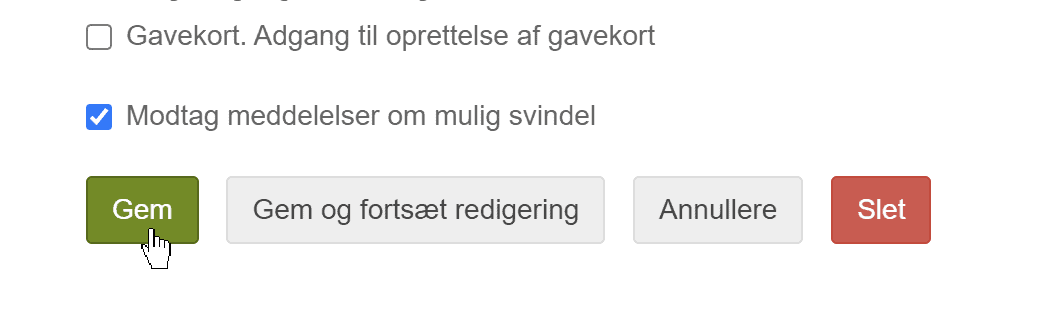
You can do this for everyone it may be relevant for (it isn't limited to one email/person being notified).
Report with total stock quantity and value
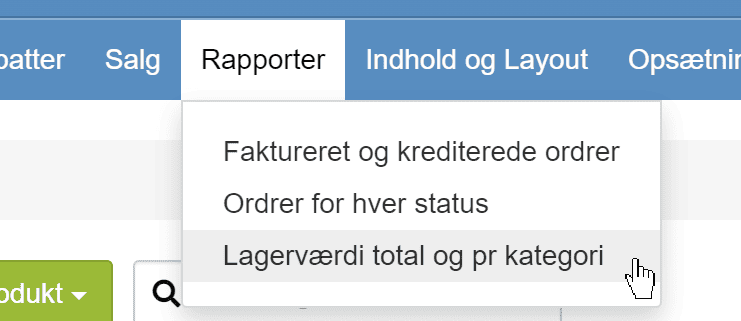
You can now get an overall view of how many items you have in stock per category and in total. If your products have a cost price, you can also see the total stock value:
Inactive products can be included in XML product feeds
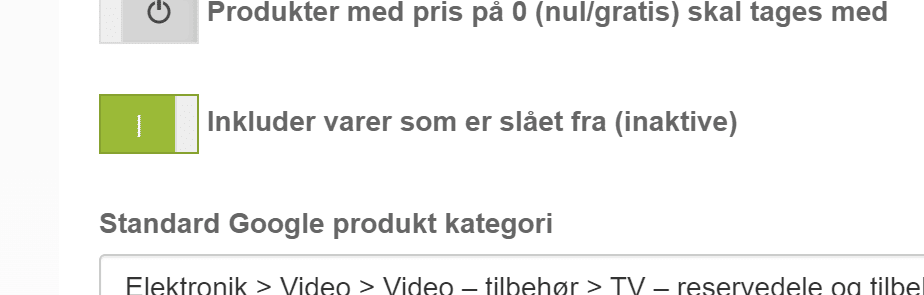
If you want to use an XML feed for something other than, for example, Google Shopping and want ALL products included – also the ones switched off from display in the shop – that is now possible via
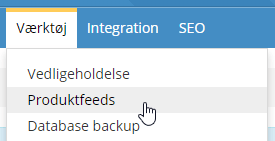
where you activate this on the feed in question
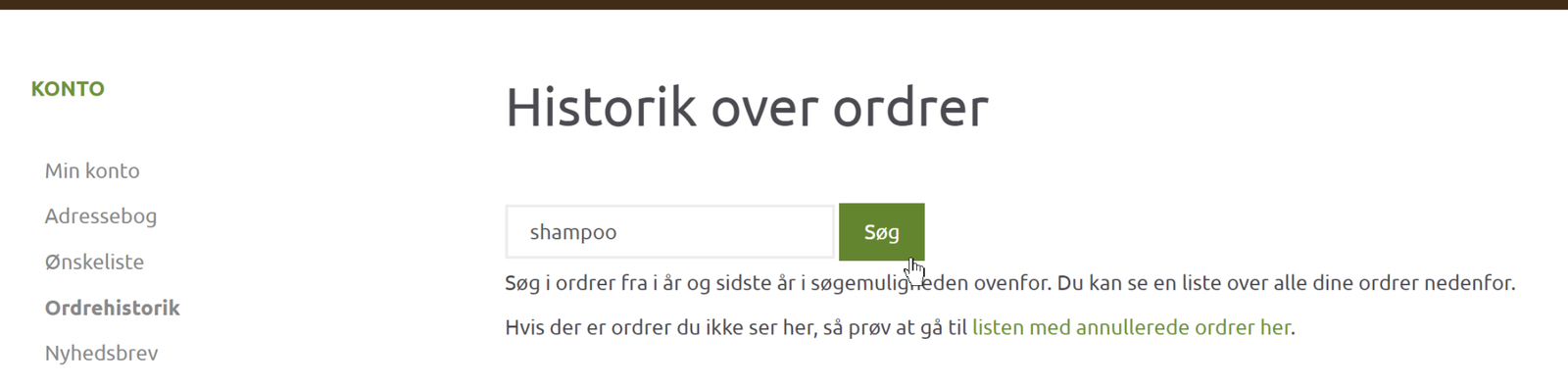
Customers can search their order history
Via their My account login, your customers have long had access to a list of their previous orders. Now all orders for the current and previous year (so right now 2024 and 2023) have been added to a search engine. This means customers can search widely in their orders, for example for words in the names of the products
See the gross profit for an order
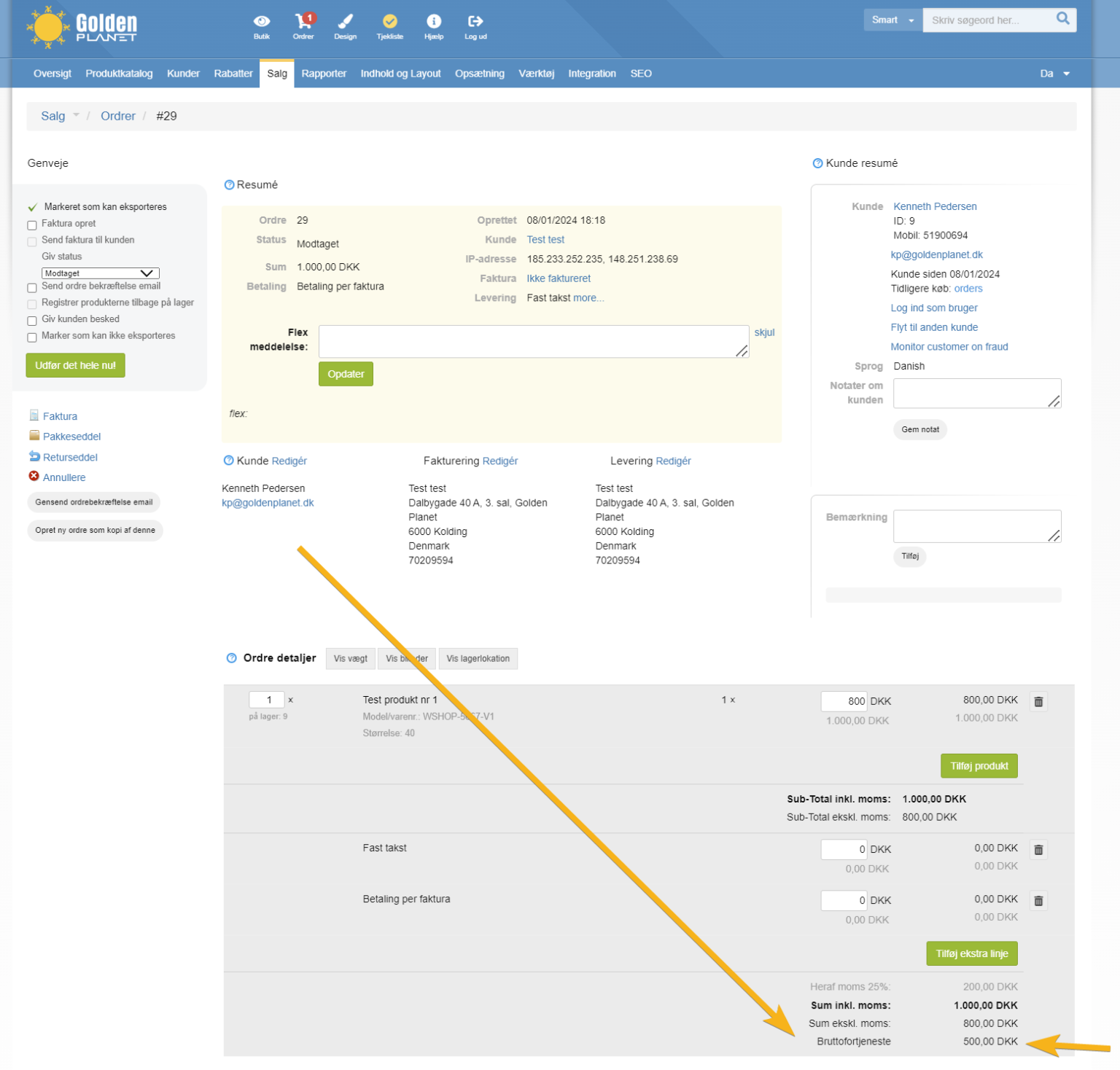
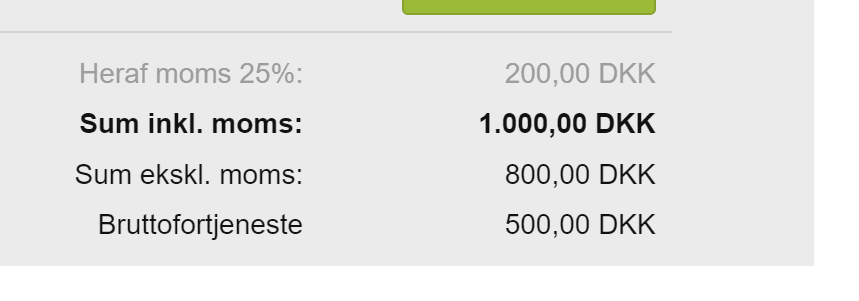
See how much the total gross profit is on a specific order. Provided, of course, that there are (up-to-date) cost prices on all the products in the order. It is now shown at the bottom under the totals on the order details page
zoomed in
Faster pages with many variants

152 products with 40 variants each. Sorted by best-selling based on sales figures for the last 90 days. Plus the odds and ends – that adds up to a lot of data to fetch to show a page.
And every fraction of a second counts in the overall process. After hundreds of hours in front of the screen and many lines of code changed, we have now made it so the data is fetched from a search engine that is updated after every change.
This makes a real difference if you have an online shop with categories and products with a lot of variant data.
Create invoices directly in e-conomic via the integration
The built-in integration with e-conomic can now create an invoice directly in e-conomic. Either as a draft or booked straight away.
For example, you can set it up so that when an order changes status to Dispatched, the invoice is created and booked in e-conomic. Then the accounting side is also taken care of without you having to do anything extra.
You'll find the new option in the setup of the e-conomic integration
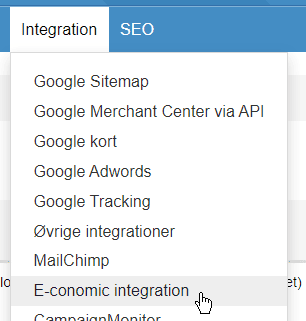
where you can choose

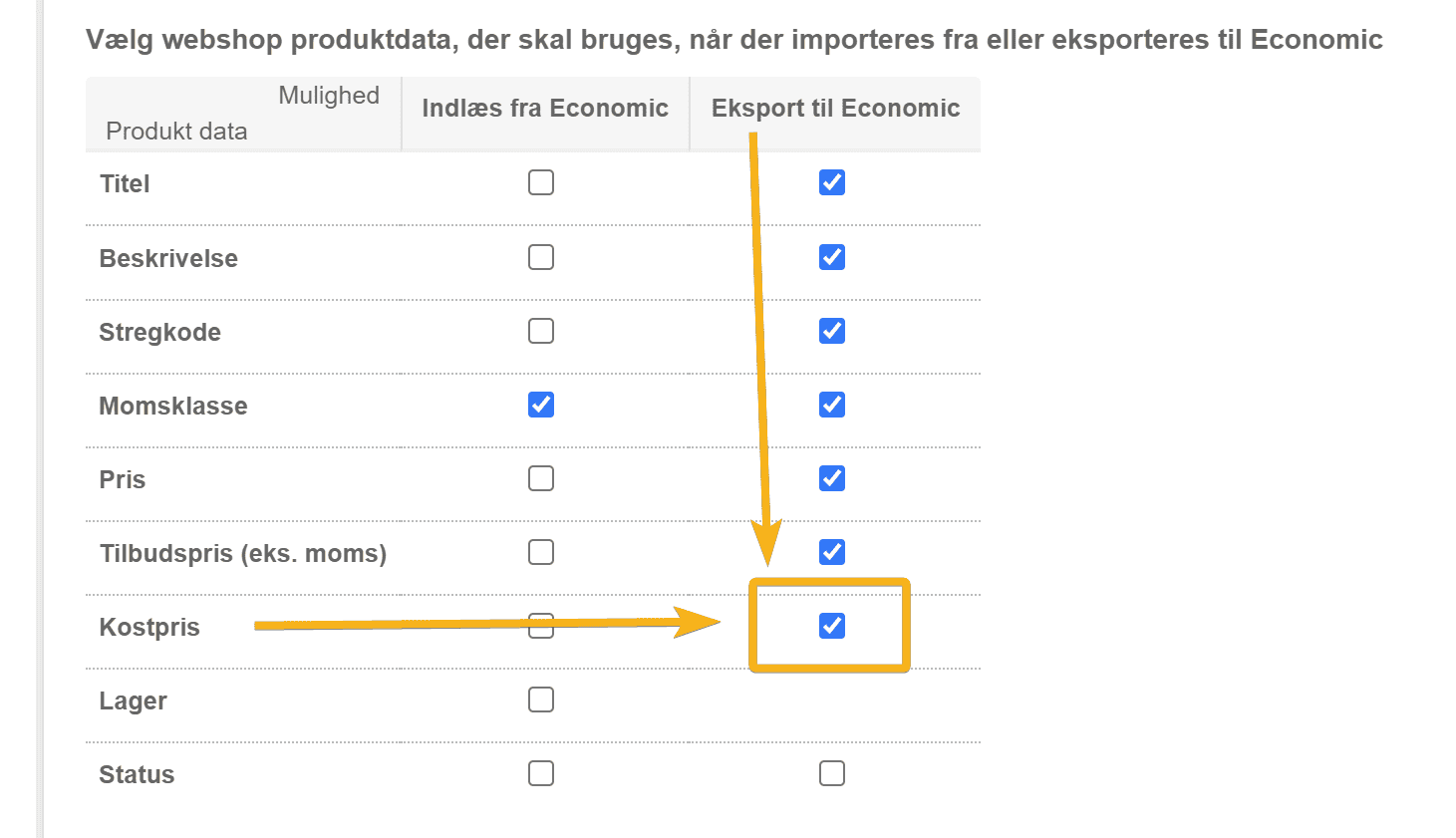
Cost prices can be updated to e-conomic
From 31 December 2023, e-conomic closed its stock module. Among other things, this means that it is no longer possible to calculate the cost price of products by moving items in and out of stock in e-conomic. So we have added an option to transfer cost prices from your online shop to e-conomic via the integration
That's the biggest news in this update. Perhaps you didn't get round to looking at everything in the previous update – so you can take a look at it here.