
In this category Release notes
Version 6.52
On this page
Happy New Year! We are celebrating the new year with another update for your online shop:
- New shipping module for Budbee Box
- Show the stock status of variants in categories
- Faster searching in orders
- Clearer display of filters
- Log in with a Google account (in both the shop and the admin)
- Automatic switch of email service when an external one (e.g. Sendinblue) doesn't respond
New shipping module for Budbee Box
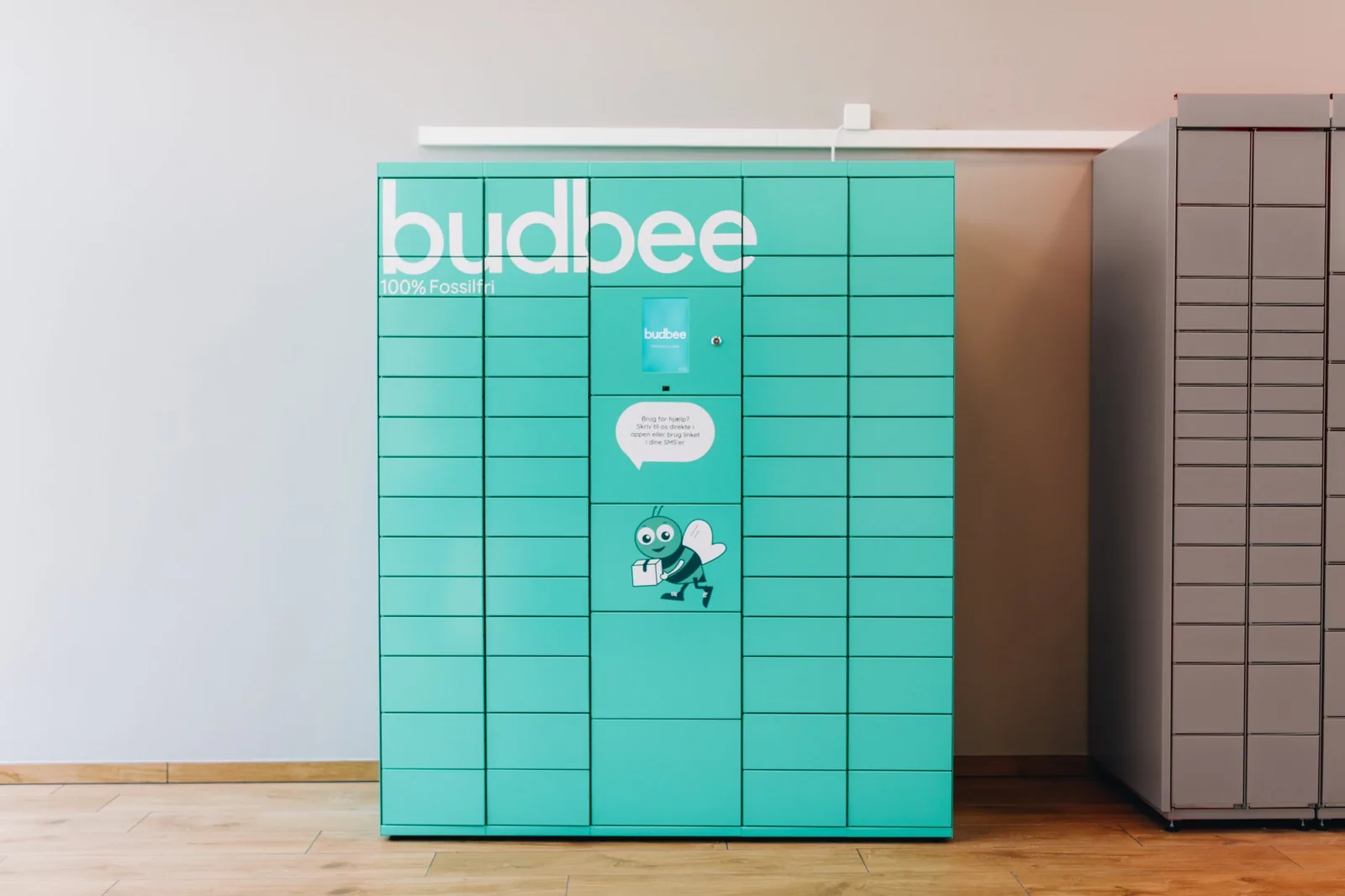
Budbee has 2 different solutions and is currently available in Denmark, Sweden, Finland, the Netherlands and Belgium.
Budbee Home, where delivery takes place between 17:00 and 22:00 – consumers can track the delivery live and choose their own time slot for it.
Budbee Box offers 100% fossil-free deliveries to lockers placed in places such as grocery shops and kiosks.
Read more about Budbee here (in Danish): https://budbee.com/dk/ (opens in a new tab)
See the guide to setting up Budbee here
Show the stock status of variants in categories
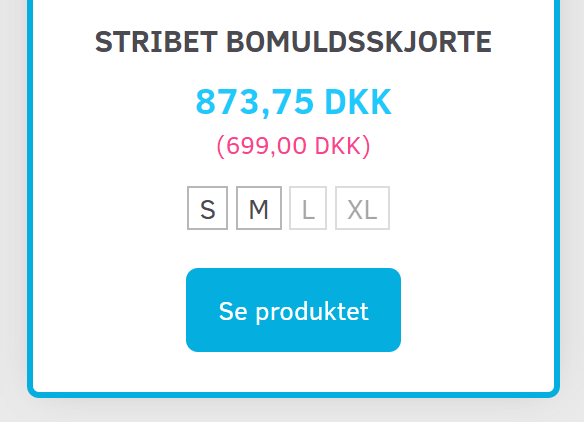
If you have chosen to show variants in column view for product categories (and generally show the stock status by quantity in stock), your customers can now get an overview of the stock status straight from the category.
If you haven't yet activated the option to show the stock status in categories, you do it via
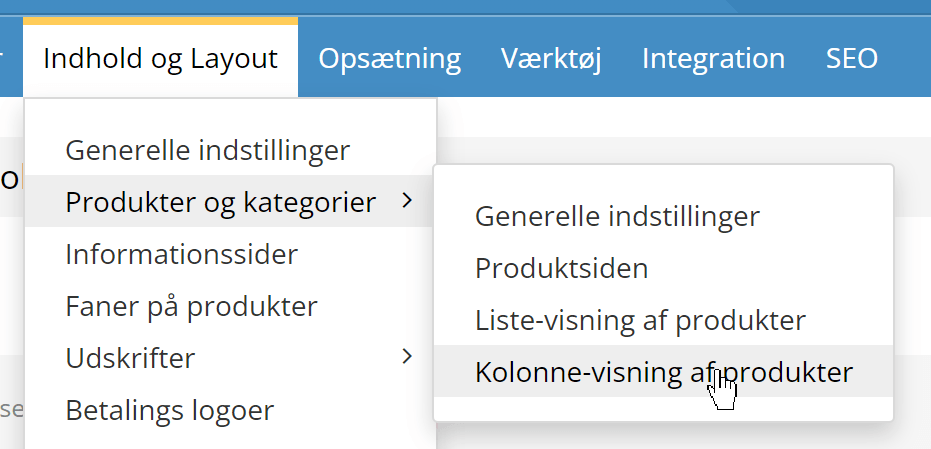
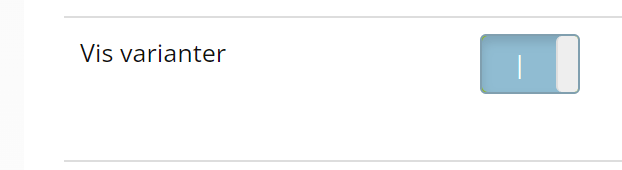
where you need to activate this setting
Faster searching in orders
Every second is a drag when you're waiting for a search result. When there are several years of orders to search through, it can cause an unnecessary delay – and it's often fairly recent orders you're looking for.
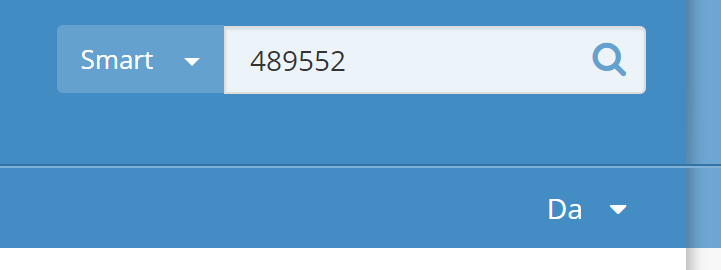
That's why the search function at the top right now searches orders from the past year by default – here, for example, by order number
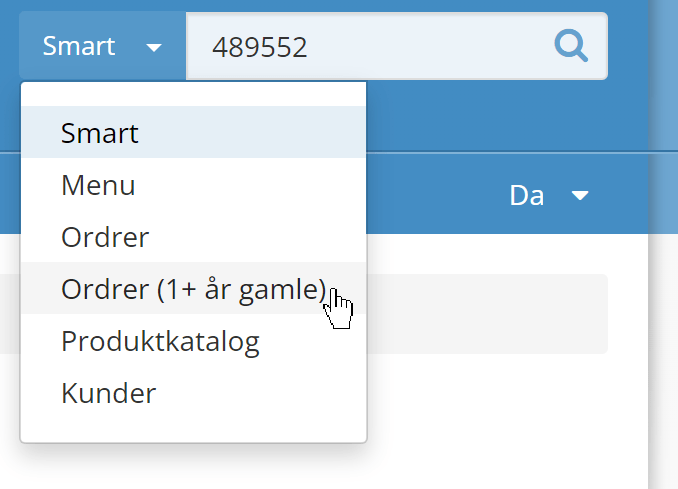
If you need to search further back, just choose this option at the top right
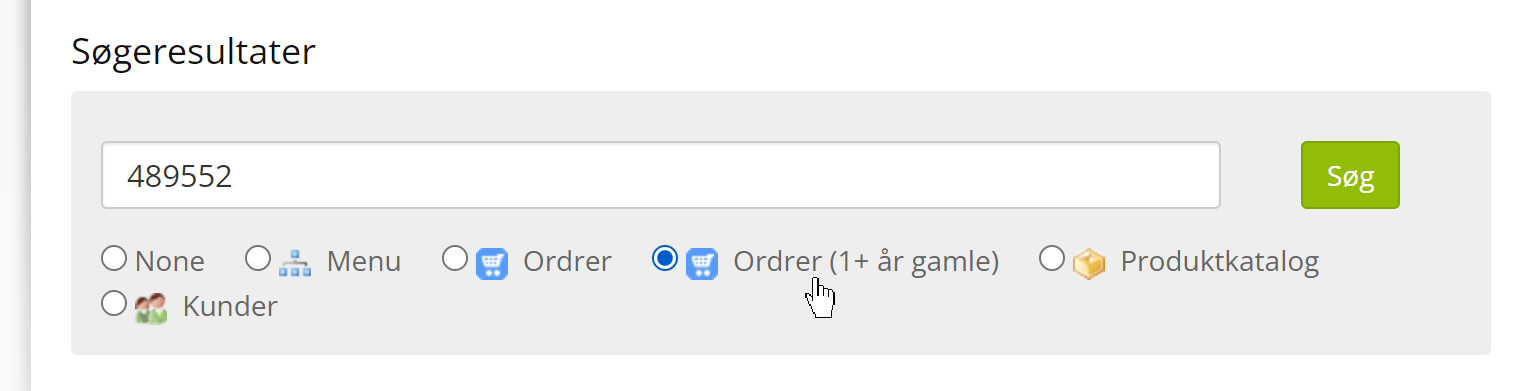
or on the search results page
Clearer display of filters
Filtering is something that can really help customers find the products they are most interested in.
When there are many filter options, though, the list can get a bit confusing – especially when there are also several categories/types of choices.
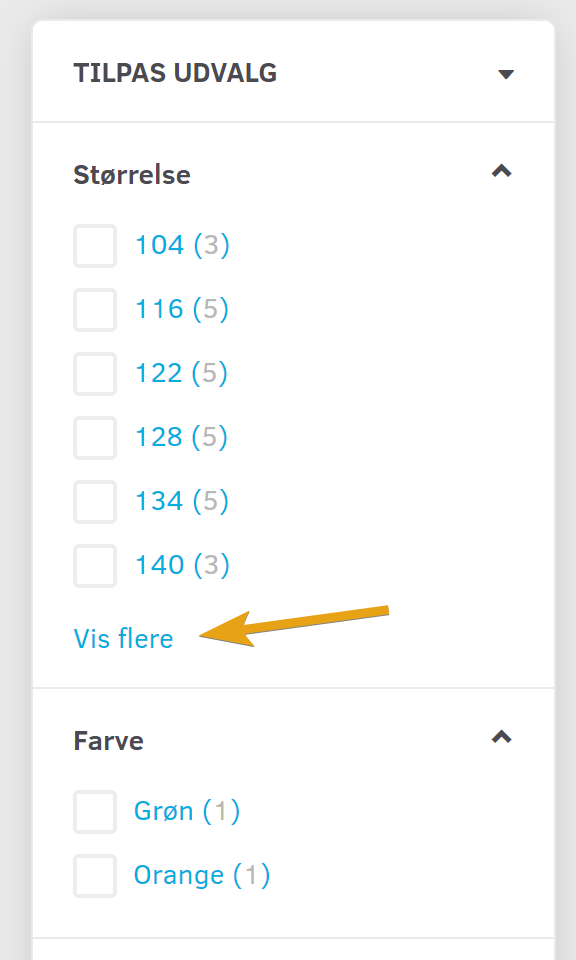
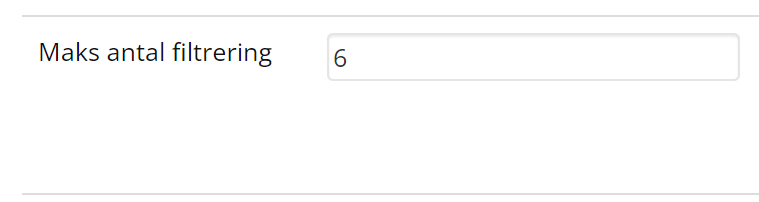
You can now decide how many are shown at a time – above that number there will be a Show more option to expand and see them all, as in this example:
You decide from what number there should be a Show more option via
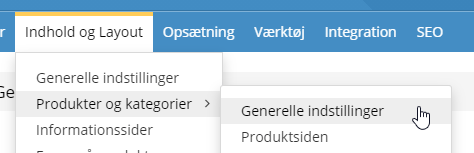
where you'll find the option
Log in with a Google account (in both the shop and the admin)
Access to your shop's admin without having to remember anything other than your Google login.
And the same for customers in the shop. This will probably get more people to make use of the login options (saving the basket, faster checkout, seeing previous orders etc.).
It takes a little setting up, but after that it saves everyone a good deal of time – see how here
Automatic switch of email service when an external one (e.g. Sendinblue) doesn't respond

The post must get through! And that goes especially for order confirmations by email.
To give your emails the best chance of getting through the sometimes extra tough spam filters at e.g. Hotmail/Outlook, we can connect a specific email service – more about that here.
Now and then, though, such an email service has operational problems, and then emails don't reach the customers. So in this update we have made it so that if the external email service doesn't respond, the one built into the online shop is used.