
In this category Release notes
Version 6.55
On this page
First and foremost, this update brings:
- Google Analytics 4
- Product sets can be included in product feeds
- Unit prices (per kg, litre, square metre etc.)
- See sales per product alongside back-in-stock sign-ups
- Attributes/labels shown on product pages
- Set your own canonical tag for products
Google Analytics 4

Google has decided to close the current version of its Analytics as of 1 July 2023
From that date, it no longer stores new data in that version – the so-called “Universal Analytics”. You can read more about it here: https://support.google.com/analytics/answer/11583528?hl=en (opens in a new tab)
We have made a built-in integration with the new version – which has been named “Google Analytics 4”.
In this guide we have written about how to switch over
Product sets can be included in product feeds
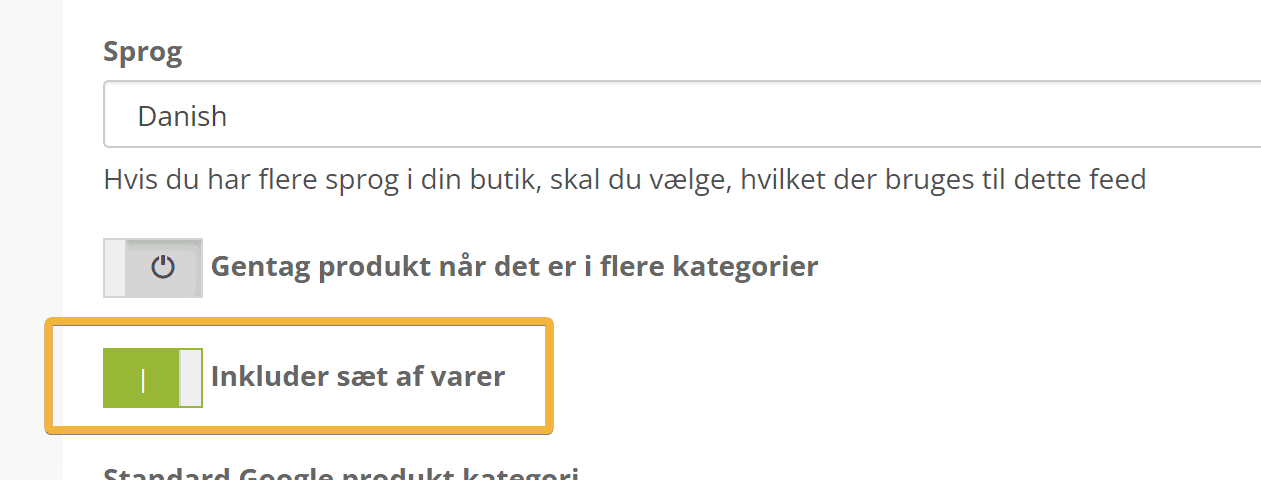
It is now possible to include product sets in product feeds. For example, if you use feeds for external tools or need them in campaigns in Google Shopping etc.
When setting up the product feed, you activate this by switching on this new option
Unit prices (per kg, litre, square metre etc.)
Unit prices can be a big help to customers when they compare the prices of products in different quantities. Just as you know it from the supermarket, with the price per kilo of cheese etc.
And now you can do the same in your online shop.
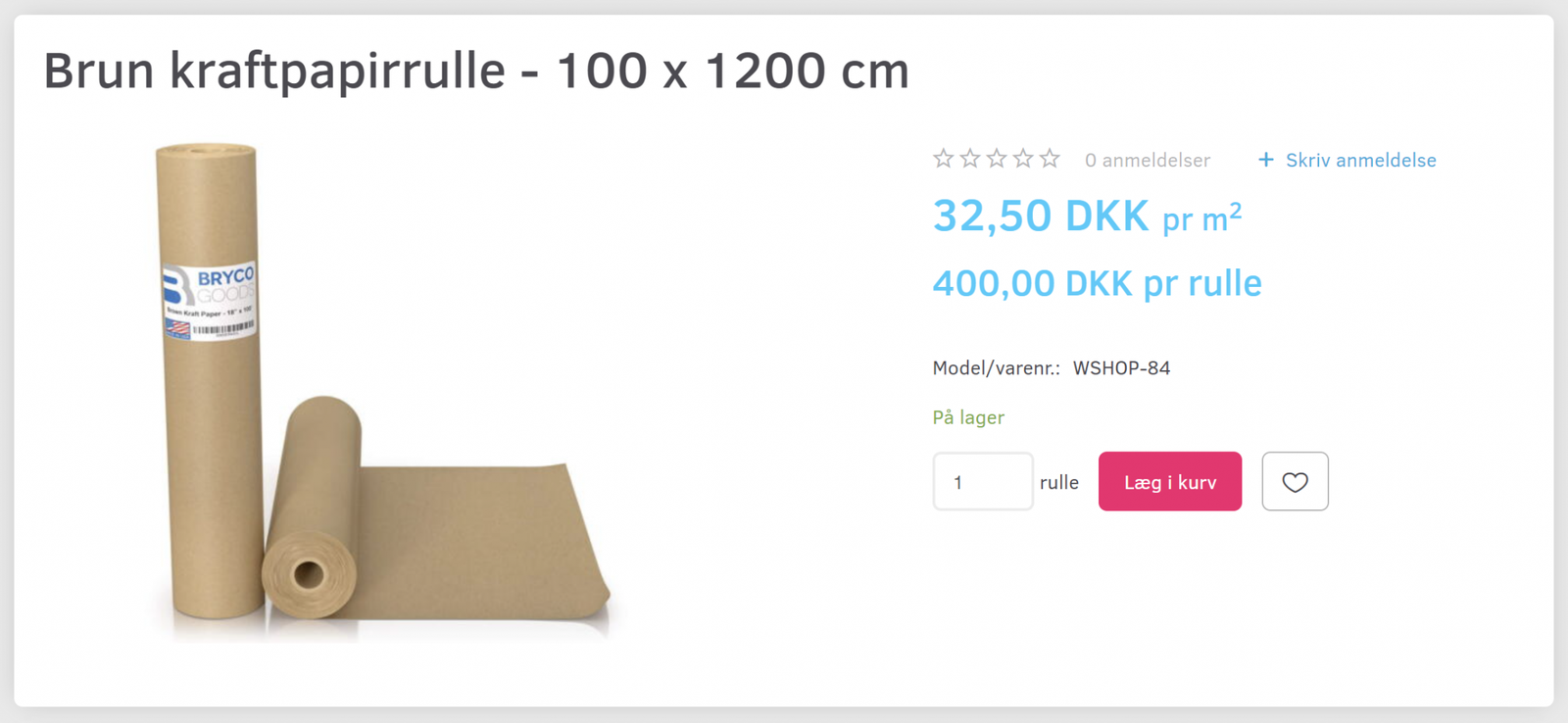
You can, for example, show what something costs per kilo when you buy a small or larger quantity. You can also make things clearer when customers buy different products in the same category, but in different quantities.
Here is an example with a roll of paper where the price per square metre is shown
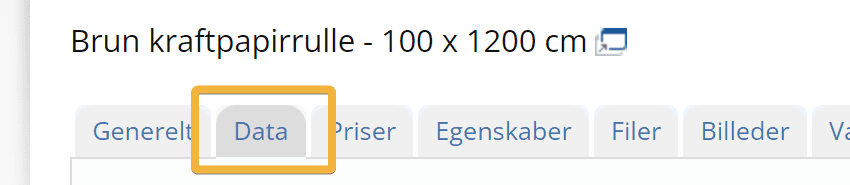
Unit prices can be entered on the Data tab when editing products
The roll example above was set up like this
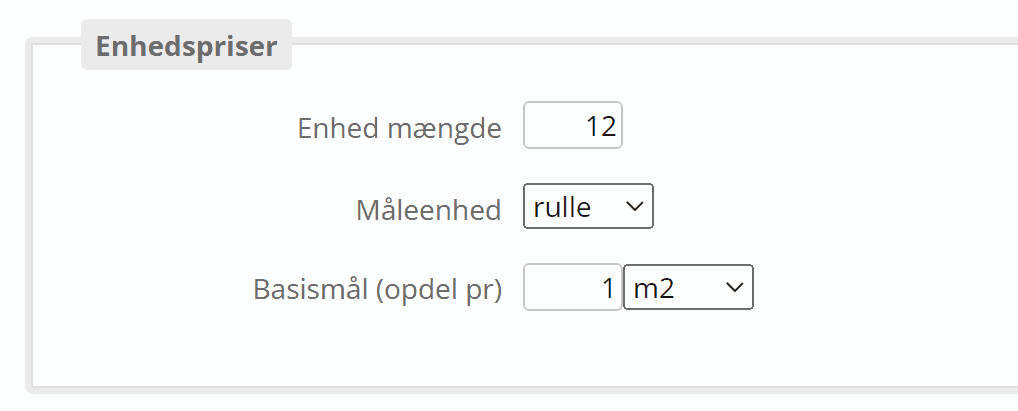
12 square metres (m2) sold in rolls. The price is given per 1 square metre.
See sales per product alongside back-in-stock sign-ups
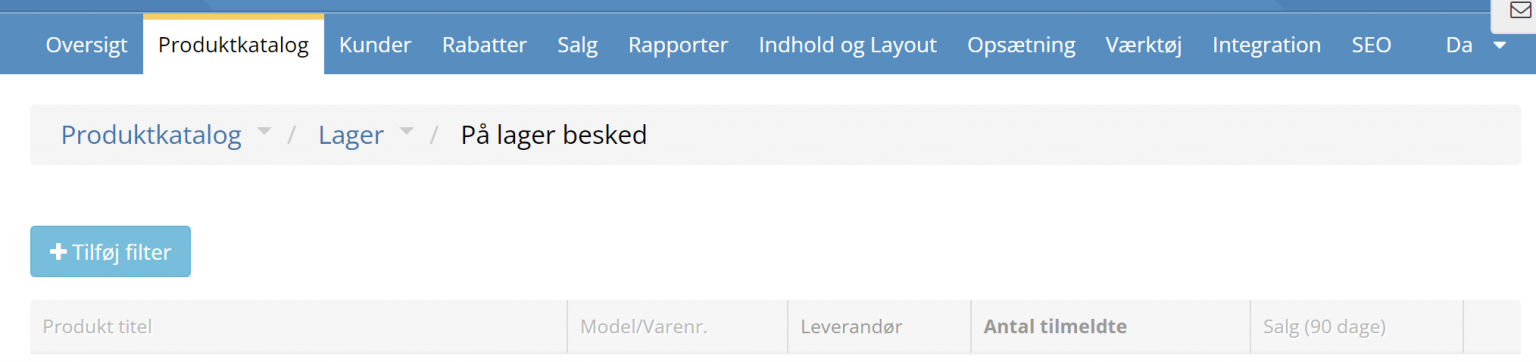
If you offer customers a notification when sold-out products are back in stock, you may also use the list to judge how much to order into stock. To help further with that judgement, the list of sign-ups can now also show sales for the last 90 days and the supplier (if entered)
Attributes/labels shown on product pages
Perhaps it should have been like this from the start – but now it's here, at any rate.
The labels/attributes that are put on product images are now also shown on product pages.
Set your own canonical tag for products
Here we're into search engine optimisation – and the slightly more technical department.
A canonical tag is used to tell Google and other search engines which page to use when several pages are similar. This lets you strengthen the focus on the right page and avoid SEO confusion around duplicate content.
In many cases the canonical tag is set automatically – for example, when a product is activated for display in several categories.
But if you have several separate products (each with its own product number) that are very similar – you can now set one of them as the primary one for search engines.
This is done, of course, on the SEO tab

where at the bottom you'll find

That's what we thought might be of interest. In total, 47 different adjustments have been made since version 6.54, but we won't bore you with all the details.