
In this category Release notes
Version 6.49
On this page
- Gift cards
- Back-in-stock notifications are no longer sent to everyone at once
- See which variants customers have signed up to be notified about
- Partial cancellation and credit notes in several rounds on one order
- Column with cost prices in the product list
- Customise a copy of an order
- Facebook Conversions API
- Brand slider
- Category descriptions included in search
- Exclude brand pages from search engines
- Change the customer on an order
- Filter product lists by active variants
- Partner-ads API tracking
Gift cards
We have a gift for everyone in this update. It consists of thousands of lines of code which, all together, make it possible to sell gift cards in your online shop. Gift cards that the lucky recipient can use to pay in the shop.
It's important to set up the handling of VAT on gift card sales correctly and optimally before you start offering them in your online shop.
You'll find links to the rules and a guide to setting up gift cards here
Back-in-stock notifications are no longer sent to everyone at once

When customers have signed up to get an email when a sold-out product is back in stock, until now a notification was sent to everyone, no matter how many items came into stock.
This meant that 100 customers could be notified when one item came into stock (e.g. a returned item).
We could of course have made it so you could send them out manually, customer by customer. That would also have been easier to develop.
But we try to make this kind of thing as easy as possible.
That's why it's now made so that you decide how many are notified and how fast. You can choose:
- How many are notified at a time for each item that has come into stock
- How often they are notified. Every hour, morning/evening or daily
This means that you can, for example, set it up so that 5 customers are notified for each item that comes into stock (1 item, notify 5 – 2 items, notify 10 etc.), and how long those recipients have to buy before the next ones get their chance. If it sells out again, the notifications of course stop.
It all happens automatically, without you having to do anything other than put products into stock.
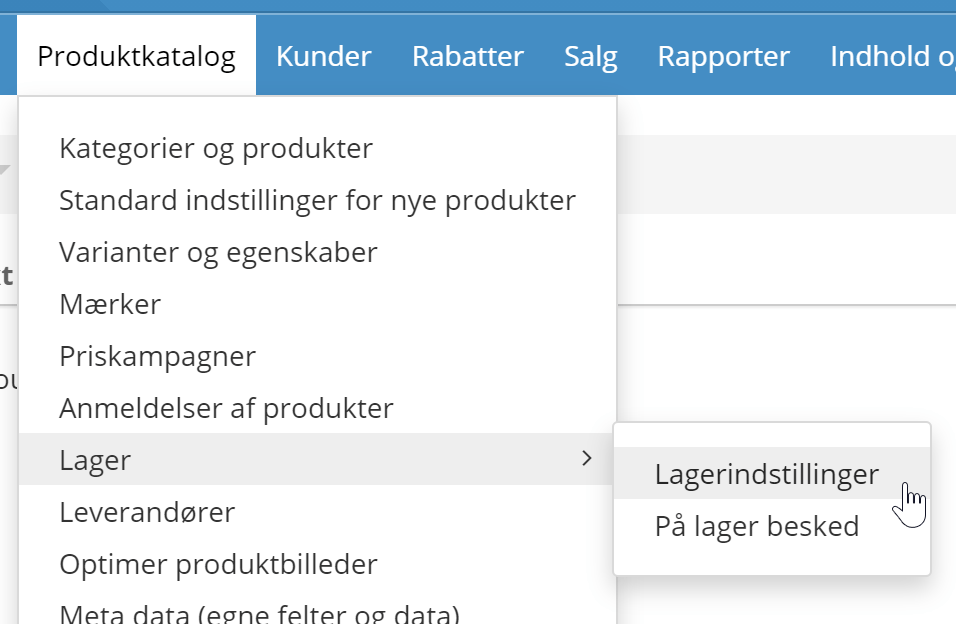
Note: The default after this update is that 10 people are notified per product in stock. This happens twice a day (morning and evening). If you want a different setting, go to the stock settings (at the bottom of the page):
See which variants customers have signed up to be notified about
The list of which products, and how many people, have signed up to be notified when a product is back in stock can be valuable when deciding what to buy in.
And when there are variants such as colours and sizes, it is of course important to buy in the right ones.
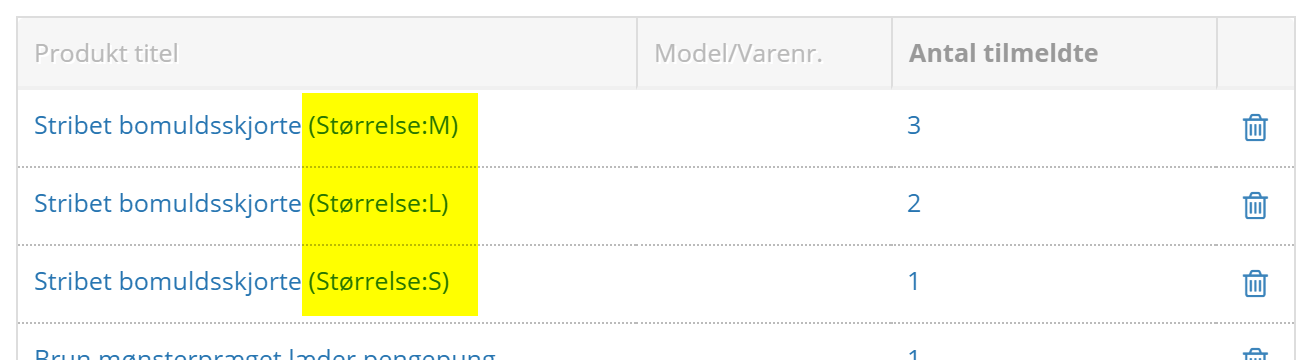
Now you can see which variants from the list of sign-ups – without having to click all the way into the product:
Partial cancellation and credit notes in several rounds on one order
Before: One order, at most one credit note
Now: One order, unlimited credit notes
If, for example, a customer returns items from an order in several rounds, you can now make a partial cancellation – and so create a credit note – as many times as needed.
Column with cost prices in the product list
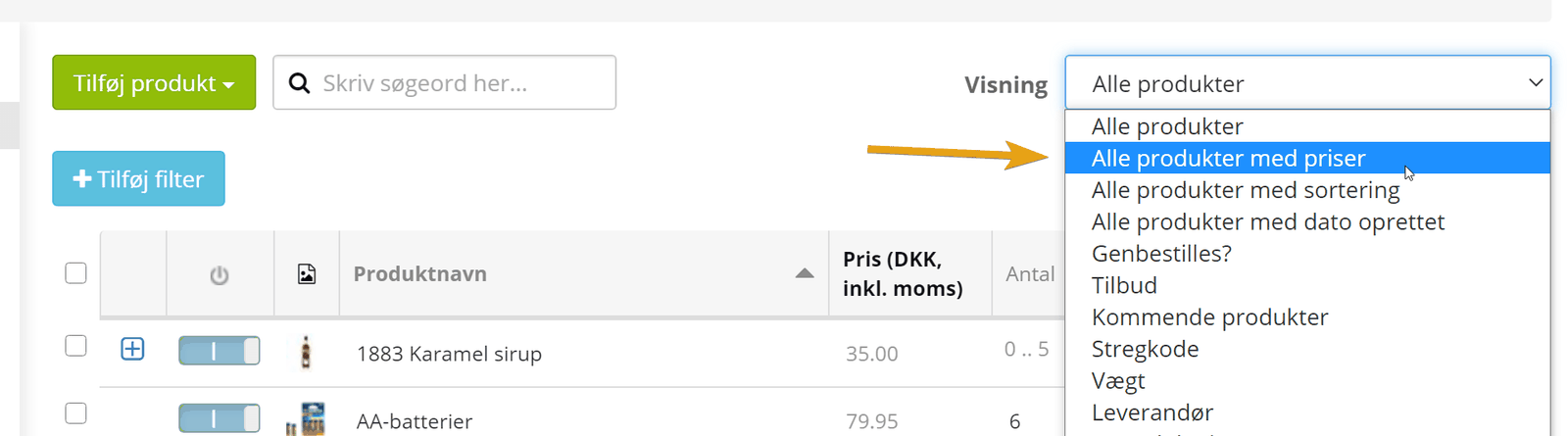
In the product list with the view All products with prices, we have added a column with cost prices.
To make room for it, we have removed the column for activating featured/recommended products. You can still do that from the view All products with sort order and, of course, by fully editing the individual product.
Customise a copy of an order
We hear that many of you find the option to copy an order useful.
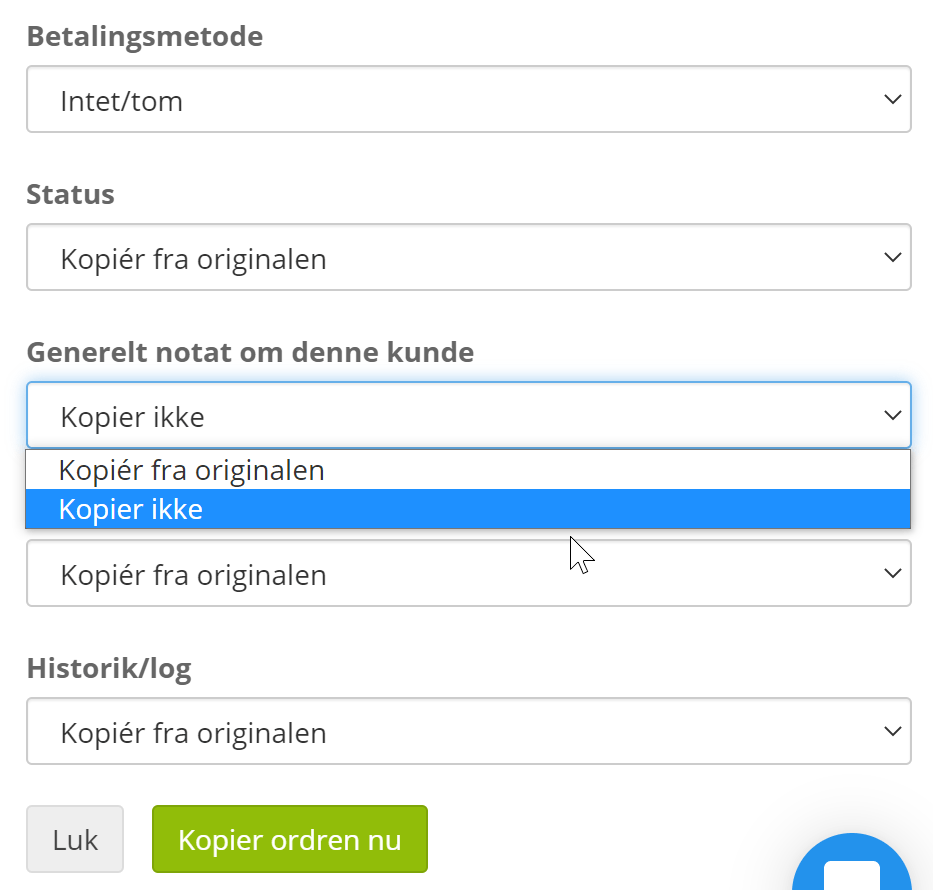
Sometimes, though, you need a copy – but not quite an exact one.
It may not make sense to have the same order status on the new order – or some of the other most typical fields for handling an order.
With Create new order as a copy of this one (on the far left of the order details page)
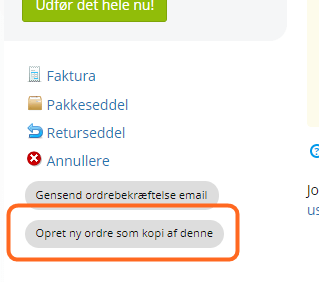
you can now still make it as a direct copy, or change the order status etc.:
Facebook Conversions API
20–30% of tracking is typically lost for Facebook. More and more people say no to marketing cookies or have an ad blocker that does it. And most recently, an iOS update from Apple has further limited the tracking of users directly in their browser.
Facebook's answer is the option to collect and send data “behind the scenes” from server to server.
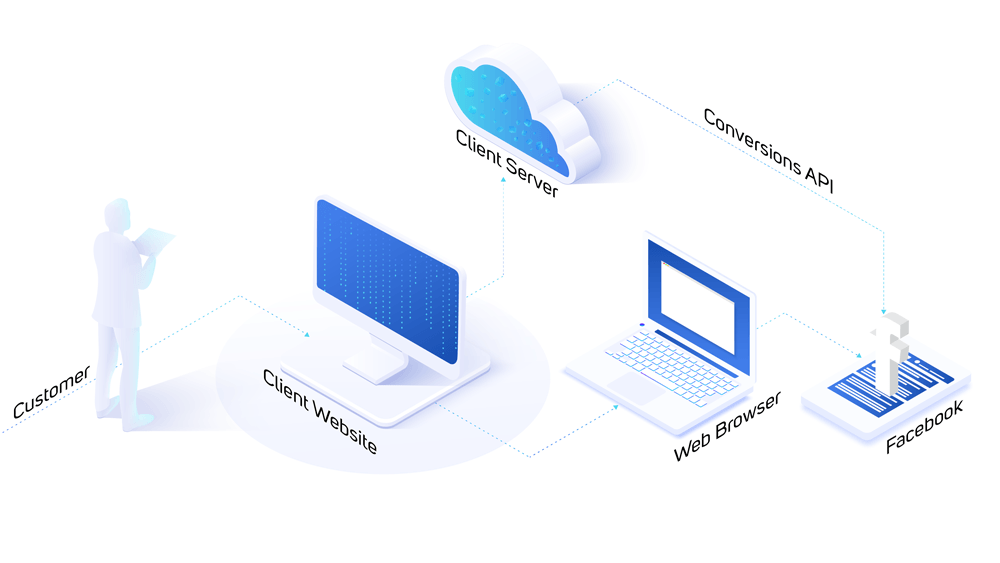
You can make use of this option, and it can give you far better data for optimising your campaigns on Facebook – and an extra advantage over your competitors who don't have that option.
Our servers have to work extra hard to keep sending this data to Facebook – so you need at least the PRO plan to use this feature.
Guide to setting up the Facebook Conversions API
Brand slider
We have made a slider for the layout tool where you can show selected brands. It could, for example, be placed on its own on the home page, as in this example:
See how: Guide to the brand slider
Category descriptions included in search
The search engine in the shop has been extended to also look in category descriptions.
Exclude brand pages from search engines
In most cases you want Google and other search engines to show the pages for a brand in relevant searches.
But if that doesn't fit your SEO strategy, you can now tell the search engines not to use those pages.
You do this by editing the brand via
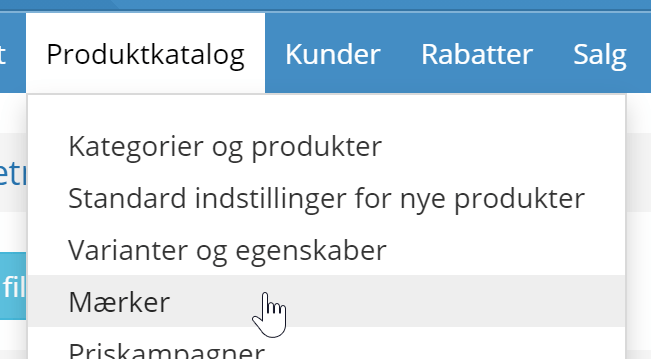
Click Edit next to the brand, go to the SEO tab and choose to exclude it from search engines:
Change the customer on an order
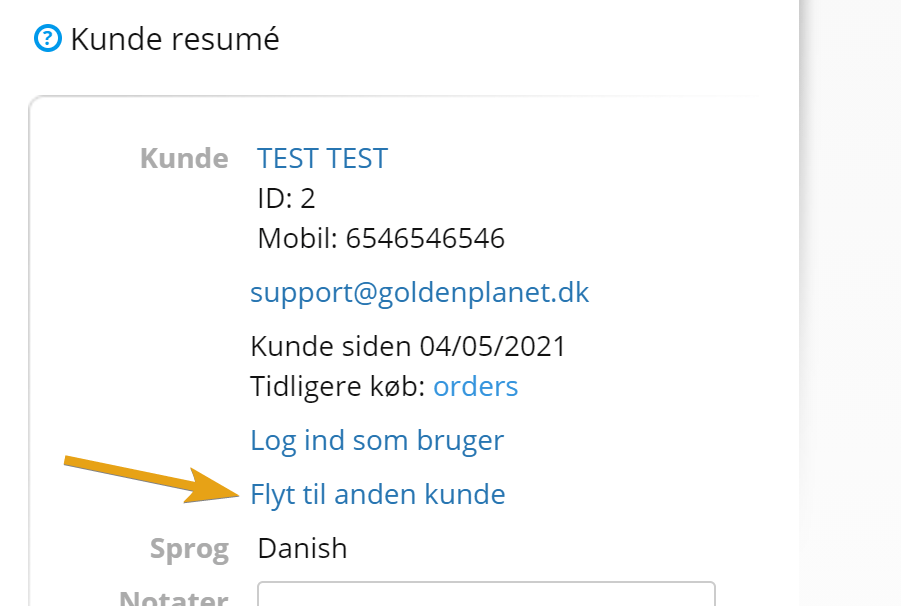
This is probably not the feature you'll use most in your daily work. But should an order need to change customer (e.g. in B2B), you can do it on the far right of the order details page:
Filter the product list by active variants
Until now, filtering on whether products are activated or not has applied to standard products, or to the product as a whole when it has variants.
So it wasn't possible, for example, to filter for products where variants are deactivated but the product as a whole is still active.
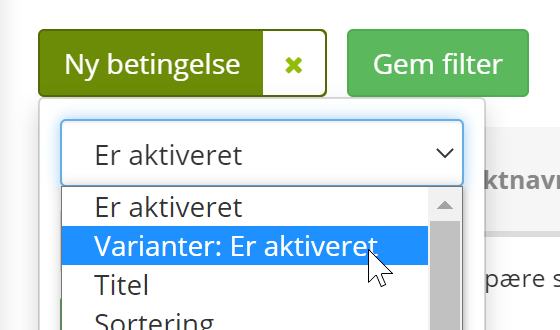
That is now possible – as always, first choose Add filter at the top
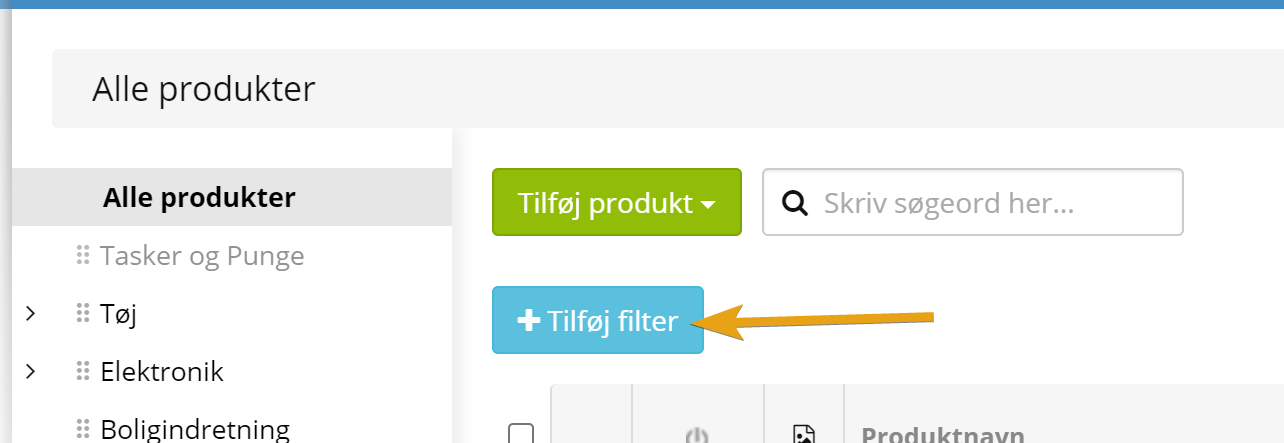
There you have the new option to filter on whether a variant is activated or not:
Partner-ads API tracking
Partner-ads has the same challenge as everyone else (Google, Facebook etc.) in getting tracking data. So they hired us to build an option to send data “behind the browser” for everyone who uses them. You can contact Partner-ads if you want to know more – or wait until you hear from them.