
In this category Release notes
What’s new in version 6.22
On this page
In this update you get several exciting new features:
- Capture card payments on several orders at once
- Stock management with locations
- Increased speed
- New options on the order checklist
- Quantity discount several times on the same order
- File management from the shop admin
- Easier to insert images
- Various fixes and improvements
Capture card payments on several orders at once
Now you can save even more time on order processing.
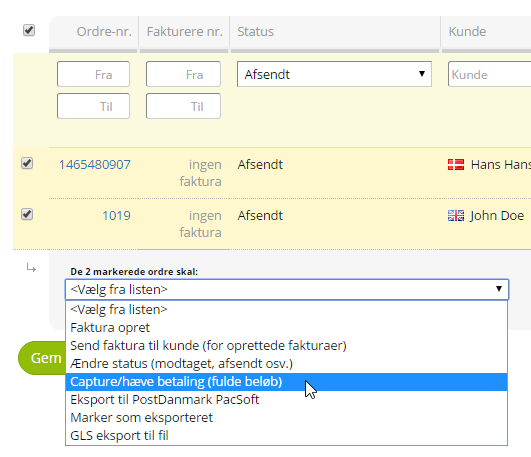
Yet another way of doing the same thing to several orders, directly from the order list, has arrived: capturing card payments
For example, when all of today’s orders are packed and ready to be dispatched, you can select them in the order list and choose to capture them all now – without having to go into each order.
Stock management with locations
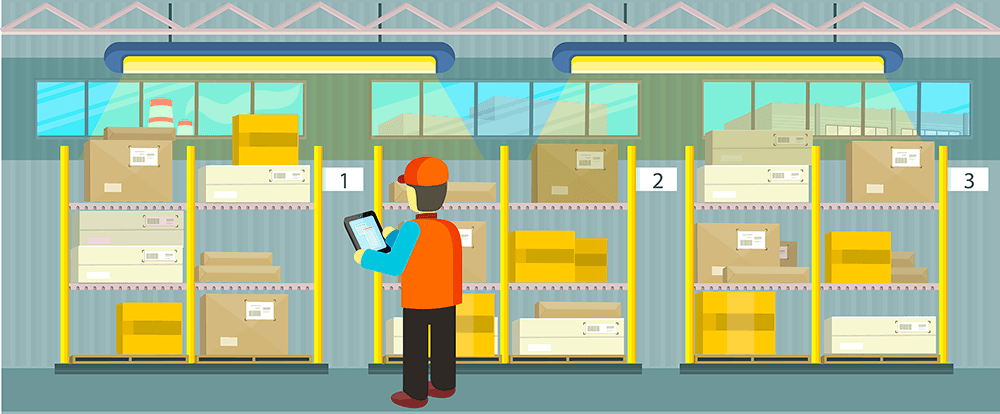
No more remembering in your head where every single product is in the stockroom.
New packer? Just start packing – the route to the products is already mapped out.
That’s how it can be if you make use of locations in your stockroom.
Read more about stock management with locations here
Increased speed
After this update, your online shop is even faster for its visitors.
Especially on mobile it will feel faster if you have many product categories. This has been achieved by developing a mobile menu that only loads what is needed on each page (instead of loading the whole structure on every page).
New options on the order checklist
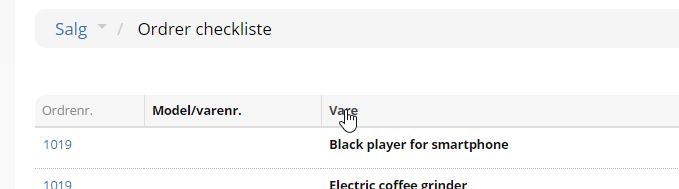
On the order checklist (under Sales > Order checklist), besides the new stock locations, you can now also sort the list by product name.
This lets you see at a glance which (and how many) orders there are for each product.
You change the sort order simply by clicking the column title:
Quantity discount several times on the same order
Previously your customers could get one quantity discount on an order.
Now you can offer your customers an unlimited number of different quantity discounts on the same order.
If, for example, you have “Spend €40 on T-shirts and get 10% off” and “Spend €70 on trousers and get 10% off”, it is now possible to get both these quantity discounts on one order.
You allow a quantity discount to be used together with others by enabling this new setting on each quantity discount:

File management from the shop admin
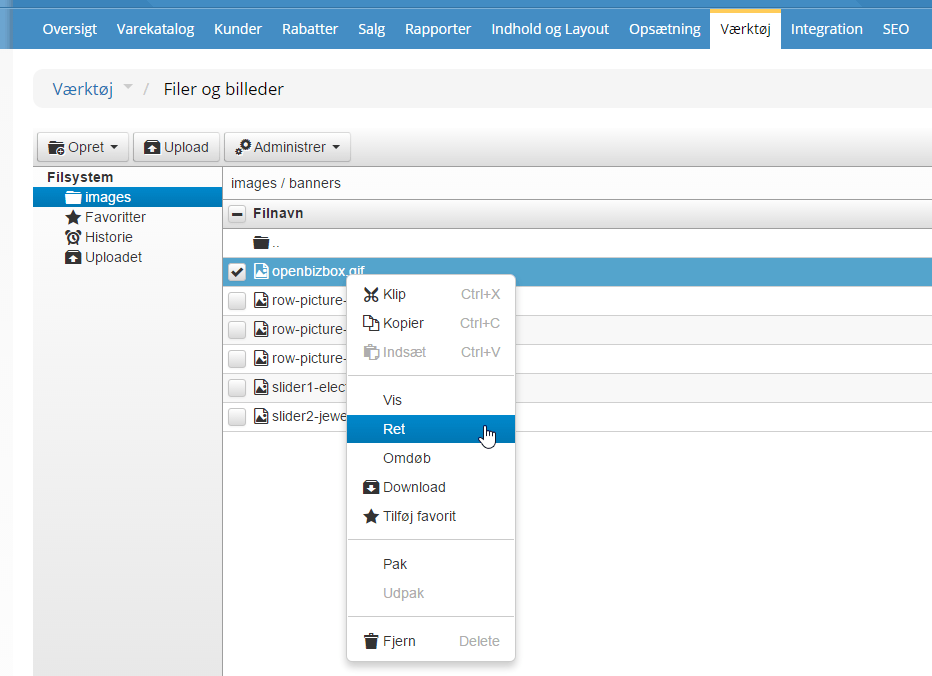
If you want to work with your images or other files, in most cases you no longer need to bring out an FTP program or go to the customer login.
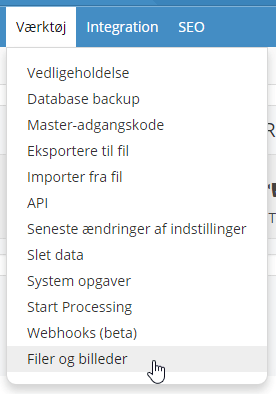
Under Tools > Files and images you can, among other things, add and delete files. In fact, you can also change your images – for example crop an image if only part of it is to be used. Right-click and choose Edit to change an image.
Easier to insert images
It worked. But it was too fiddly: inserting images into layouts and texts.
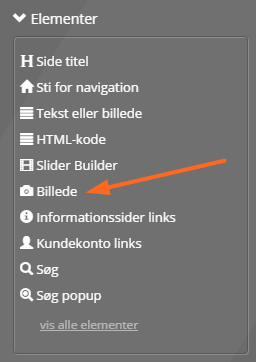
Images now have their very own element in the layout tool:
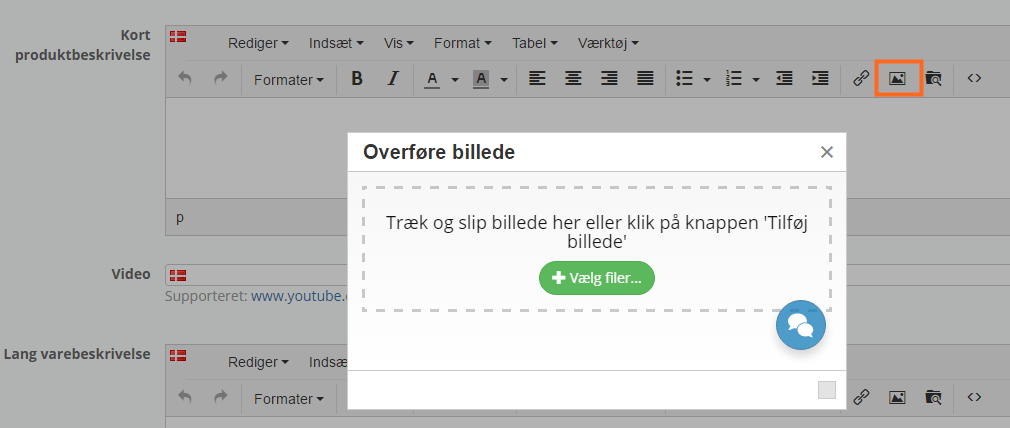
And in the text editor, which is used for example for product descriptions, you now just click the image icon and upload the image:
Various fixes and improvements
As always, the update contains smaller fixes and improvements. In this one they include:
- New version for creating PDF documents
- The file for GLS Interline updated
- Improved validation etc. at checkout
- Update of the search engine in the front end
- Price in currency removed from the order list to make more room for the other columns
- Future products that can be sold without stock can be ordered (as a pre-order)
Have a great summer!
This is the last big update before the summer holiday season starts.
We wish everyone a lovely summer!