In this category Release notes
Version 6.38
On this page
Recently (when we weren’t on holiday) we have developed these new options for your online shop:
- New design themes
- An easy way to get help with design
- Print return slips directly from the order list
- Free delivery as a discount – avoid “punishing” customers who choose freely
- Swish as a payment option
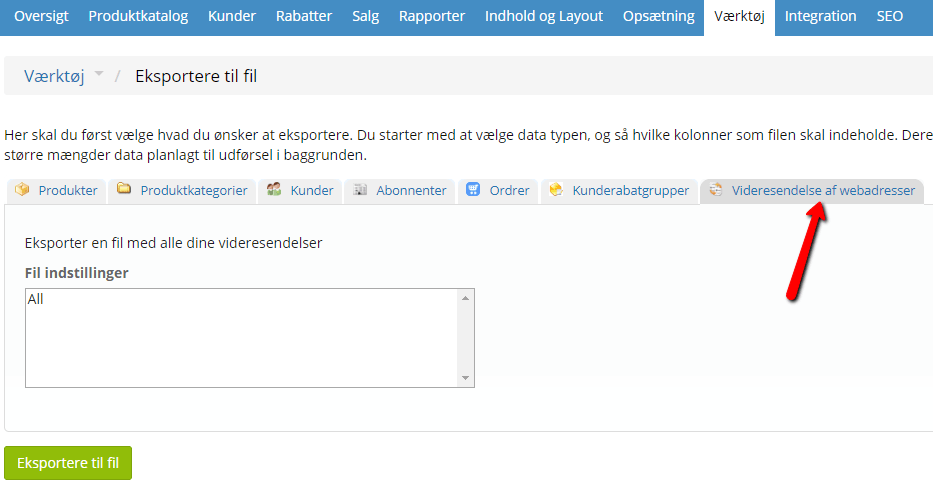
- Import/export for redirecting web addresses
New design themes
We have added new design themes again. This gives you even better possibilities for getting a new design made for your online shop.
The themes are used as a starting point; the final design may well end up far from the original design theme.
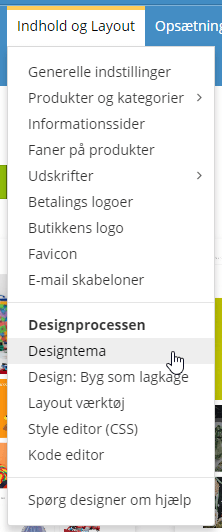
You can take a closer look at all the design themes via your online shop’s admin (under Content and layout).
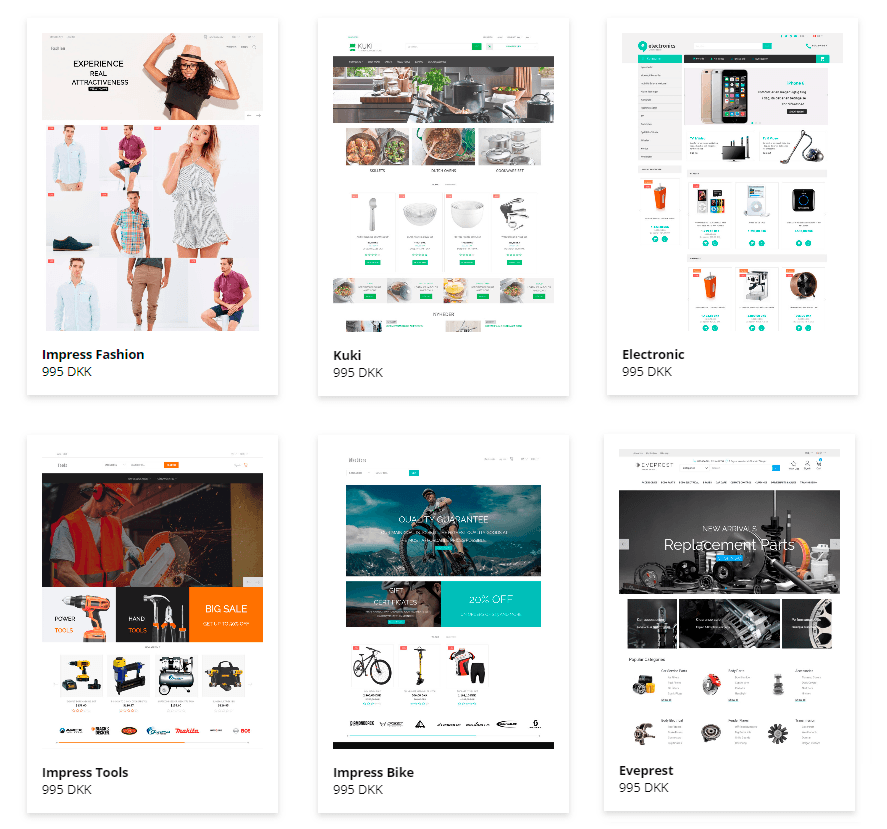
If you would like to try a different design theme on your online shop, we can make a working copy you can use for that purpose. Just contact our support.
If you would like a chat with our design department about the options etc., just fill in the form here:
An easy way to get help with design
It can be hard to describe the changes you want in a design with words alone. And making illustrations etc. quickly takes a fair amount of time.
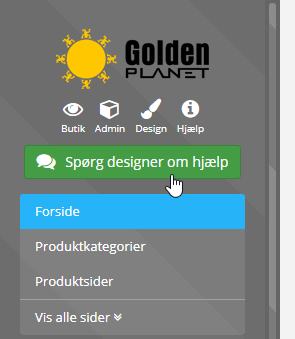
That’s why we have made a tool where you simply go to the page where you want changes, then mark + describe them directly on a screenshot.
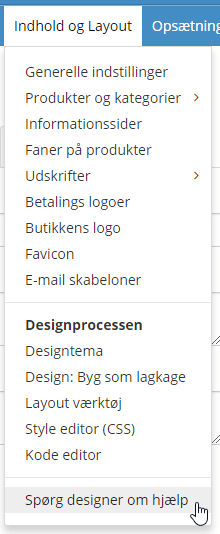
You’ll find the new option here in the layout tool (top right):
Or via the menu under Content and layout:
Print return slips directly from the order list
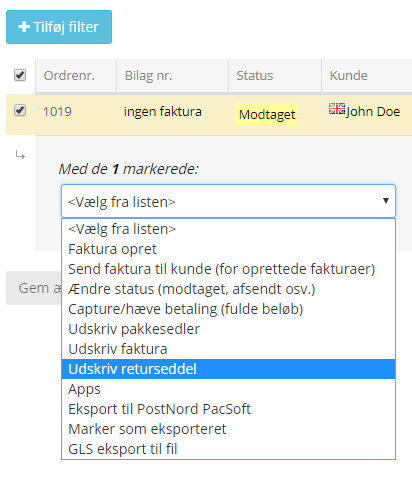
It is now possible to print return slips directly from the order list, so you can print them for several orders at once.
Free delivery as a discount – avoid “punishing” customers who choose freely
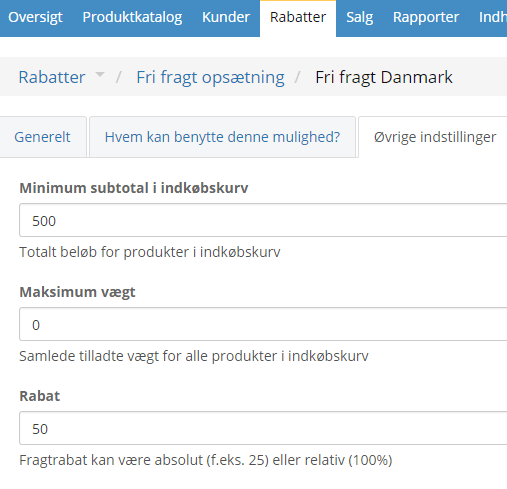
If you use a free delivery rule, e.g. free delivery on orders over €70, you have to choose the delivery methods this shipping rule applies to. Previously, customers could then only use the methods listed there when they wanted free delivery. They had to pay the full price for the remaining delivery methods.
Now you have the option to set a discount as an amount or as a percentage.
Let’s say you have free delivery over €70, and the customer can use all delivery methods. Your normal price for GLS parcel shop delivery is €6.50. You then enter 6.50 as the Discount price under Free delivery setup.
When the customer goes to checkout, the GLS parcel shop option will cost €0, as it always has. But if you also have a shipping option called, e.g., Delivery to private address, which normally costs €9.50, the customer will now get a €6.50 discount on that method.
So the customer can choose between GLS parcel shop for €0 and Delivery to private address at a discounted price of €3.
This discount can also be set as a percentage, so that you can, e.g., give a 40% discount on the selected delivery methods.
Swish as a payment option
Swish is used mainly in Sweden and works roughly like MobilePay in Denmark.
It is now possible to set up a payment method with Swish payment.
Read more in our guide to Swish payment.
Import/export for redirecting web addresses
Previously, setting up redirects was a big manual job, as there can be a great many of them.
Now it is possible to insert and change them via our export/import function.